Todd Howard on AI: a tool to speed iteration, not a stand-in for creative intention
Todd Howard says AI won't replace human taste. He sees it as part of Bethesda's toolset-useful for faster iteration and checks-but not for outright content generation. The message: protect the art, keep the human in charge.
That stance lands between two extremes. Some leaders say AI will sit inside almost every pipeline. Others see it as a risk to jobs, originality, and the ethics of training data. Howard's take is simpler: use AI where it saves time; don't let it steer the vision.
What Bethesda is actually doing
According to Howard, the team isn't using AI to generate assets or writing. It's used to help "build worlds or check things" inside the workflow. Think: faster iteration, better validation, fewer repetitive passes.
If you want a reference point, he compared it to not wanting to go back to a 10-year-old version of Photoshop. Fair pushback: plenty of artists still swear by CS6. Not every upgrade improves the craft.
Why this matters for creatives
AI is useful when it removes grunt work and leaves your taste intact. It's dangerous when it blurs authorship, muddles rights, or replaces your unique style with generic output. Your leverage is the vision, not the tool.
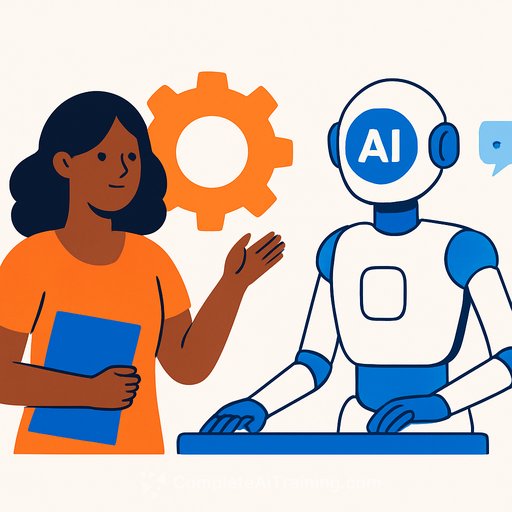
If you work in game art, writing, audio, or design, treat AI like a fast assistant. It can expand options and surface issues, but your filter makes it good.
Practical ways to use AI without losing your voice
- Ideation support: draft lists, variants, or naming options-then curate aggressively.
- Technical checks: lint scripts, flag logic issues, run content QA passes, validate tags and localization keys.
- Art prep: upscale textures, cluster moodboard references, generate tileable patterns for placeholders (not finals).
- Design aids: prototype encounter pacing, simulate edge cases, auto-generate test scenarios.
- Production hygiene: summarize standups, label assets, create checklists, and document pipelines.
Guardrails that keep the art protected
- Declare where AI can and cannot be used in briefs.
- Keep a human creative lead with final veto over all AI-touched work.
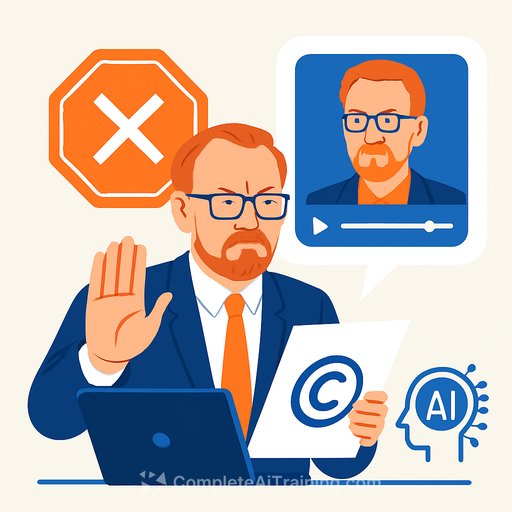
- Use licensed, in-house, or rights-cleared data only. Avoid training on unlicensed art.
- Document AI involvement at the asset level for transparency and client trust.
- Maintain a style guide and reference library so the work stays consistent.
The Photoshop analogy, unpacked
Tools get better at automation. They don't always get better at art. Many creators stayed on CS6 because it did the job without the bloat, subscriptions, or workflow friction.
Lesson: pick tools that serve your process today. Upgrade when the benefits are obvious-speed, reliability, or measurable quality-not because the market says so.
The industry split (and what to take from it)
Leaders disagree on AI's role: some push full adoption, others call it a threat to originality. Howard's middle path is pragmatic-use AI for efficiency, not genius. That tracks with how most great teams operate: taste first, tools second.
If you want the source of his comments, see the Eurogamer interview.
Make it actionable
- Write a one-page AI policy for your team. Define allowed use cases, approvals, and data rules.
- Audit your workflow and mark time sinks where AI can help: QA, documentation, batch edits, early ideation.
- Ship with a human-led quality bar. If AI touched it, your taste should make it indistinguishable.
Want curated AI tools without the fluff?
Explore credible options for visual work and production support here: AI tools for generative art.
Bottom line: AI can speed the work, but it can't supply your intent. Keep the human at the center, use the tool for leverage, and let your taste decide what ships.
Your membership also unlocks: