AI agent for chief information security officers
Access Review Evidence Agent
Every access review completed with verified remediation.
What it does
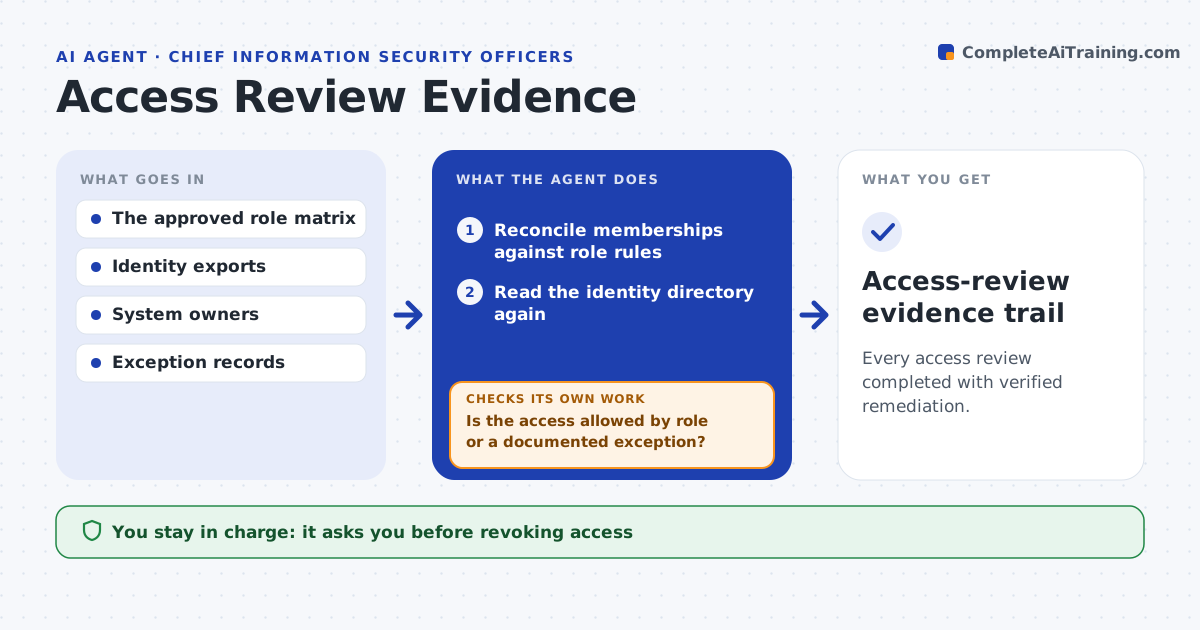
Quarterly access reviews mean checking every group membership against role rules by hand. This agent reconciles accounts and memberships against the role matrix and documented exceptions. Any access without a role basis or exception goes into an evidence packet for the right owner. After the owner decides and an administrator executes changes, the agent reads the identity directory again to verify. A closed ticket does not count. If the membership has not actually changed, the case stays open. It never revokes access itself or draws conclusions about people. Edge case: a contractor's admin rights were removed in the ticketing tool but the directory still shows the group, so the case stays open.
How it works
Follow the arrows from top to bottom. The orange dashed arrow is the loop: when a check fails, the agent goes back and tries again.
Read the steps as a list
- Quarterly review
- Reconcile memberships against role rules
- Is the access allowed by role or a documented exception?If not: add it to the owner's review packet. Back to step 2.
- Owner decides and administrator executes changesThe agent waits here for your OK.
- Read the identity directory again
- Did the membership actually change?If not: keep the case open. Back to step 5.
- Access-review evidence trail
How it decides
It prioritizes accounts that violate explicit rules, respects documented exceptions, and checks remediation outcomes.
- A violation is access with no role or exception basis.
- Verified means the membership changed in the directory.
- Privileged access is reviewed before standard access.
Make it yours
Every agent is a starting point. You choose these settings for your own situation.
- Role matrix and exception register
- Systems included in the review
- Days after approval before verification (default 5)
- Who decides per system (default system owner)
What keeps you in control
It always asks you first
- Revoking access
- Privilege changes
- Personnel inferences
Hard limits
- Read-only.
It stops when
- Done: all violations verified fixed.
Set it up
We guide you through the set-up, step by step
Members get the full set-up guide for this agent. No technical skills needed: you copy, paste and upload.
- One set of instructions to paste into your AI, with the clicks for ChatGPT, Claude, Microsoft 365 Copilot, Gemini and Grok
- The agent then walks you through connecting your own data, one source at a time
- A downloadable copy with the flow chart, the rules and the full guide