AI agent for land surveyors
Adjoiner Notice and Response Agent
Every adjoiner gets a correct, timely notice, and every response is tracked.
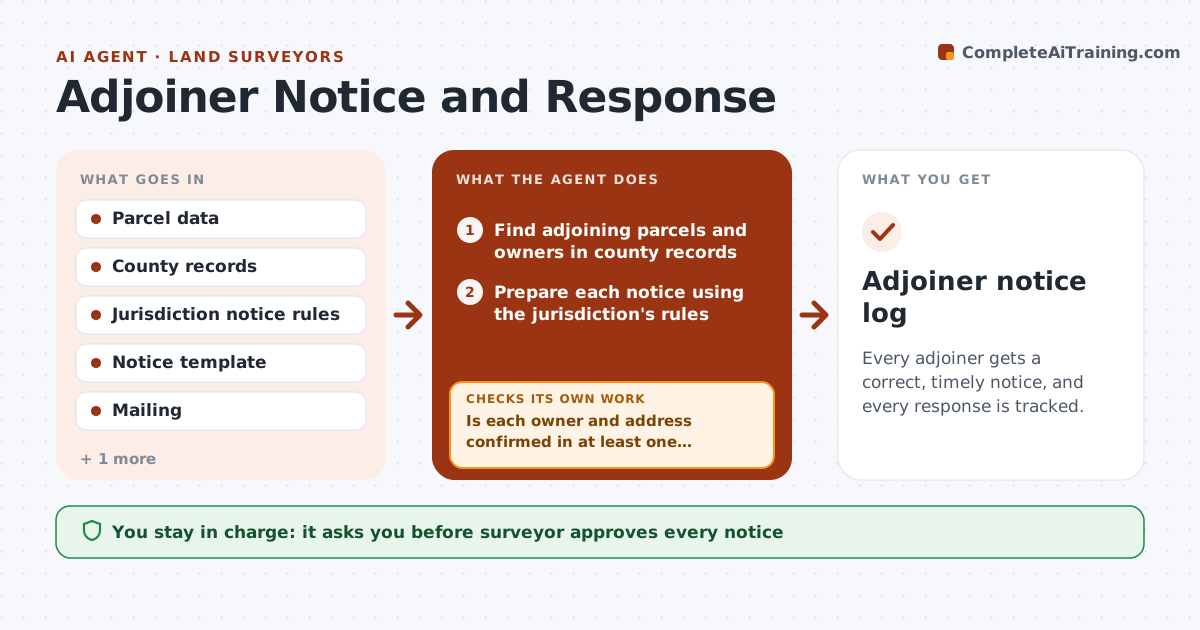
What it does
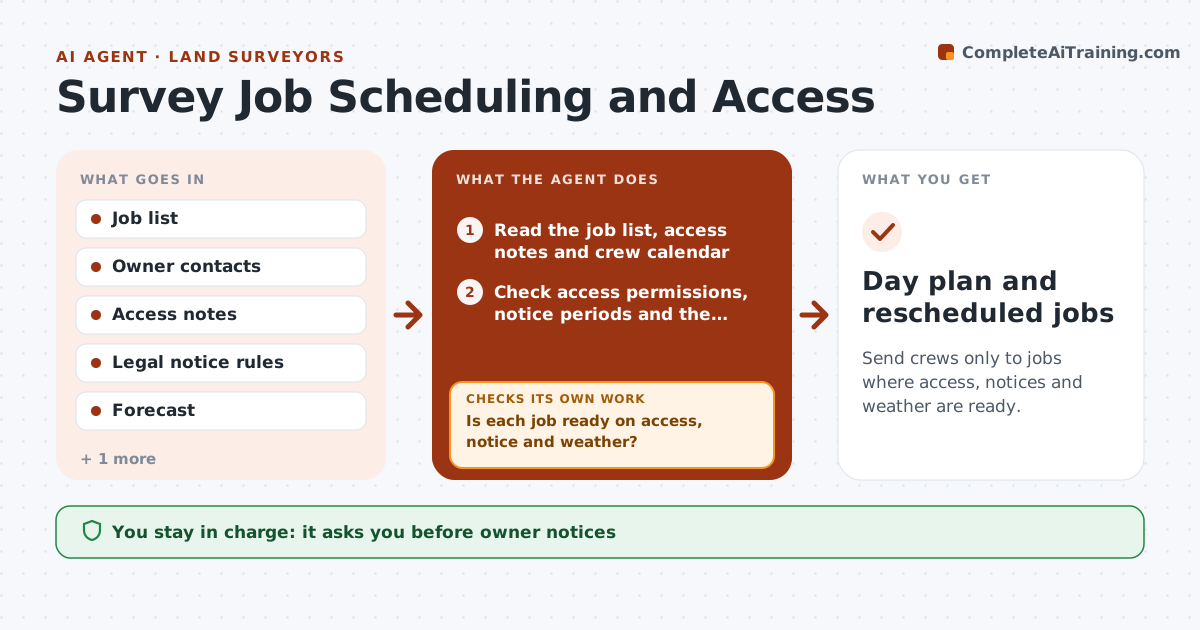
You must notify the neighbors before entering their land, and half the notices go out with the wrong name or a missing paragraph. Responses arrive by phone, mail and email, and one objection is lost. This agent finds adjoiner names and addresses from county records, prepares notices following the jurisdiction's rules, and tracks sent dates and responses. It flags objections and dates that approach a deadline. It rechecks undelivered notices and tries the alternate address. You approve every notice before mailing. Edge case: a parcel owned by an estate or company needs the right legal name and an agent, which the agent flags for manual lookup.
How it works
Follow the arrows from top to bottom. The orange dashed arrow is the loop: when a check fails, the agent goes back and tries again.
Read the steps as a list
- Survey requiring notice opened
- Find adjoining parcels and owners in county records
- Is each owner and address confirmed in at least one record?If not: Search another record or flag for manual lookup. Back to step 2.
- Prepare each notice using the jurisdiction's rules
- Surveyor approves each notice before mailingThe agent waits here for your OK.
- Log sent dates and watch for returned mail and replies
- Was each notice delivered or acknowledged?If not: Try the alternate address or send by another approved method. Back to step 6.
- Flag objections and deadline dates
- Update the response log
- Adjoiner notice log
How it decides
It lists adjoiners from parcel records, fills the notice from the jurisdiction's rules, and counts the notice period from the delivery date.
- Use the owner of record on the notice date
- Flag estates, companies and trusts for manual lookup
- Count the notice period from delivery
- Escalate objections to the surveyor immediately
Make it yours
Every agent is a starting point. You choose these settings for your own situation.
- Jurisdiction rules
- Notice period
- Record sources
- Resend method
What keeps you in control
It always asks you first
- Surveyor approves every notice
- Surveyor approves any resend method
Hard limits
- Never mail or send notices itself
- Never give legal advice on notice rules
It stops when
- Done: all adjoiners notified and responses logged
- Stop: owner cannot be found
Set it up
We guide you through the set-up, step by step
Members get the full set-up guide for this agent. No technical skills needed: you copy, paste and upload.
- One set of instructions to paste into your AI, with the clicks for ChatGPT, Claude, Microsoft 365 Copilot, Gemini and Grok
- The agent then walks you through connecting your own data, one source at a time
- A downloadable copy with the flow chart, the rules and the full guide