AI agent for land surveyors
Control Network Adjustment Review Agent
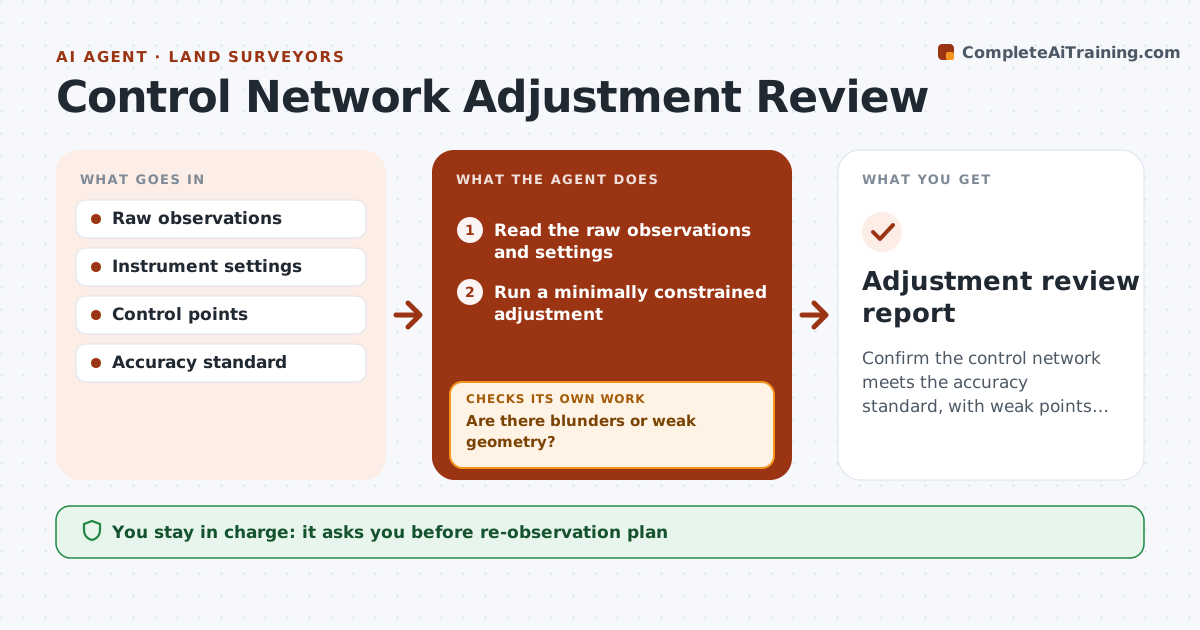
Confirm the control network meets the accuracy standard, with weak points fixed.
What it does
Control errors stay hidden until the final check, and then the whole job suffers. This agent reads the raw observations, such as angles, distances and GNSS vectors, and runs a least squares adjustment. It checks residuals and error ellipses, flags blunders and weak geometry, and recommends which observations to repeat. After new data arrives, it reruns the adjustment and checks again. It continues until the network meets your standard. You approve the adjusted values. Edge case: one distance has a residual 5 times the others because the prism height was entered wrong, and the agent identifies it.
How it works
Follow the arrows from top to bottom. The orange dashed arrow is the loop: when a check fails, the agent goes back and tries again.
Read the steps as a list
- Control observations are downloaded
- Read the raw observations and settings
- Run a minimally constrained adjustment
- Check residuals, error ellipses and reference variance
- Are there blunders or weak geometry?If not: List the observations and points with the worst values. Back to step 4.
- Recommend which observations to repeat or add
- Surveyor approves the re-observation planThe agent waits here for your OK.
- Add the new data and rerun the adjustment
- Does the network now meet the standard?If not: Repeat the review of the worst residuals. Back to step 4.
- Surveyor approves the adjusted valuesThe agent waits here for your OK.
- Adjustment review report
How it decides
It flags observations with residuals above the test limit, starting with the largest. It never removes data without recommending a re-observation.
- Flag residuals above 3 times the standard error (default)
- Weak geometry gets a recommended extra observation
- Never delete an observation without a repeat
- The reference variance must be near 1 (default 0.5 to 1.5)
Make it yours
Every agent is a starting point. You choose these settings for your own situation.
- Standard error limits
- Blunder test limit (default 3 times)
- Variance range
- Software
- Re-observation rule
What keeps you in control
It always asks you first
- Re-observation plan
- Adjusted values
Hard limits
- Never removes data on its own
- Never certifies values
- Keeps every adjustment run
It stops when
- Done: network meets the standard
- Stop: network cannot meet the standard; surveyor redesigns the control
Set it up
We guide you through the set-up, step by step
Members get the full set-up guide for this agent. No technical skills needed: you copy, paste and upload.
- One set of instructions to paste into your AI, with the clicks for ChatGPT, Claude, Microsoft 365 Copilot, Gemini and Grok
- The agent then walks you through connecting your own data, one source at a time
- A downloadable copy with the flow chart, the rules and the full guide