AI agent for affiliate marketing managers
Affiliate Tracking Postback Health Agent
Find tracking breaks within a day and get them fixed before many commissions are lost.
What it does
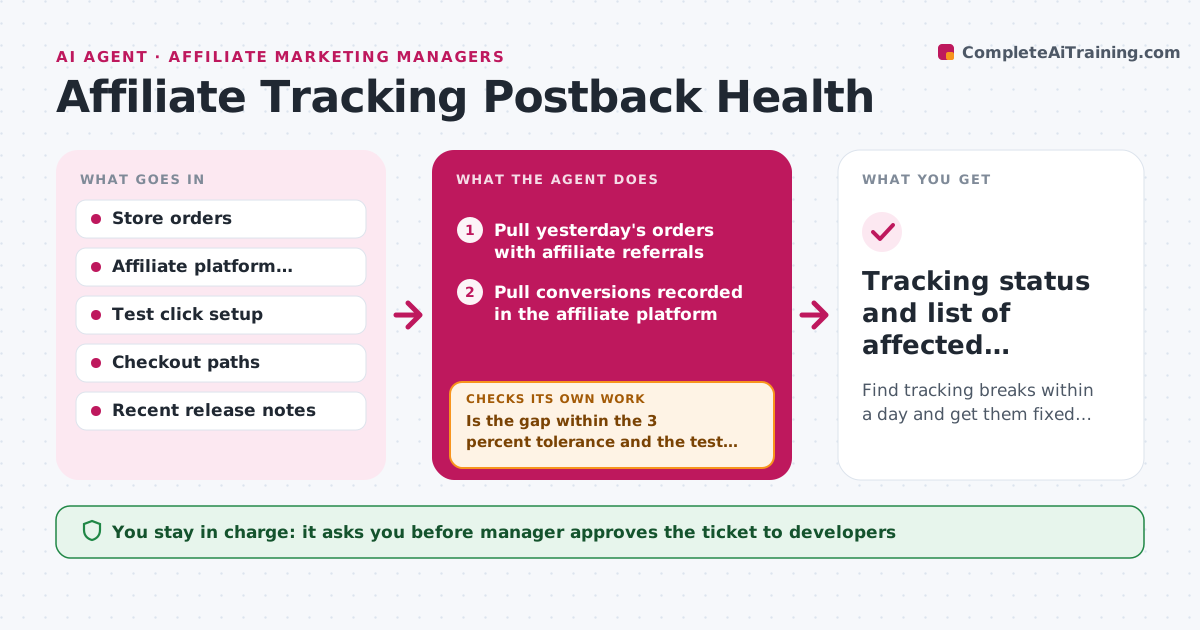
A broken postback or tracking pixel can drop conversions for weeks before affiliates complain. Every day this agent compares orders in the store with conversions recorded in the affiliate platform and looks for gaps by affiliate, device and payment method. It also runs a test click through the funnel to see if tracking fires. If the gap is large, it tests each link type and checkout path, such as mobile, desktop and the payment page, to find where tracking breaks. It then drafts a ticket for the developer and a short notice for affected affiliates. After a fix, it reruns the test. Edge case: refunds are netted out first. The manager approves the ticket and the notice.
How it works
Follow the arrows from top to bottom. The orange dashed arrow is the loop: when a check fails, the agent goes back and tries again.
Read the steps as a list
- Daily run or site release
- Pull yesterday's orders with affiliate referrals
- Pull conversions recorded in the affiliate platform
- Compare counts by affiliate, device and payment method
- Run a test click through the funnel
- Is the gap within the 3 percent tolerance and the test conversion recorded?If not: test each link type and checkout path to find where tracking stops. Back to step 5.
- Draft a ticket with the failing path and evidence
- Manager approves the ticket and the affiliate noticeThe agent waits here for your OK.
- Rerun the test after the fix
- Does the test conversion now record?If not: return the ticket with the new result. Back to step 8.
- Tracking status and list of affected conversions
How it decides
It flags a gap when recorded conversions fall below the tolerance versus attributed orders, and locates the break by testing each path.
- Flag a gap above 3 percent after refunds
- Test mobile, desktop and each payment method
- Check tracking after every checkout release
- Estimate lost conversions from the gap to back-fill later
Make it yours
Every agent is a starting point. You choose these settings for your own situation.
- Gap tolerance (default 3 percent)
- Paths and devices to test
- Run time
- Who receives tickets
What keeps you in control
It always asks you first
- Manager approves the ticket to developers
- Manager approves any notice to affiliates
Hard limits
- Never changes tracking code or affiliate data
- Does not notify affiliates without approval
It stops when
- Done: test conversion records and gap closes
- Stop: the affiliate platform report is unavailable
Set it up
We guide you through the set-up, step by step
Members get the full set-up guide for this agent. No technical skills needed: you copy, paste and upload.
- One set of instructions to paste into your AI, with the clicks for ChatGPT, Claude, Microsoft 365 Copilot, Gemini and Grok
- The agent then walks you through connecting your own data, one source at a time
- A downloadable copy with the flow chart, the rules and the full guide