
Learning path
Learning AI as a Paid Media Specialist
This path shows paid media specialists how to use AI for campaign setup, ad copy, targeting, budgets, and reporting. It includes setup questions, connecting your AI, this prompt course, and video courses with certifications.
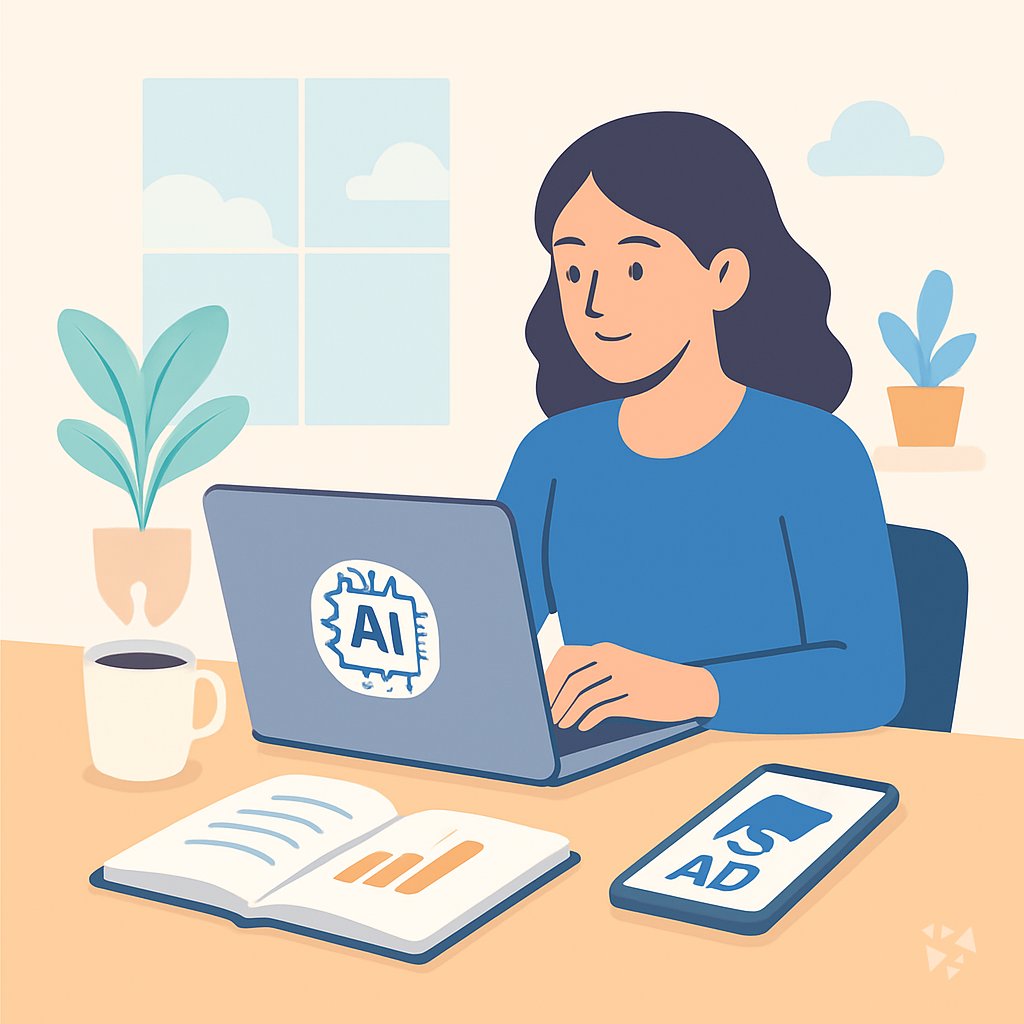
Your path
Everything in the Paid Media Specialist AI kit, in the order that makes sense. Members tick off each step and see their progress.
Set up your AI
We guide you through each click.
Let skills do your everyday tasks
Connect your apps and pick your AI apps
Hand whole tasks to AI agents
Build your own tools
Keep growing
Everything for paid media specialists
All the courses, certifications, AI tools, MCP servers and apps for paid media specialists, most relevant first. Open any list to see more.
Take the prompt courses
A short framework course to learn how to ask, then 8 lessons with ready-to-use prompts for paid media specialists.
Start with this framework: how to talk to AI
Use AIDA and PAS to draft paid ad copy faster, such as rewriting a low-converting Google Search ad with a problem-agitate-solution hook.
Then your prompt course for paid media specialistsWatch the video courses or add them to your Favorites for later
114 video courses our AI picked for paid media specialists, most useful first. Save the ones you want to watch later with the heart.
Favorites are saved to your account: sign in or get your AI kit first.
Show all 114 video courses
Get certified, or add certifications to your Favorites
Every course ends in an exam and a certificate you can add to LinkedIn. Save the certifications you are aiming for with the heart.
Favorites are saved to your account: sign in or get your AI kit first.
More certifications for paid media specialistsShow all 24 certifications
Try the AI tools for paid media specialists
24 AI tools our AI matched to the work of paid media specialists, best fit first. Each review shows what it does, its alternatives and the jobs it suits.
Favorites are saved to your account: sign in or get your AI kit first.
Show all 24 AI tools
Connect your AI to the apps paid media specialists use
MCP servers let ChatGPT, Claude or Copilot look things up and get work done in other apps, like your email, calendar or bookkeeping software. These 12 fit the work of paid media specialists best, well-known apps first.

Google Ads MCP server
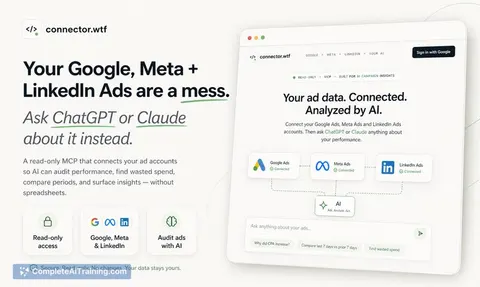
by gomarble-aiLets your AI read your Google Ads accounts, run reports, and find keyword ideas for you.

AdsAgent MCP server
by adsagentsLets your AI read and prepare changes for your Meta, Google Ads, and TikTok ad accounts.
AnalyticsNo install
Meta Ads MCP server
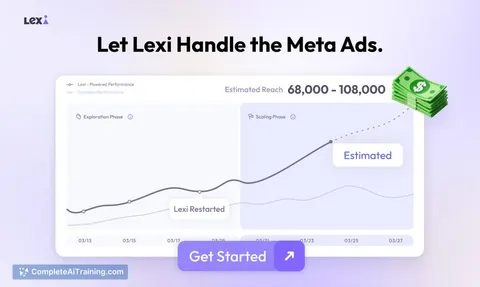
by mikusnuzLet your AI check, create and adjust your Facebook and Instagram ads for you.

mureo MCP server
by loglyLet your AI check and improve your Google Ads, Meta Ads and Search Console accounts using your own strategy notes.

Facebook Ads MCP server
by gomarble-aiLets your AI look up your Facebook ad accounts, campaigns, ads and their performance numbers for you.

Synter Ads MCP server
by Synter-Media-AILet your AI check, create, and adjust ad campaigns across Google, Meta, LinkedIn, TikTok and more.
AnalyticsNo installShow all 12 MCP servers

Yandex Direct MCP server
by askadsLets your AI look at your Yandex Direct ad account and, if you want, change campaigns, ads and keywords for you.
AnalyticsNo install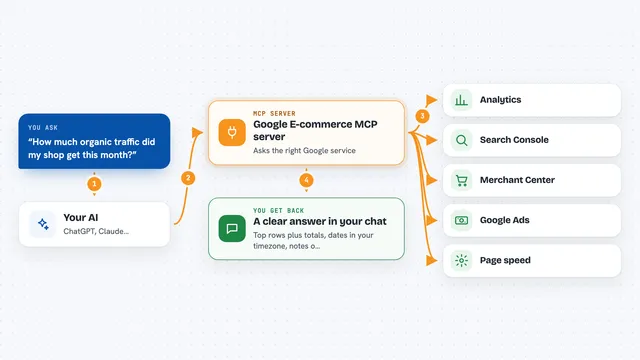
Google E-commerce MCP server
by MoonEyesAsk your AI about your shop's traffic, search, product feed, tags, speed and ads, and get answers from your own accounts.
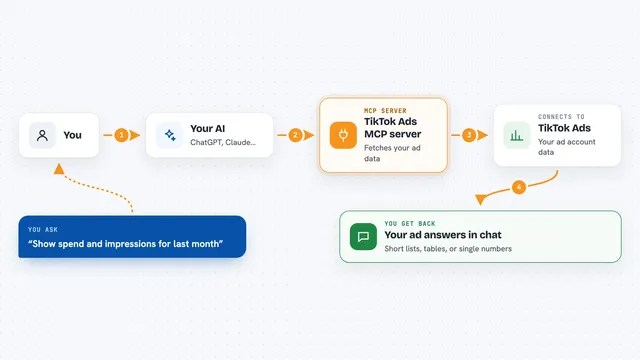
TikTok Ads MCP server
by dhawalshahAsk your AI about your TikTok ad campaigns, video performance, and benchmarks in plain words.
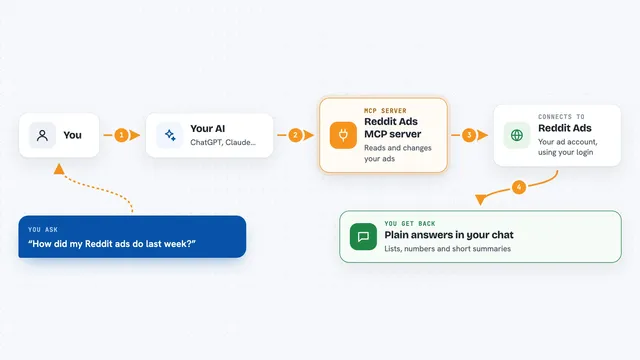
Reddit Ads MCP server
by camloweLets your AI read your Reddit ad campaigns and reports, and make changes like pausing or budget edits when you allow it.
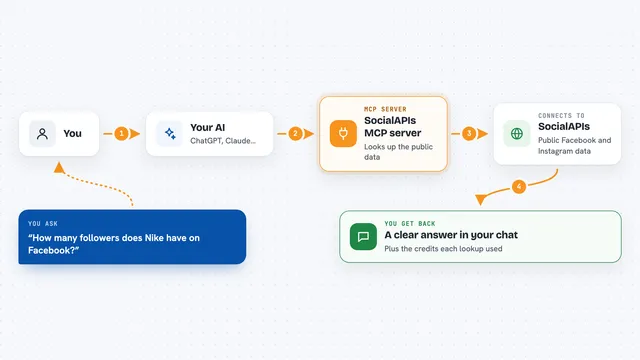
SocialAPIs MCP server
by SocialAPIsHubLets your AI look up public Facebook and Instagram data, like pages, posts, comments and ads.
Social media Official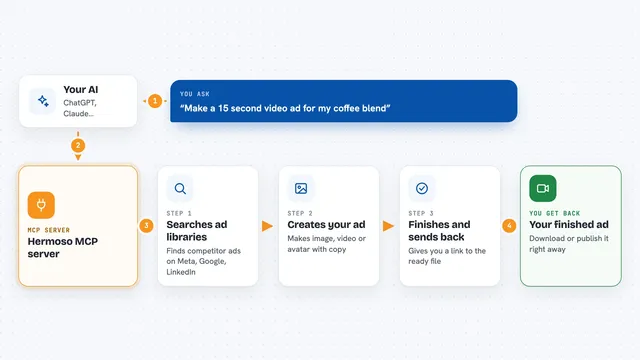
Hermoso MCP server
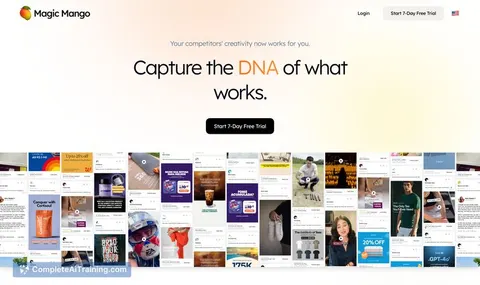
by hermoso-aiLets your AI research competitor ads and generate finished image, video and avatar ads for you.
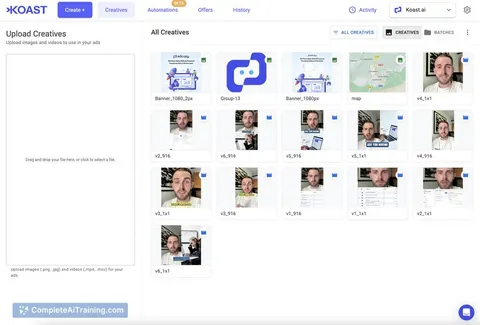
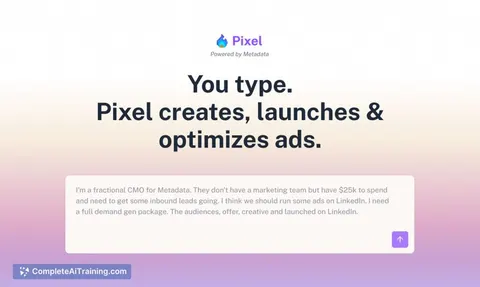
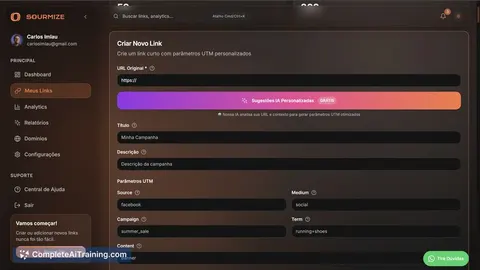
Generative videoSocial media OfficialBuild your own AI apps for paid media specialists
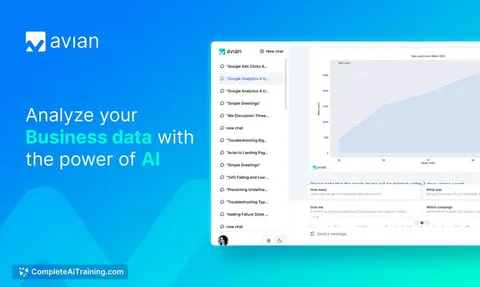
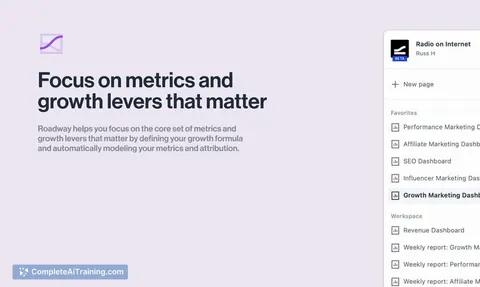
Apps you build yourself with your own AI, no coding needed and no monthly fee. Our AI picked the 12 that fit the work of paid media specialists.
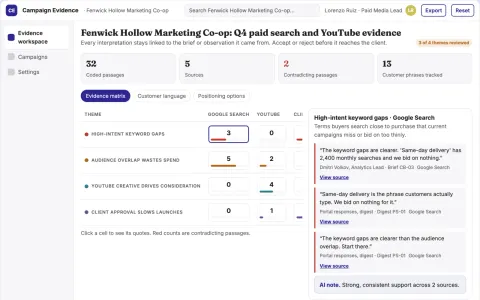
Evidence-backed campaign optimization workspace
Reduce tool sprawl and manual transfer work while keeping campaign decisions traceable.
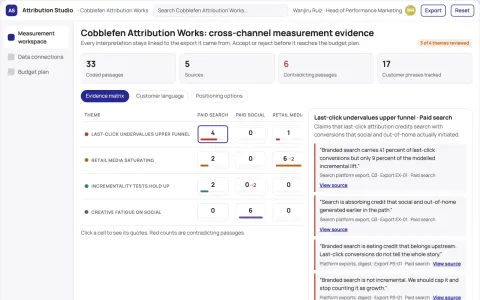
Cross-channel marketing measurement and budget planning workspace
Reduce manual reporting effort while making budget shifts traceable to measured channel impact.
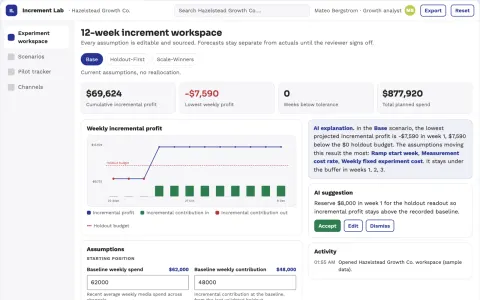
Incremental channel spend experiment lab
Test whether additional spend creates additional profitable demand.
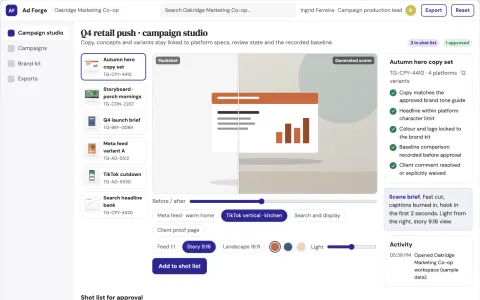
Multi-platform ad campaign production workbench
Reduce campaign production cycles while keeping brand and performance decisions under team control.
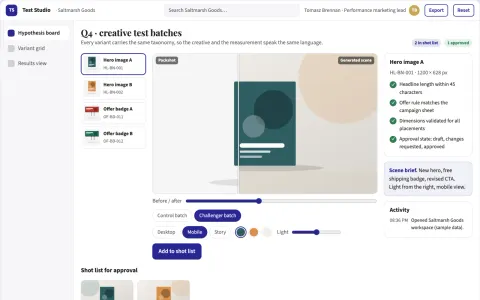
Advertising creative testing service
Creative production and experimental interpretation use the same variant taxonomy.
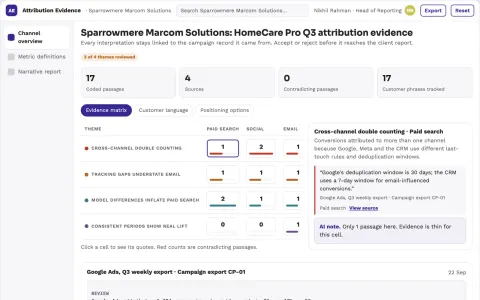
Marketing attribution reporting
Transparent model differences and missing data beside performance claims.
Show all 12 apps
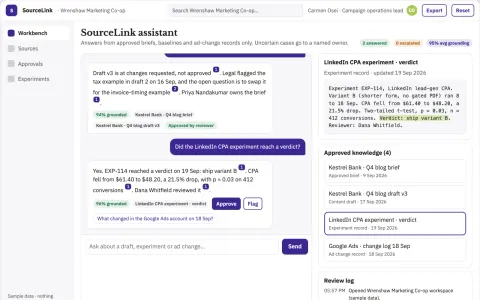
Source-linked content and campaign operations console
Reduce tool sprawl and keep every content draft, experiment and ad change source-linked and approved.
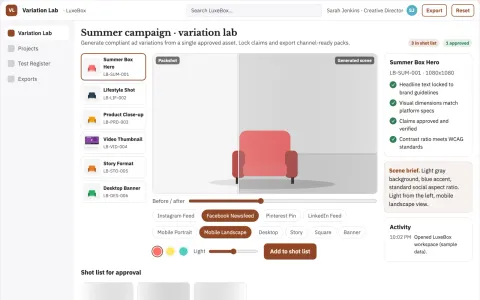
Advertising variation service
Controlled creative experiments with traceable variables and approved claims.
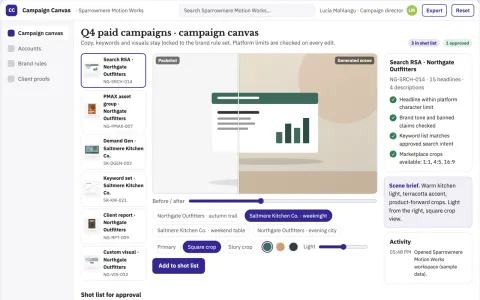
Branded campaign copy and creative production workbench
Reduce tool switching and manual retyping while keeping campaign copy on brand.
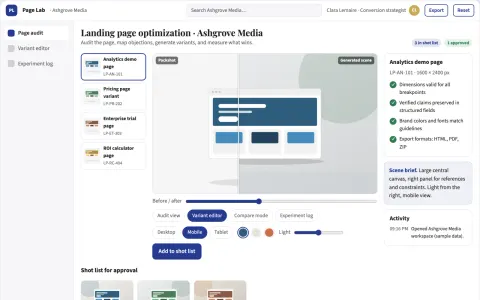
Landing page optimization service
Changes grounded in buyer evidence and evaluated through explicit experiments.
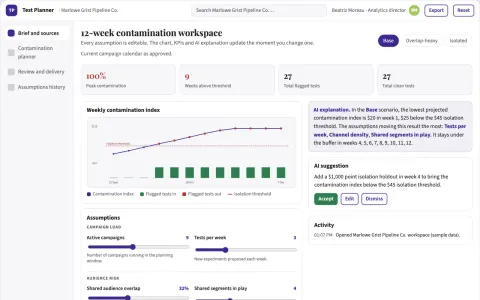
Campaign experiment contamination planner
Identify interpretation risks before testing.
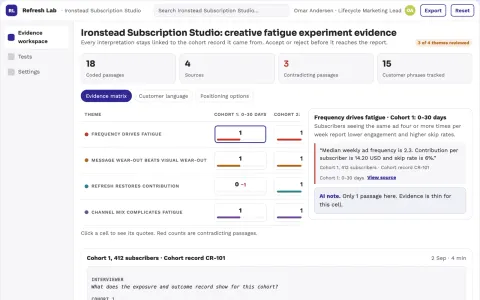
Marketing creative fatigue experiment engine
Spend production effort where a tested refresh helps.
































































































About this learning path
6 topicsAI Skills for Paid Media Specialists
Paid media work is busy. You set up campaigns, write ads, watch budgets, and explain results. AI can help you do the thinking faster, but only if you ask it well.
This path is built for that. You answer a few setup questions, connect your AI assistant, practice job skills inside it, take the prompt course, and watch video courses chosen for paid media. Each video course shows its certification so you can track what you finished.
Why AI matters now
Ad platforms change often. You are asked to do more campaigns, more tests, and more reporting with the same hours. AI helps you draft, check, and summarize so you can spend time on decisions that need your judgment.
What the path includes
The path starts with setup questions about your platforms, accounts, and goals. It shows how to connect your AI assistant in a safe way. Then you get job skills inside your AI, this prompt course, and video courses picked for paid media work. Each video course lists a certification you can earn.
How it saves you time
You will use AI to plan campaign structure, write ad copy, check targeting, and turn metrics into plain updates. The prompts are short and repeatable, so you are not starting from a blank page. That means less time on first drafts and more time on the work only you can do.
How it protects your career
AI does not replace the person who knows the client, the budget, and the market. It makes you faster at the parts that are easy to get stuck on. When you can explain your choices clearly, you become more valuable to your team and your clients.
How to start
Begin with the setup questions. Then connect your AI assistant and try one prompt from the prompt course on a real campaign. Pick one video course that matches your biggest gap, finish it, and note the certification.
Frequently asked questions
Do I need to be technical to use this path?
No. The path is written for paid media specialists who use AI as a helper, not as a coding tool. You will connect your AI assistant with simple steps and practice prompts on normal campaign work.Will AI make my campaign decisions for me?
No. AI can suggest structures, copy, and causes for changes, but you still decide what fits the client and the platform. The path teaches you how to check AI output and keep your judgment in charge.What if I use ChatGPT, Claude, or Gemini?
The prompts work across common AI assistants. You can use the one your team already allows. The setup section helps you connect it safely and keep client data out of places it should not go.How do the video courses and certifications work?
Video courses are picked for paid media tasks like search ads, social ads, and reporting. Each course lists its certification so you can see what you finished and share it with your manager or client.