AI agent for insurance agency managers
Agency Book Rollover and Acquisition Integration Agent
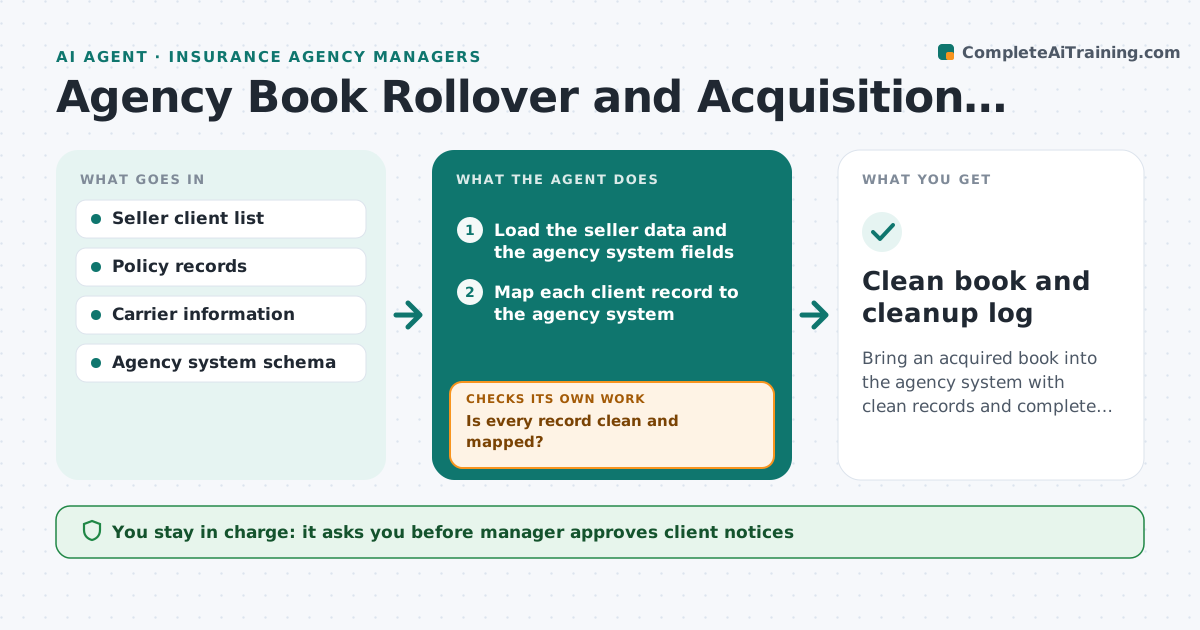
Bring an acquired book into the agency system with clean records and complete policy files.
What it does
Acquired books of business arrive with messy data and missing policy files. The agent maps client records to the agency system, checks policies for gaps in files and dates, flags duplicates, and builds a cleanup list. It works in rounds, tracking fixes and re-checking each batch. It also lists carrier changes needed and prepares client notices. Each cleanup item names who must fix it and by when, so the list does not stall. Policies close to expiry are flagged for renewal early. The manager approves client notices and carrier changes. Edge case: the same client appears three times with different spellings, so the agent proposes a merge and asks for confirmation before changing the record.
How it works
Follow the arrows from top to bottom. The orange dashed arrow is the loop: when a check fails, the agent goes back and tries again.
Read the steps as a list
- Book purchase closes
- Load the seller data and the agency system fields
- Map each client record to the agency system
- Check each policy for missing files and date gaps
- Flag duplicates and conflicting data
- Is every record clean and mapped?If not: Add it to the cleanup list with the issue and the owner. Back to step 3.
- Track fixes and import corrected records
- Does the next batch pass after fixes?If not: Re-run the checks and update the list. Back to step 3.
- List carrier changes and draft client notices
- Manager approves client notices and carrier changesThe agent waits here for your OK.
- Clean book and cleanup log
How it decides
A record is clean when it maps to one client, has a complete policy file and valid dates. Duplicates are proposed for merge and not merged without approval.
- Duplicates are proposed, never merged automatically
- A policy with no file is a gap
- A policy with expired dates is flagged for renewal
- Work in batches of 200 records
Make it yours
Every agent is a starting point. You choose these settings for your own situation.
- Batch size (default 200)
- Fields required for a clean record
- Duplicate matching rules
- Who fixes each issue
What keeps you in control
It always asks you first
- Manager approves client notices
- Manager approves carrier changes
Hard limits
- Never sends notices or changes carriers without approval
- Never merges clients without confirmation
It stops when
- Done: all records clean and notices approved
- Stop: the seller cannot supply missing files, so the manager decides
Set it up
We guide you through the set-up, step by step
Members get the full set-up guide for this agent. No technical skills needed: you copy, paste and upload.
- One set of instructions to paste into your AI, with the clicks for ChatGPT, Claude, Microsoft 365 Copilot, Gemini and Grok
- The agent then walks you through connecting your own data, one source at a time
- A downloadable copy with the flow chart, the rules and the full guide