AI agent for account managers
Insurance Policy Audit Before Renewal Agent
Make sure every renewal matches what the client actually needs before it is released.
What it does
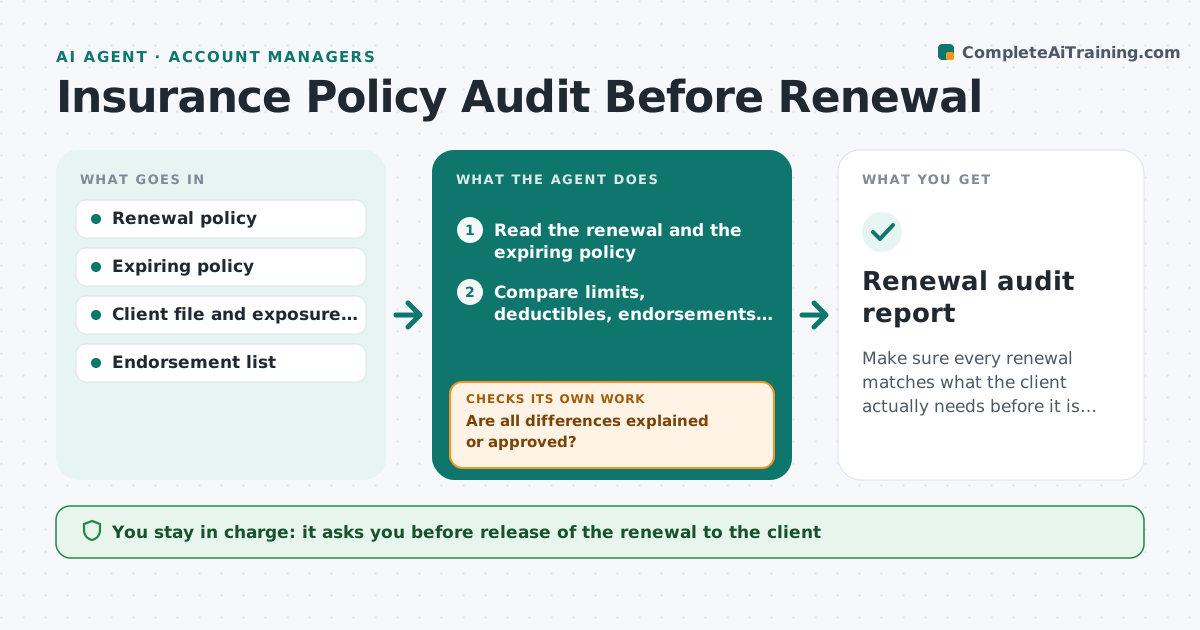
A renewal comes in from the carrier with a new premium and small changes: a lower limit, a dropped endorsement, a misspelled insured name. Account managers are busy and the errors are found after a claim. This agent compares each renewal against the prior policy and the client file. It checks limits, deductibles, endorsements, named insureds, addresses, vehicles or locations, and premium change. It flags every difference and sorts them into expected, such as a rate change, and suspicious, such as a missing endorsement. It asks the account manager to confirm or correct each one. After correction it checks again. The manager approves release to the client. Edge case: a premium rise above 15% goes to the top of the list with a market review note.
How it works
Follow the arrows from top to bottom. The orange dashed arrow is the loop: when a check fails, the agent goes back and tries again.
Read the steps as a list
- Renewal policy is received from the carrier
- Read the renewal and the expiring policy
- Compare limits, deductibles, endorsements and named parties line by line
- Check the client file for changes in exposure
- Compute the premium change per coverage
- Are all differences explained or approved?If not: List unexplained differences and ask the account manager to confirm or ask the carrier to correct. Back to step 3.
- Request a corrected policy from the carrier if needed
- Does the corrected renewal match the file?If not: Return the remaining differences to the account manager. Back to step 3.
- Manager approves release to the clientThe agent waits here for your OK.
- Renewal audit report
How it decides
Compares each renewal field to the expiring policy and client file; any unexplained difference is flagged, and rises above the limit are escalated.
- Missing endorsement is always flagged as high priority
- Premium rise over 15% requires a market check note
- Name or address mismatch must be corrected before release
- Limit reduction not requested by the client is an error until proven otherwise
Make it yours
Every agent is a starting point. You choose these settings for your own situation.
- Premium rise escalation (default 15%)
- Fields to compare
- Days before expiry to start (default 45)
- Which carriers to include
- Report layout
What keeps you in control
It always asks you first
- Release of the renewal to the client
- Any request to the carrier for correction
- Any change in coverage
Hard limits
- Never bind or change coverage
- Never contact a client without approval
It stops when
- Done: renewal verified and released
- Stop: client cancels
- Stop: carrier will not correct, escalate
Set it up
We guide you through the set-up, step by step
Members get the full set-up guide for this agent. No technical skills needed: you copy, paste and upload.
- One set of instructions to paste into your AI, with the clicks for ChatGPT, Claude, Microsoft 365 Copilot, Gemini and Grok
- The agent then walks you through connecting your own data, one source at a time
- A downloadable copy with the flow chart, the rules and the full guide