AI agent for real estate agents
Agent File Compliance Review Agent
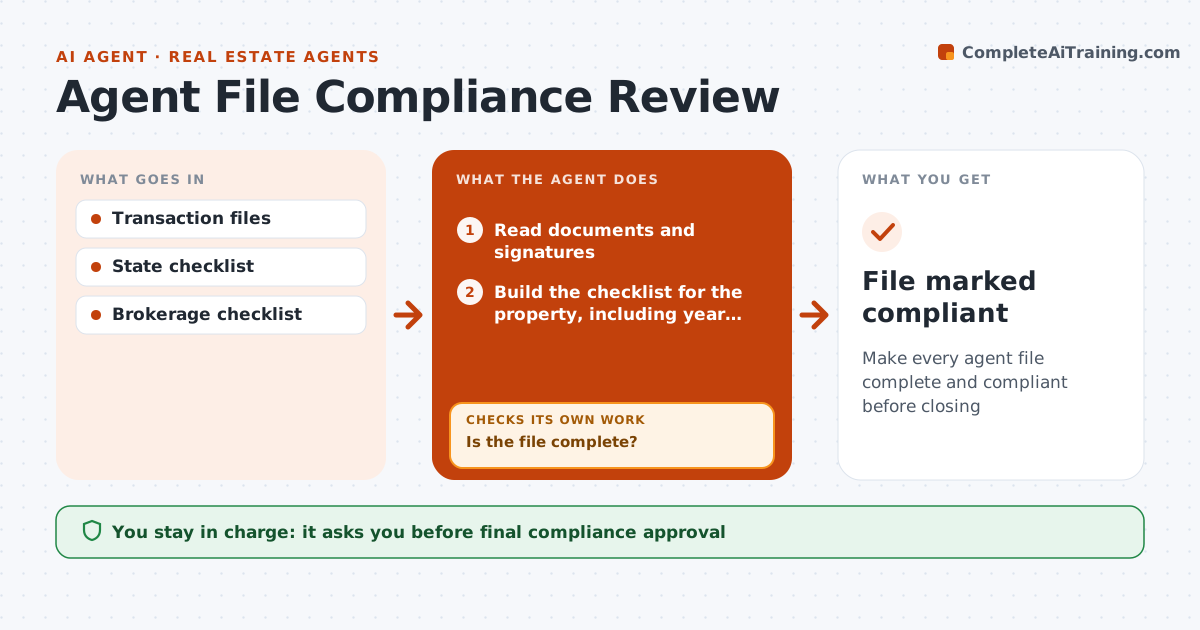
Make every agent file complete and compliant before closing
What it does
Brokers must review every agent's transaction file for required documents, and gaps found after closing are hard to fix. When a file is uploaded, this agent reads the documents and signatures and compares them with the state and brokerage checklist: agency disclosure, seller disclosure, lead paint form for homes built before 1978, signed contract, addenda and initials. It sends the agent a clear list of missing items and signature gaps. It then rechecks daily as documents are uploaded. Files still incomplete five days before closing are escalated to the broker. The broker approves the file as compliant. Edge case: a home built before 1978 needs the lead paint form, which the agent checks from the year built in the listing.
How it works
Follow the arrows from top to bottom. The orange dashed arrow is the loop: when a check fails, the agent goes back and tries again.
Read the steps as a list
- File uploaded
- Read documents and signatures
- Build the checklist for the property, including year built
- Compare the file with the checklist
- Send the agent a missing items list
- Is the file complete?If not: wait for uploads and recheck daily. Back to step 4.
- Is closing more than 5 days away for any incomplete file?If not: escalate the file to the broker. Back to step 6.
- Broker approves the fileThe agent waits here for your OK.
- File marked compliant
How it decides
Each required document must be present and signed by all parties.
- Lead paint form for homes before 1978
- Escalate files incomplete 5 days before closing
- Signatures from all parties
Make it yours
Every agent is a starting point. You choose these settings for your own situation.
- Checklist items
- Escalation timing
- Reminder frequency
What keeps you in control
It always asks you first
- Final compliance approval
Hard limits
- Never alters documents
- Never gives legal advice
It stops when
- Done: compliant
- Stop: deal cancelled
Set it up
We guide you through the set-up, step by step
Members get the full set-up guide for this agent. No technical skills needed: you copy, paste and upload.
- One set of instructions to paste into your AI, with the clicks for ChatGPT, Claude, Microsoft 365 Copilot, Gemini and Grok
- The agent then walks you through connecting your own data, one source at a time
- A downloadable copy with the flow chart, the rules and the full guide