AI agent for regulatory affairs specialists
Annual Report and Periodic Safety Filing Agent
Assemble a complete, consistent periodic report on time without chasing data by hand.
What it does
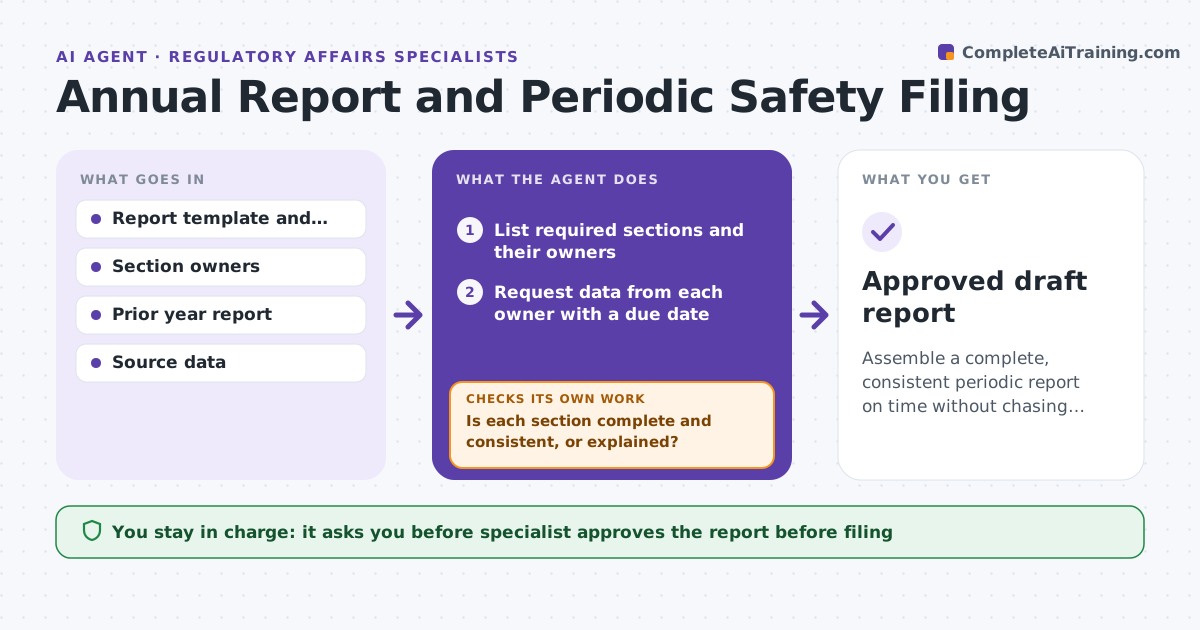
Annual and periodic safety reports need data from many teams, and late data delays the filing. The agent lists the required sections and their sources, requests data from each owner with a due date, and checks each submission for completeness and for consistency with last year's report. It chases gaps with a message suited to the problem. When all sections are in, it assembles a draft with a summary of changes. The specialist approves the report before filing. Edge case: a complaints count is down 40 percent from last year without an explanation, so the agent asks the owner to confirm it before using it.
How it works
Follow the arrows from top to bottom. The orange dashed arrow is the loop: when a check fails, the agent goes back and tries again.
Read the steps as a list
- Reporting period closes
- List required sections and their owners
- Request data from each owner with a due date
- Check each section for completeness and format
- Compare each section with last year's report
- Is each section complete and consistent, or explained?If not: Return it to the owner with the specific gap and a new date. Back to step 3.
- Chase overdue owners
- Are all sections in 14 days before filing?If not: Escalate overdue sections to the specialist and agree a plan. Back to step 3.
- Assemble the draft with a list of changes
- Specialist approves the report before filingThe agent waits here for your OK.
- Approved draft report
How it decides
A section is accepted when it is complete, in the right format and consistent with last year, or the difference is explained. Otherwise it returns to the owner with the specific problem.
- Return any section with a change over 25 percent that has no explanation
- Chase owners 14, 7 and 3 days before their due date
- Format follows the regulator template
- Escalate any section more than 7 days late
Make it yours
Every agent is a starting point. You choose these settings for your own situation.
- Reporting calendar and deadlines
- Change threshold needing an explanation (default 25 percent)
- Chase schedule
- Report template
What keeps you in control
It always asks you first
- Specialist approves the report before filing
- Specialist approves escalations to senior leaders
Hard limits
- Never files the report
- Never edits data supplied by an owner
It stops when
- Done: report approved and filed by the specialist
- Stop: a section cannot be completed in time, so the specialist decides
Set it up
We guide you through the set-up, step by step
Members get the full set-up guide for this agent. No technical skills needed: you copy, paste and upload.
- One set of instructions to paste into your AI, with the clicks for ChatGPT, Claude, Microsoft 365 Copilot, Gemini and Grok
- The agent then walks you through connecting your own data, one source at a time
- A downloadable copy with the flow chart, the rules and the full guide