AI agent for career coachs
Application Quality Gate Agent
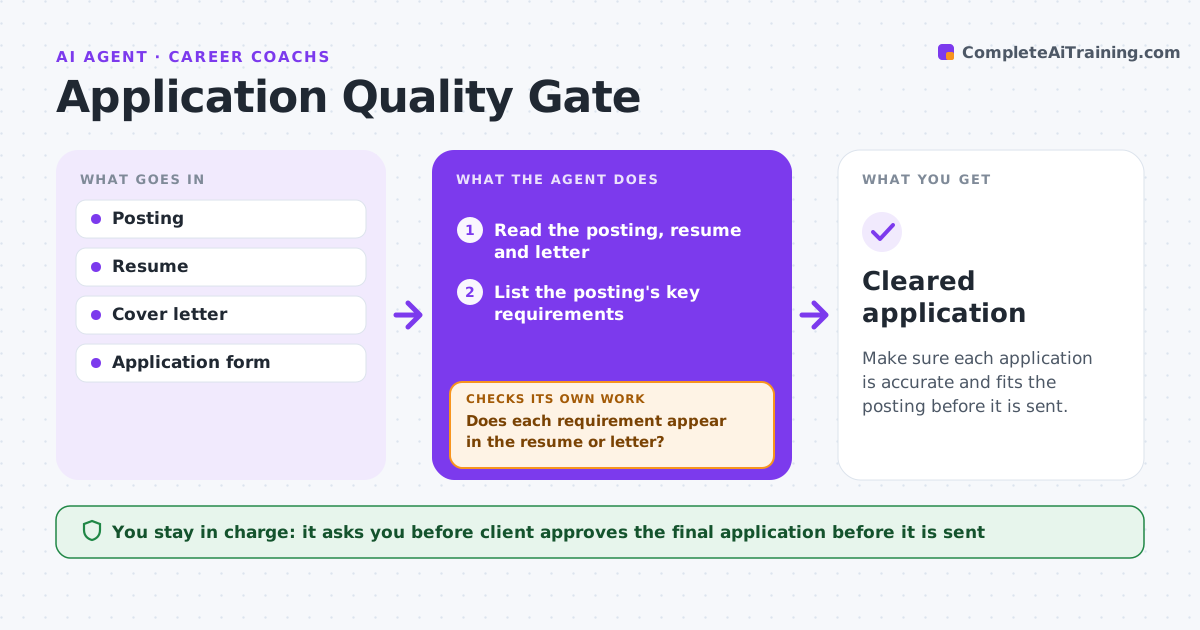
Make sure each application is accurate and fits the posting before it is sent.
What it does
Applications go out with the wrong company name, missing requirements or a mismatch between resume and letter. Before an application is sent, this agent reads the posting, the resume and the cover letter. It checks that the names, dates and role match, that each key requirement is addressed, and that facts agree across the documents. It looks for spelling errors and format issues. Any mismatch goes back to the client for a fix and a second check. The client approves before anything is sent. Edge case: the letter mentions a skill the resume does not, so the agent flags the inconsistency.
How it works
Follow the arrows from top to bottom. The orange dashed arrow is the loop: when a check fails, the agent goes back and tries again.
Read the steps as a list
- Client has a draft application
- Read the posting, resume and letter
- List the posting's key requirements
- Does each requirement appear in the resume or letter?If not: list the gaps for the client to address. Back to step 3.
- Check names, dates, titles and facts for consistency
- Check spelling and format
- Is everything fixed after the client's edits?If not: list the remaining issues and ask again. Back to step 3.
- Client approves the final applicationThe agent waits here for your OK.
- Cleared application
How it decides
An application passes only when names, requirements and facts match with no errors.
- Match the company name and role in every document
- Require every top requirement to be addressed or noted as a gap
- Compare dates in resume and letter
- Block sending if any mismatch remains
Make it yours
Every agent is a starting point. You choose these settings for your own situation.
- Checklist items
- Number of top requirements (default 6)
- Spelling language
- Who approves
What keeps you in control
It always asks you first
- Client approves the final application before it is sent
Hard limits
- Never send the application
- Never invent experience
It stops when
- Done: application cleared
- Stop: client withdraws
Set it up
We guide you through the set-up, step by step
Members get the full set-up guide for this agent. No technical skills needed: you copy, paste and upload.
- One set of instructions to paste into your AI, with the clicks for ChatGPT, Claude, Microsoft 365 Copilot, Gemini and Grok
- The agent then walks you through connecting your own data, one source at a time
- A downloadable copy with the flow chart, the rules and the full guide