AI agent for career coachs
Career Transition Skills Gap Agent
Close the skill gaps between the current role and the target role, step by step.
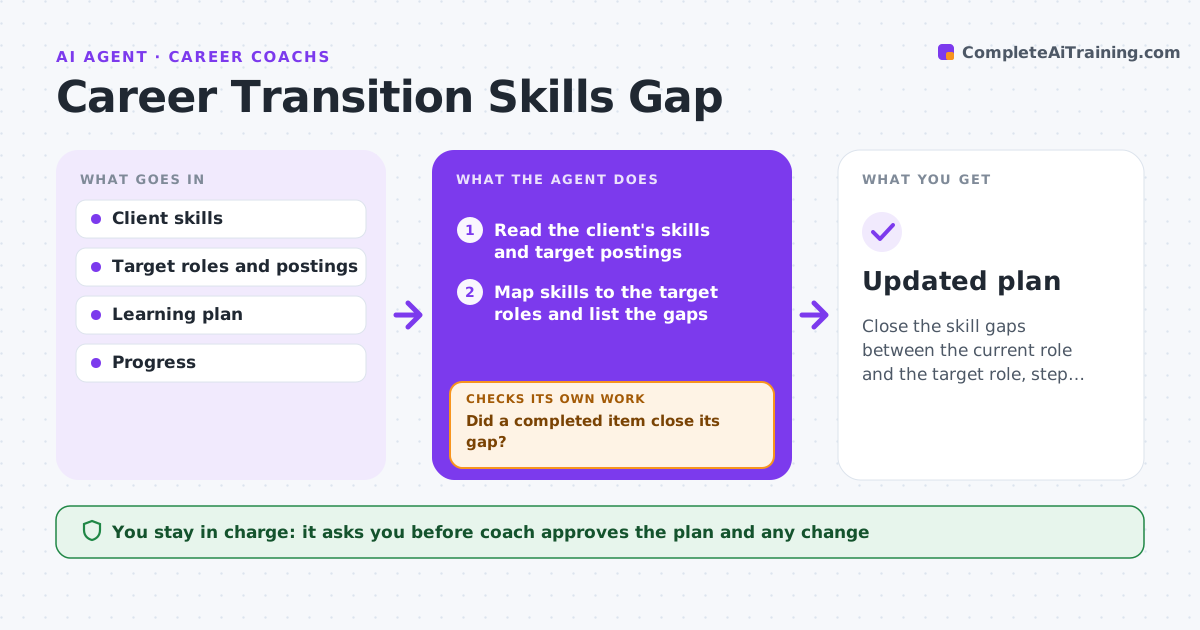
What it does
Someone changing careers often knows the target but not what to learn first. Each month, this agent maps the client's current skills and experience to the target roles, finds gaps, and proposes courses and projects that close them, ordered by value and time. It tracks progress and updates the gap list. When a course or project is finished, it checks what skill was gained, updates the list and moves the next steps. The coach approves the plan and each change. Edge case: a gap appears in nearly every target posting, so it goes to the top.
How it works
Follow the arrows from top to bottom. The orange dashed arrow is the loop: when a check fails, the agent goes back and tries again.
Read the steps as a list
- Monthly review date
- Read the client's skills and target postings
- Map skills to the target roles and list the gaps
- Rank gaps by frequency and time to close
- Propose courses and projects
- Coach approves the planThe agent waits here for your OK.
- Track progress and completed items
- Did a completed item close its gap?If not: adjust the plan, add practice or choose another resource. Back to step 3.
- Update the gap list and next steps
- Updated plan
How it decides
It ranks gaps by how often target postings ask for them and how long they take to close.
- Rank by frequency in postings
- Prefer projects that show work
- Mark a gap closed only with evidence
- Limit the plan to 3 active items
Make it yours
Every agent is a starting point. You choose these settings for your own situation.
- Active items limit (default 3)
- Target roles
- Review day
- Budget
What keeps you in control
It always asks you first
- Coach approves the plan and any change
Hard limits
- Never promise outcomes
- Never recommend paid courses without the coach
It stops when
- Done: gaps closed to the target level
- Stop: client changes target
Set it up
We guide you through the set-up, step by step
Members get the full set-up guide for this agent. No technical skills needed: you copy, paste and upload.
- One set of instructions to paste into your AI, with the clicks for ChatGPT, Claude, Microsoft 365 Copilot, Gemini and Grok
- The agent then walks you through connecting your own data, one source at a time
- A downloadable copy with the flow chart, the rules and the full guide