
AI agent for fine artists
Artwork Pricing Consistency Agent
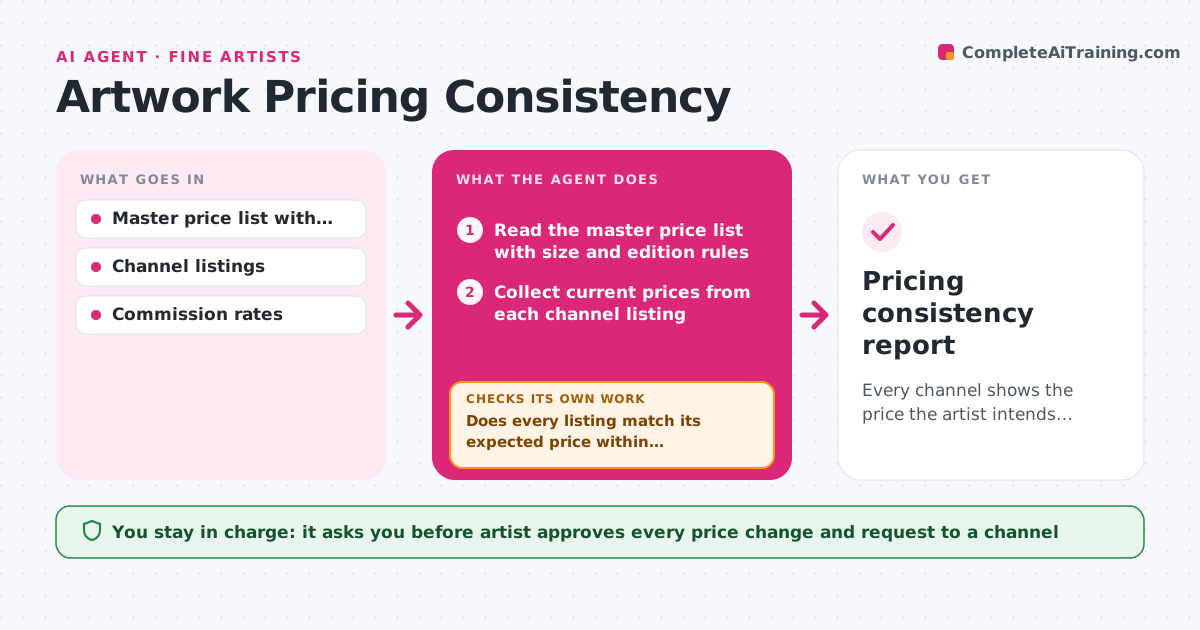
Every channel shows the price the artist intends for each work, with commissions accounted for
What it does
A print is listed at 450 dollars on the artist's site, 520 in a gallery and 380 in an online shop, and a collector notices. This agent collects the current prices from each channel and compares them with the master price list, size and edition rules. It flags conflicts, such as a listing below the floor, an edition price not stepped up, or a price that ignores a commission uplift. It proposes a corrected price list that accounts for channel commissions, rechecks each channel after the changes are made, and loops until everything is consistent. It also notes channels where the artist cannot edit the price and lists whom to ask. The artist approves any price changes. Edge case: a gallery price that is higher by exactly the gallery's commission is considered consistent, not an error.
How it works
Follow the arrows from top to bottom. The orange dashed arrow is the loop: when a check fails, the agent goes back and tries again.
Read the steps as a list
- Price list changes or monthly check
- Read the master price list with size and edition rules
- Collect current prices from each channel listing
- Calculate the expected price per channel including commission
- Does every listing match its expected price within tolerance?If not: List conflicts and propose the corrected price for each. Back to step 3.
- Artist approves the price correctionsThe agent waits here for your OK.
- List which channels the artist can edit and which need a request to the seller
- Re-read the channel listings after the changes
- Do the changed listings now show the approved prices?If not: Report the remaining mismatch and draft a request to the channel. Back to step 8.
- Pricing consistency report
How it decides
It calculates each channel's expected price from the master price plus that channel's commission and flags any listing that differs by more than the tolerance.
- Tolerance is 1 percent or 2 dollars
- A price below the artist's floor is always flagged
- Edition prices step up at the edition breakpoints in the rules
- Gallery uplift equal to the commission counts as consistent
Make it yours
Every agent is a starting point. You choose these settings for your own situation.
- Price floor and edition rules
- Commission rates by channel
- Tolerance (default 1 percent)
- Check frequency (default monthly)
- Channels to read
What keeps you in control
It always asks you first
- Artist approves every price change and request to a channel
Hard limits
- Never change a listing price without approval
- Never discount a work below the floor
It stops when
- Done: All channels match the approved prices
- Stop: A channel cannot be checked or edited, so the agent lists it for manual follow-up
Set it up
We guide you through the set-up, step by step
Members get the full set-up guide for this agent. No technical skills needed: you copy, paste and upload.
- One set of instructions to paste into your AI, with the clicks for ChatGPT, Claude, Microsoft 365 Copilot, Gemini and Grok
- The agent then walks you through connecting your own data, one source at a time
- A downloadable copy with the flow chart, the rules and the full guide



