AI agent for meteorologists
Aviation Forecast Amendment Agent
Never leave a terminal forecast uncorrected when amendment criteria are met.
What it does
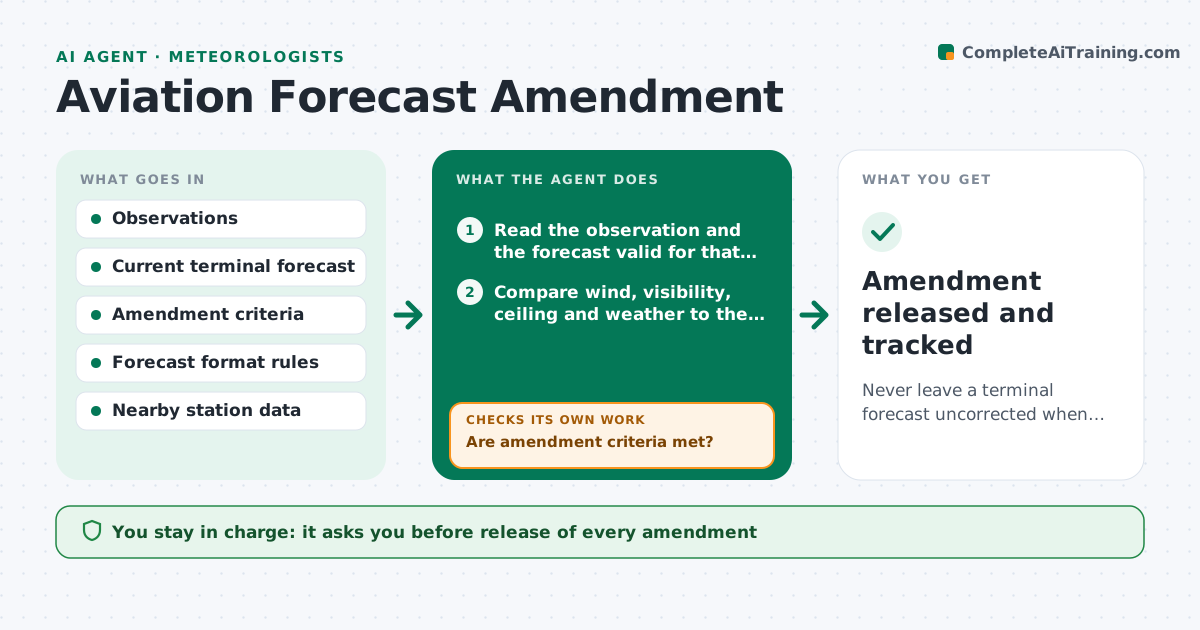
A terminal forecast must be amended when conditions fall outside what it says, but a busy forecaster may miss that visibility has been below the forecast for 30 minutes. This agent compares each new observation for an airport with the current terminal forecast for that hour. It checks the amendment criteria: wind, visibility, ceiling, weather type and changes across set thresholds. When criteria are met, it checks that the new data are reliable, since a sensor glitch should not trigger an amendment, and then drafts an amended forecast in the correct format. It continues to compare each new observation with the draft. It never releases anything. The forecaster approves release. Edge case: a trend group that already covers the change counts as no amendment.
How it works
Follow the arrows from top to bottom. The orange dashed arrow is the loop: when a check fails, the agent goes back and tries again.
Read the steps as a list
- New observation arrives
- Read the observation and the forecast valid for that time
- Compare wind, visibility, ceiling and weather to the forecast
- Are amendment criteria met?If not: log the comparison and wait for the next observation. Back to step 2.
- Is the observation reliable when checked against nearby stations?If not: hold the draft and flag the observation as suspect. Back to step 3.
- Decide the new trend and valid periods
- Draft the amended forecast in the correct format
- Forecaster approves releaseThe agent waits here for your OK.
- Compare the next observations to the amended forecast
- Amendment released and tracked
How it decides
It requires criteria met on a quality-checked observation, and either persistence or a forecast change that is expected to hold, before drafting an amendment.
- Draft an amendment when visibility or ceiling crosses a category set in the criteria
- Wait for one more observation if the change looks like a brief spike
- Treat a trend group that already covers the change as no amendment
- Check the draft format before showing it
Make it yours
Every agent is a starting point. You choose these settings for your own situation.
- Airports covered
- Amendment criteria
- Waiting rule for spikes
- Forecast format
- Alert channel for the forecaster
What keeps you in control
It always asks you first
- Release of every amendment
Hard limits
- Never release a forecast
- Hold drafts when the observation looks faulty
It stops when
- Done: forecast matches conditions
- Stop: observation feed is down
Set it up
We guide you through the set-up, step by step
Members get the full set-up guide for this agent. No technical skills needed: you copy, paste and upload.
- One set of instructions to paste into your AI, with the clicks for ChatGPT, Claude, Microsoft 365 Copilot, Gemini and Grok
- The agent then walks you through connecting your own data, one source at a time
- A downloadable copy with the flow chart, the rules and the full guide