AI agent for traders
Backtest Sanity Check Agent
A report showing how much of the backtest edge survives realistic costs and out-of-sample testing
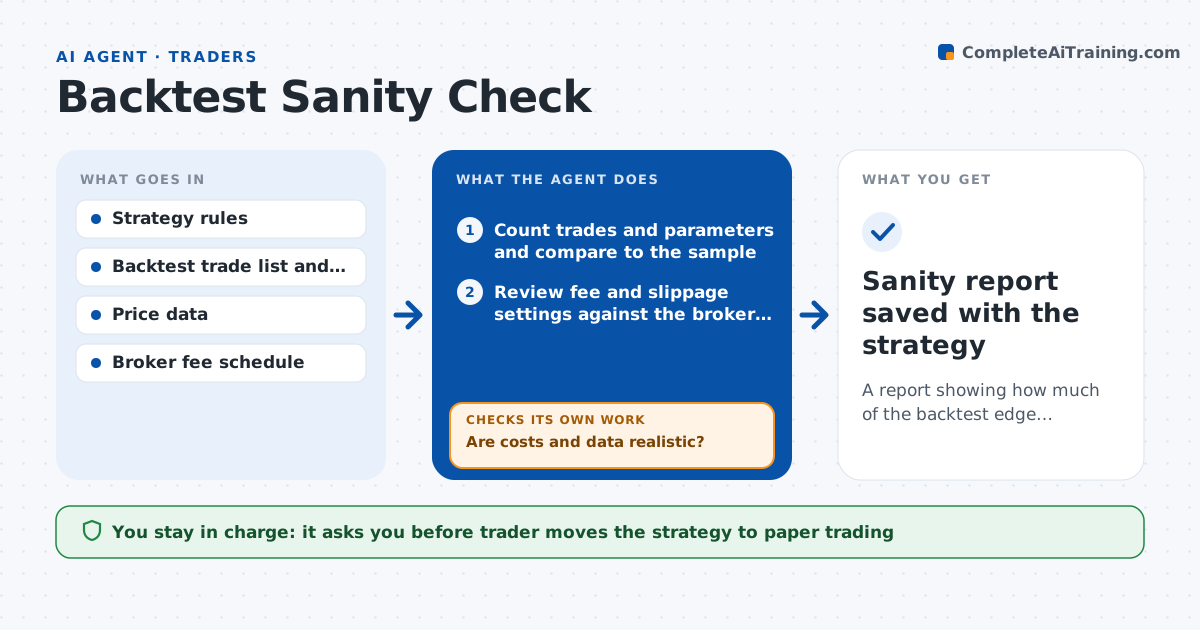
What it does
A backtest with a smooth equity curve can be an illusion. This agent takes a strategy description and the backtest results, then audits them. It checks the number of trades, the number of tunable parameters against the sample, and whether fees and slippage are set to realistic values. It looks for data a trader could not have had at the time, such as using the close to decide an entry at the open. It then tests the strategy on periods the parameters were not tuned on. When a check fails, it reruns with realistic costs or a split sample and reports how much the edge shrinks. The trader decides whether the idea deserves paper trading. Edge case: a strategy that only works on one year of data is reported as a single-regime result.
How it works
Follow the arrows from top to bottom. The orange dashed arrow is the loop: when a check fails, the agent goes back and tries again.
Read the steps as a list
- Trader submits a finished backtest
- Count trades and parameters and compare to the sample
- Review fee and slippage settings against the broker schedule
- Scan the rules for look-ahead and survivorship problems
- Are costs and data realistic?If not: rerun the backtest with realistic costs and report the change in results. Back to step 3.
- Split the data and test on out-of-sample periods
- Does the edge hold out of sample?If not: try a walk-forward split and report how much the edge shrinks. Back to step 6.
- Write a sanity report with an edge before and after
- Trader decides whether to move to paper tradingThe agent waits here for your OK.
- Sanity report saved with the strategy
How it decides
The result passes when the edge stays positive after costs, holds in the out-of-sample periods and the sample has enough trades for the parameter count.
- Require at least 30 trades per tunable parameter
- Reject results where fees are set to zero
- Fail the test when out-of-sample profit factor is below 1.1
- Report any single year contributing over half of the profit
Make it yours
Every agent is a starting point. You choose these settings for your own situation.
- Fee and slippage assumptions
- Minimum trades per parameter (default 30)
- Out-of-sample split (default last 30%)
- Pass threshold for profit factor
What keeps you in control
It always asks you first
- Trader moves the strategy to paper trading
Hard limits
- Never changes the strategy rules to improve results
- Does not recommend live capital
It stops when
- Done: the report states edge before and after adjustments
- Stop: trade list or settings are missing
Set it up
We guide you through the set-up, step by step
Members get the full set-up guide for this agent. No technical skills needed: you copy, paste and upload.
- One set of instructions to paste into your AI, with the clicks for ChatGPT, Claude, Microsoft 365 Copilot, Gemini and Grok
- The agent then walks you through connecting your own data, one source at a time
- A downloadable copy with the flow chart, the rules and the full guide