AI agent for chefs
Batch Prep List Scaling Agent
Accurate prep lists by station for each service or event
What it does
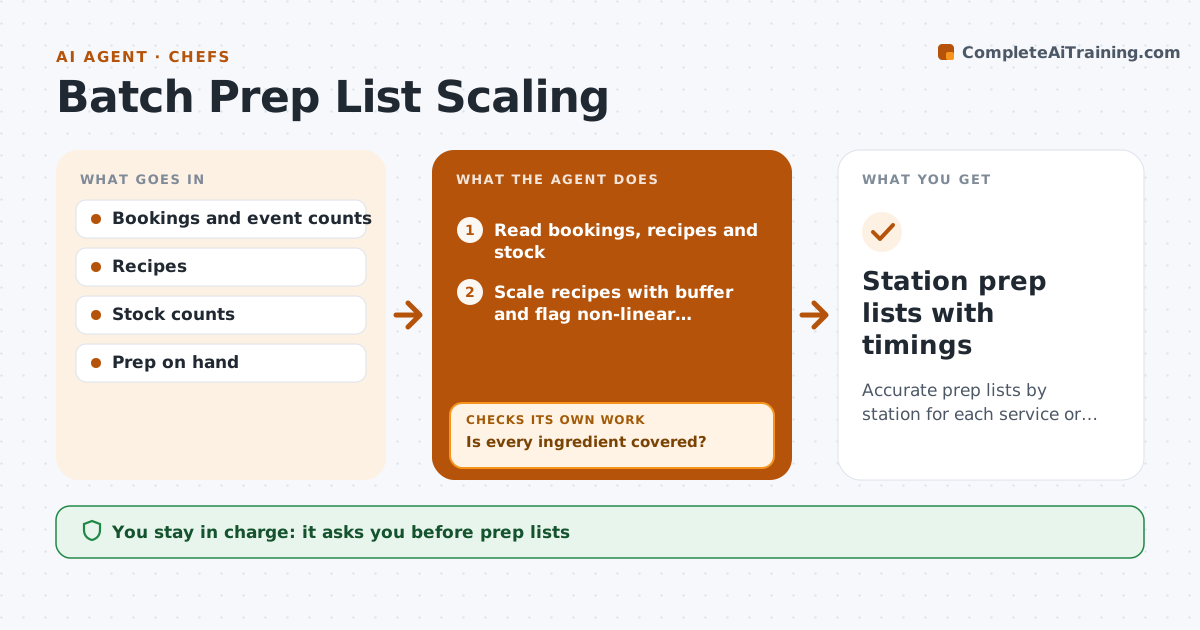
Every service or event needs prep lists scaled to expected covers, and scaling by hand leads to shortages mid-service or waste at the end. When covers are confirmed, this agent reads bookings, the menu, standard recipes and stock. It scales recipes to covers plus a 5 percent buffer, converts units and builds prep lists by station with start times. Spices, salt and leavening do not scale in a straight line, so they are flagged for the chef to taste and adjust. It then compares the needs with current stock and prep already in the walk-in, using older prep first. If something is short, it adds it to the order draft and recalculates. It also checks that every station's start time fits before service. The chef approves the prep lists and order draft. Edge case: a dish served twice in one event is combined into one prep task.
How it works
Follow the arrows from top to bottom. The orange dashed arrow is the loop: when a check fails, the agent goes back and tries again.
Read the steps as a list
- Covers confirmed for the next service or event
- Read bookings, recipes and stock
- Scale recipes with buffer and flag non-linear ingredients
- Build prep lists by station with start times
- Compare needs with stock and prep on hand
- Is every ingredient covered?If not: add shortages to the order draft and recalculate. Back to step 3.
- Does every station finish prep before service?If not: move start times earlier or split tasks across stations. Back to step 4.
- Chef approves prep lists and order draftThe agent waits here for your OK.
- Station prep lists with timings
How it decides
It scales by expected covers plus a buffer, flags non-linear ingredients, and only finalizes when every ingredient is in stock or on order.
- Buffer of 5 percent on covers by default
- Spices, salt and leavening are flagged, not scaled
- Prep already on hand is used first by date
Make it yours
Every agent is a starting point. You choose these settings for your own situation.
- Cover buffer (default 5 percent)
- Stations and start times
- Units used
- Event lead time
What keeps you in control
It always asks you first
- Prep lists
- Order draft
Hard limits
- Never places orders
- Never edits standard recipes
It stops when
- Done: approved prep lists
- Stop: a recipe is missing quantities, ask the chef
Set it up
We guide you through the set-up, step by step
Members get the full set-up guide for this agent. No technical skills needed: you copy, paste and upload.
- One set of instructions to paste into your AI, with the clicks for ChatGPT, Claude, Microsoft 365 Copilot, Gemini and Grok
- The agent then walks you through connecting your own data, one source at a time
- A downloadable copy with the flow chart, the rules and the full guide