
AI agent for special education teachers
Behavior Pattern Agent
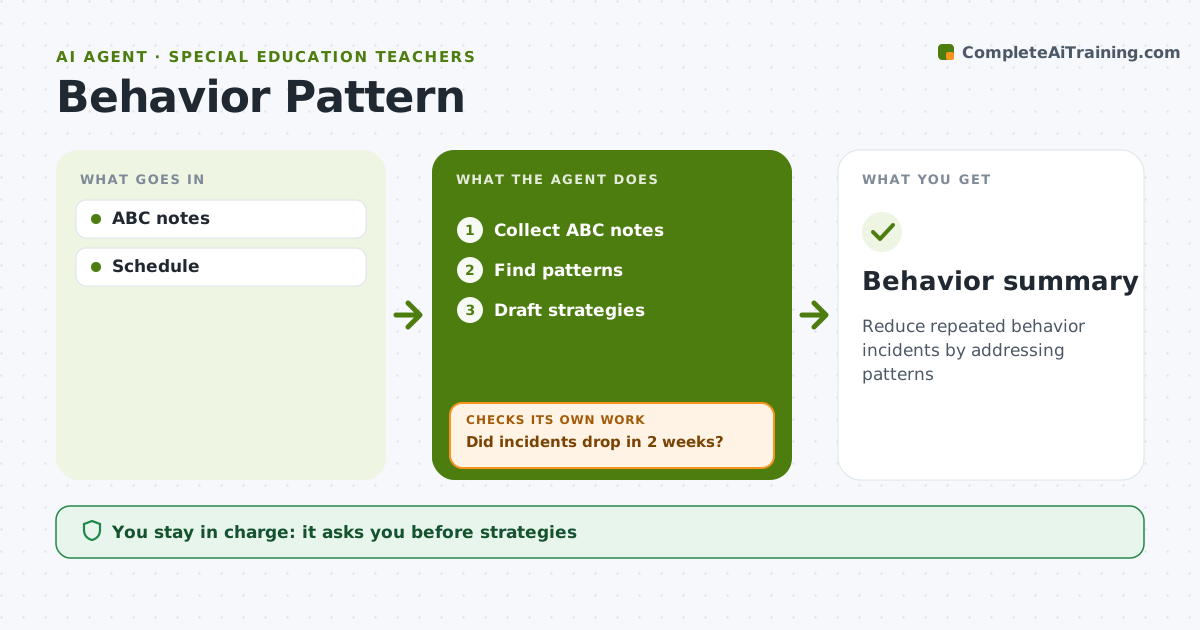
Reduce repeated behavior incidents by addressing patterns
What it does
Repeated behavior like hitting, running off or shutting down usually has a pattern: what happens before, what happens after, time of day and setting. Teachers rarely have time to see it. This agent collects short antecedent-behavior-consequence notes, waits until there are at least five for a child, then groups them and shows patterns such as most incidents during transitions or before lunch. It drafts support strategies matched to the likely function of the behavior, like extra warning before transitions or a quiet corner. The teacher picks the strategy and approves any parent communication. Over the next two weeks the agent tracks incident counts. If they do not drop, it suggests the next strategy or a team meeting and keeps tracking. Edge case: safety incidents follow school procedures immediately and are never held back to wait for a pattern.
How it works
Follow the arrows from top to bottom. The orange dashed arrow is the loop: when a check fails, the agent goes back and tries again.
Read the steps as a list
- Third incident logged
- Collect ABC notes
- Find patterns
- Draft strategies
- Teacher picks strategiesThe agent waits here for your OK.
- Did incidents drop in 2 weeks?If not: suggest next strategy or team meeting. Back to step 4.
- Behavior summary
How it decides
Patterns by setting, time and consequence suggest the likely function.
- At least 5 notes before patterns
- Function guides strategy
- No drop in 2 weeks triggers next step
Make it yours
Every agent is a starting point. You choose these settings for your own situation.
- Note form
- Review window
- Strategy bank
- Who is informed
What keeps you in control
It always asks you first
- Strategies
- Parent communication
Hard limits
- No labels
- Safety per procedure
It stops when
- Done: incidents reduced
- Stop: referred to specialist team
Set it up
We guide you through the set-up, step by step
Members get the full set-up guide for this agent. No technical skills needed: you copy, paste and upload.
- One set of instructions to paste into your AI, with the clicks for ChatGPT, Claude, Microsoft 365 Copilot, Gemini and Grok
- The agent then walks you through connecting your own data, one source at a time
- A downloadable copy with the flow chart, the rules and the full guide



