
Learning path
Learning AI as a Preschool Teacher
This path helps preschool teachers use AI for lesson planning, parent notes, routines, and observation records. You will start with setup, connect your AI, practice prompts, and choose short video courses for your classroom.

Your path
Everything in the Preschool Teacher AI kit, in the order that makes sense. Members tick off each step and see their progress.
Set up your AI
We guide you through each click.
Let skills do your everyday tasks
Connect your apps and pick your AI apps
Hand whole tasks to AI agents
Build your own tools
Keep growing
Everything for preschool teachers
All the courses, certifications, AI tools, MCP servers and apps for preschool teachers, most relevant first. Open any list to see more.
Take the prompt courses
A short framework course to learn how to ask, then 9 lessons with ready-to-use prompts for preschool teachers.
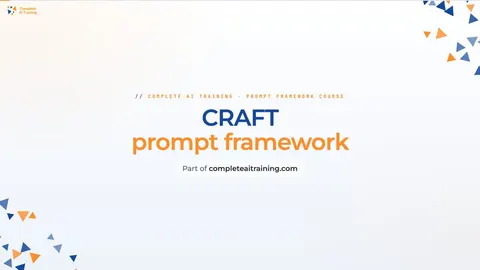
Start with this framework: how to talk to AI
CRAFT helps you write parent newsletters by setting context, role, action, format, and tone, like explaining a messy art day.
Then your prompt course for preschool teachers- 1Plan Daily Lessons3 prompts
- 2Teach Early Literacy3 prompts
- 3Organize Creative Activities3 prompts
- 4Guide Behavior And Routines2 prompts
- 5Track Child Development3 prompts
- 6Communicate With Parents5 prompts
- 7Support Every Learner3 prompts
- 8Document Classroom Admin2 prompts
- 9Reflect And Improve Teaching2 prompts
Watch the video courses or add them to your Favorites for later
67 video courses our AI picked for preschool teachers, most useful first. Save the ones you want to watch later with the heart.
Favorites are saved to your account: sign in or get your AI kit first.
Show all 67 video courses
Get certified, or add certifications to your Favorites
Every course ends in an exam and a certificate you can add to LinkedIn. Save the certifications you are aiming for with the heart.
Favorites are saved to your account: sign in or get your AI kit first.
More certifications for preschool teachersShow all 24 certifications
Try the AI tools for preschool teachers
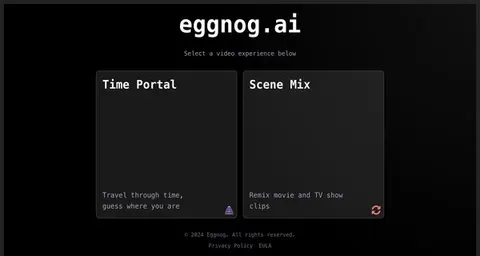
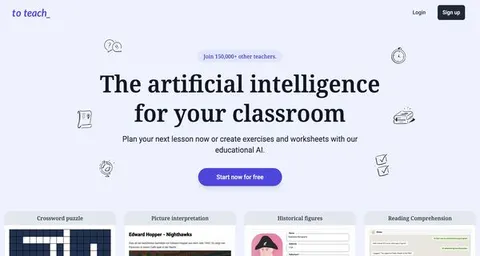
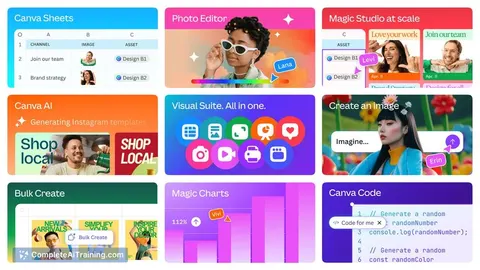
24 AI tools our AI matched to the work of preschool teachers, best fit first. Each review shows what it does, its alternatives and the jobs it suits.
Favorites are saved to your account: sign in or get your AI kit first.
Show all 24 AI tools
Connect your AI to the apps preschool teachers use
MCP servers let ChatGPT, Claude or Copilot look things up and get work done in other apps, like your email, calendar or bookkeeping software. These 12 fit the work of preschool teachers best, well-known apps first.

Google Drive MCP server
by A1-x-TechLet your AI search, organize, upload, download, export and share your Google Drive files for you.
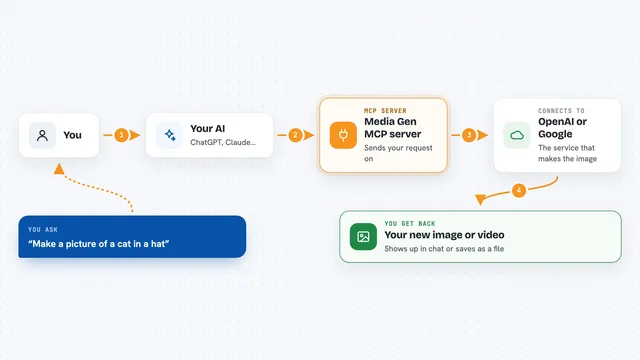
Media Gen MCP server
by strato-spaceCreate and edit images and videos with OpenAI and Google tools, right from your AI chat.

DuckDuckGo Search MCP server
by zhsamaLets your AI search the web through DuckDuckGo and bring back results for you.

Google Workspace MCP server
by taylorwilsdonLets your AI read and write your Gmail, Calendar, Drive, Docs, Sheets and more, all from one chat.

Notion MCP server
by ankitmalik84Let your AI search, read, and write in your Notion pages and databases for you.

Bing Search MCP server
by leehanchungLets your AI search the web, news, and images through Microsoft Bing while you chat.
Show all 12 MCP servers

Brave Search MCP server
by braveLets your AI search the web, news, images, and places through Brave Search.
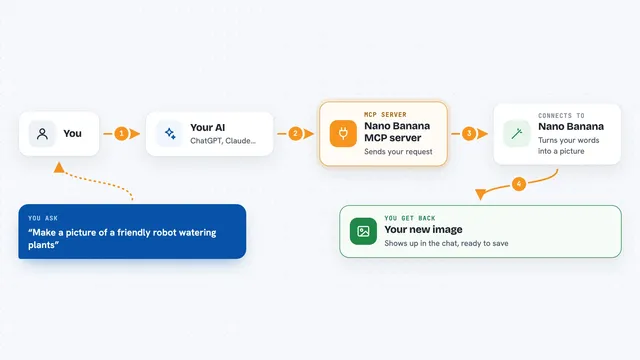
Nano Banana MCP server
by nanana-appLet your AI create new images or change existing ones using the Nano Banana image model.

OpenAI GPT Image MCP server
by SureScaleAILets your AI create and edit images with OpenAI's image models, right from the chat.

Google Docs MCP server
by A1-x-TechLet your AI read, summarize, edit and comment on your Google Docs without leaving the chat.
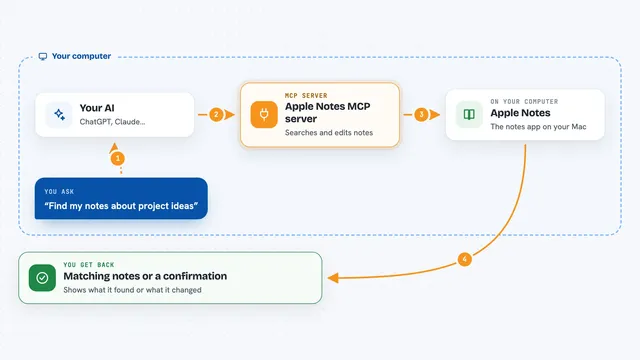
Apple Notes MCP server
by disco-trooperLets your AI search, read, create, update, and move your Apple Notes for you.

Google Custom Search MCP server
by A1-x-TechLets your AI search the web and images through your own Google Programmable Search Engine.
Build your own AI apps for preschool teachers
Apps you build yourself with your own AI, no coding needed and no monthly fee. Our AI picked the one that fits the work of preschool teachers.



























































About this learning path
6 topicsAI Skills for Preschool Teachers, Step by Step
Preschool days are full of small, important moments. Planning, notes, and paperwork can pull you away from the children.
This path shows you how to use AI to handle some of that work while keeping your own judgment, your voice, and your care at the center.
Why AI Matters Now
Families and programs are asking more of preschool teachers. You are asked to observe, document, communicate, and still be fully present with children. AI can help with the writing and planning parts so you have more attention for the room.
AI does not replace your training or your knowledge of each child. It helps you start drafts, sort ideas, and save time on routine tasks.
What the Path Includes
The path begins with setup questions and a simple way to connect your AI tool. You then practice skills for your job inside your AI, such as turning a theme into activities or a note into a clear observation.
Next you take this prompt course, then choose video courses picked for preschool teachers. Each video course shows its certification so you can track your learning.
How It Saves You Time
Lesson planning, newsletter drafts, supply lists, and behavior notes can take hours. With ready prompts, you can create a first draft in minutes and then shape it to fit your classroom.
Saved time goes back to children, families, and your own rest. Small daily savings add up over a school year.
How It Protects Your Career
Preschool teachers are trusted to make careful decisions about children. This path teaches you to use AI as a helper, not as a decision maker. You keep control of what goes into a child's record.
You also learn privacy habits, such as removing names and family details before using an AI tool. These habits show professionalism and protect the trust families place in you.
How to Start
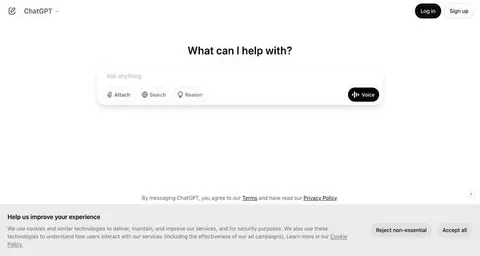
Start with the setup questions and connect one AI tool you already use, like ChatGPT, Claude, or Gemini. Then try one prompt from the course on a real task, such as tomorrow's circle time plan.
Keep the result only if it fits your children and your program. Adjust, add your own words, and save what works for next time.
Frequently asked questions
Do I need to be good with technology?
No. The path starts with simple setup questions and plain steps. If you can write an email, you can use these prompts.Will AI make decisions about children?
No. You stay in charge of observations, plans, and reports. AI helps you draft and organize, but you check every detail against what you saw.What if my program has privacy rules?
Follow your program's rules first. Use only the details your program allows, and remove names or identifying information before you put anything into an AI tool.How long does the path take?
You can move at your own pace. Many teachers start with one prompt a day and add video courses when they have time.