
AI agent for media relations specialists
Byline and Op-Ed Placement Tracker Agent
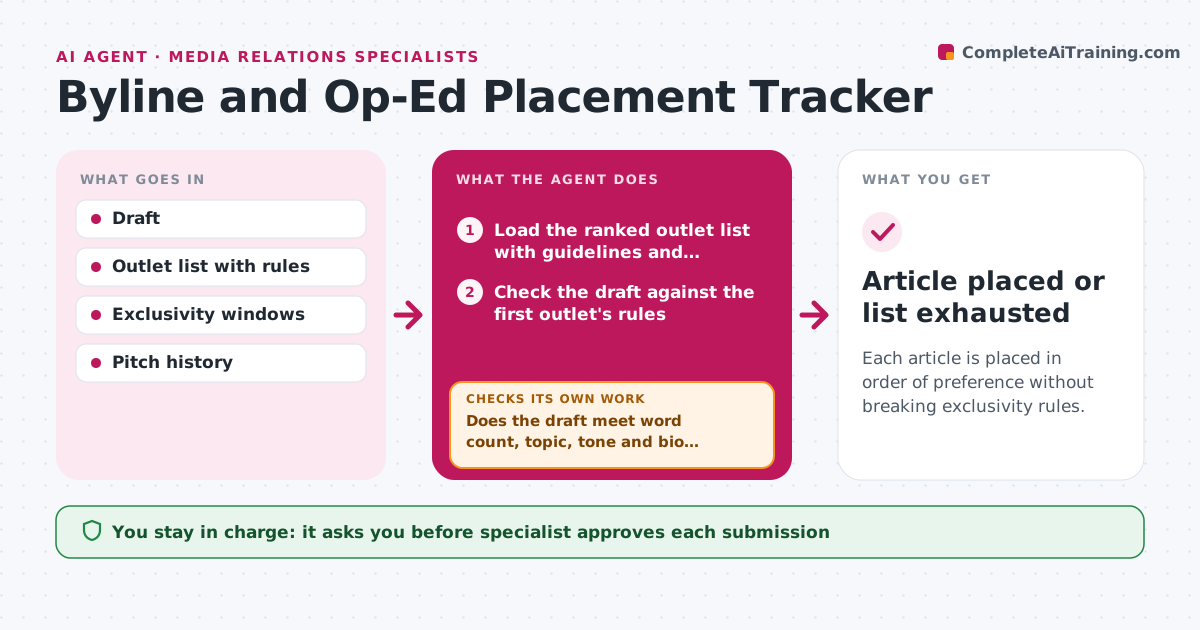
Each article is placed in order of preference without breaking exclusivity rules.
What it does
A byline article goes to one outlet, then another, and no one is sure who has exclusivity or whether a silent outlet has passed. This agent tracks each submission with the outlet's guidelines, its exclusivity window and any replies. When the window expires with no answer, it prepares the move to the next outlet on the list. Before each submission it checks the draft against the outlet's rules for word count, topic, tone, author bio and previous publication, and lists what to change. It keeps a status board of every piece. The specialist approves each submission. Edge case: an outlet requires an exclusive for 7 days, but the draft was already offered elsewhere 5 days ago.
How it works
Follow the arrows from top to bottom. The orange dashed arrow is the loop: when a check fails, the agent goes back and tries again.
Read the steps as a list
- Contributed article ready for placement
- Load the ranked outlet list with guidelines and exclusivity windows
- Check the draft against the first outlet's rules
- Does the draft meet word count, topic, tone and bio rules?If not: list the changes needed and recheck after the specialist edits. Back to step 3.
- Specialist approves submissionThe agent waits here for your OK.
- Send the submission and start the exclusivity timer
- Check for replies and track the window daily
- Has the outlet accepted, declined or gone silent past the window?If not: send one follow-up and wait until the window ends. Back to step 7.
- On a decline or lapse, prepare the next outlet submission
- Update the status board
- Article placed or list exhausted
How it decides
It submits to the next outlet only after the current window expires or the outlet declines, and it blocks submissions that break an exclusivity rule.
- Never submit to a second outlet inside an active exclusivity window.
- Send one follow-up halfway through the window.
- Treat silence at the window's end as a pass.
- Adjust word count and angle to each outlet.
Make it yours
Every agent is a starting point. You choose these settings for your own situation.
- Outlet ranking
- Exclusivity windows per outlet
- Follow-up timing
- Article format limits
What keeps you in control
It always asks you first
- Specialist approves each submission
Hard limits
- Respect each outlet's exclusivity
- Never submit without approval
It stops when
- Done: article accepted and scheduled.
- Stop: all outlets decline, so the specialist reviews the angle.
Set it up
We guide you through the set-up, step by step
Members get the full set-up guide for this agent. No technical skills needed: you copy, paste and upload.
- One set of instructions to paste into your AI, with the clicks for ChatGPT, Claude, Microsoft 365 Copilot, Gemini and Grok
- The agent then walks you through connecting your own data, one source at a time
- A downloadable copy with the flow chart, the rules and the full guide



