AI agent for environmental consultants
Carbon Footprint Inventory Agent
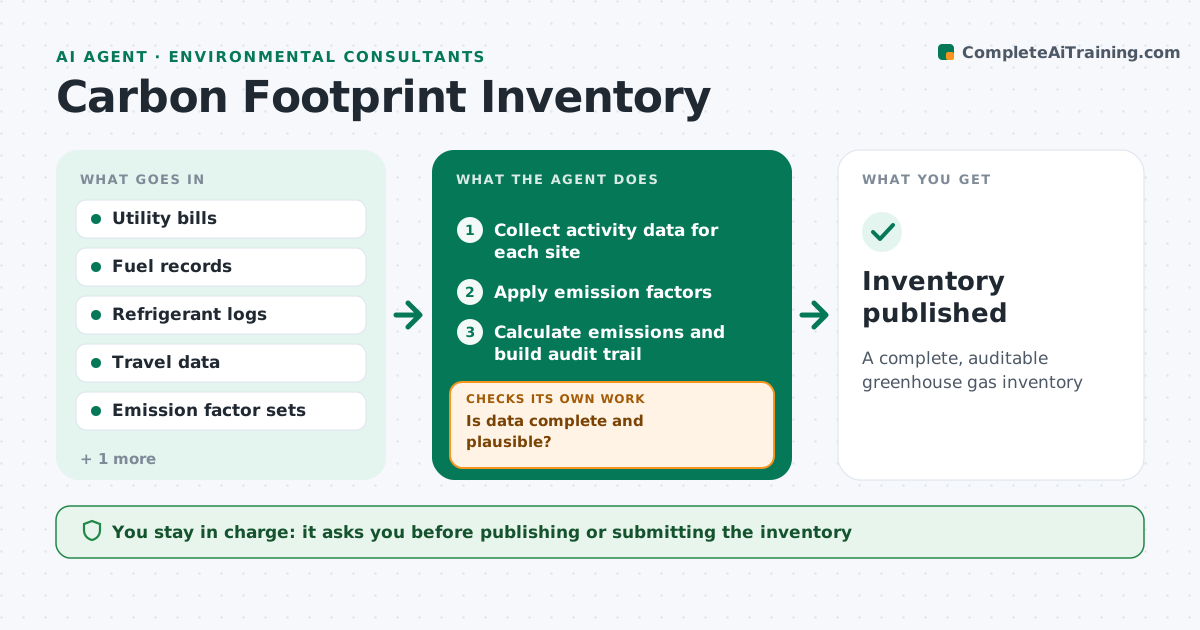
A complete, auditable greenhouse gas inventory
What it does
A greenhouse gas inventory pulls fuel, electricity, refrigerant and travel data from many sources, and gaps or wrong factors undermine the whole report. When the inventory period ends, this agent collects activity data for each site and source. It checks for gaps and unusual changes compared with last year. Missing data or big changes go to data owners with specific questions, and the agent checks again when answers arrive. It then applies emission factors that match the year and region, calculates scope 1, 2 and selected scope 3 emissions, and keeps a full audit trail. It drafts the inventory report. The engineer approves the report before it is published or submitted. Edge case: a site sold mid-year is included only for the months it was owned.
How it works
Follow the arrows from top to bottom. The orange dashed arrow is the loop: when a check fails, the agent goes back and tries again.
Read the steps as a list
- Inventory period ends
- Collect activity data for each site
- Is data complete and plausible?If not: send questions to data owners. Back to step 2.
- Apply emission factors
- Calculate emissions and build audit trail
- Draft inventory report
- Engineer approves reportThe agent waits here for your OK.
- Inventory published
How it decides
It flags sites with missing months or changes above the threshold and uses factor sets that match the year and region.
- Use factors that match year and region
- Flag changes above threshold
- Include sites only for months owned
Make it yours
Every agent is a starting point. You choose these settings for your own situation.
- Scopes to include
- Change threshold (default 20%)
- Factor sets
- Report format
What keeps you in control
It always asks you first
- Publishing or submitting the inventory
Hard limits
- Never estimates missing data without a note
- Never publishes without approval
It stops when
- Done: inventory published
- Stop: key data missing at deadline
Set it up
We guide you through the set-up, step by step
Members get the full set-up guide for this agent. No technical skills needed: you copy, paste and upload.
- One set of instructions to paste into your AI, with the clicks for ChatGPT, Claude, Microsoft 365 Copilot, Gemini and Grok
- The agent then walks you through connecting your own data, one source at a time
- A downloadable copy with the flow chart, the rules and the full guide