AI agent for ecologists
Survey Route and Coverage Planning Agent
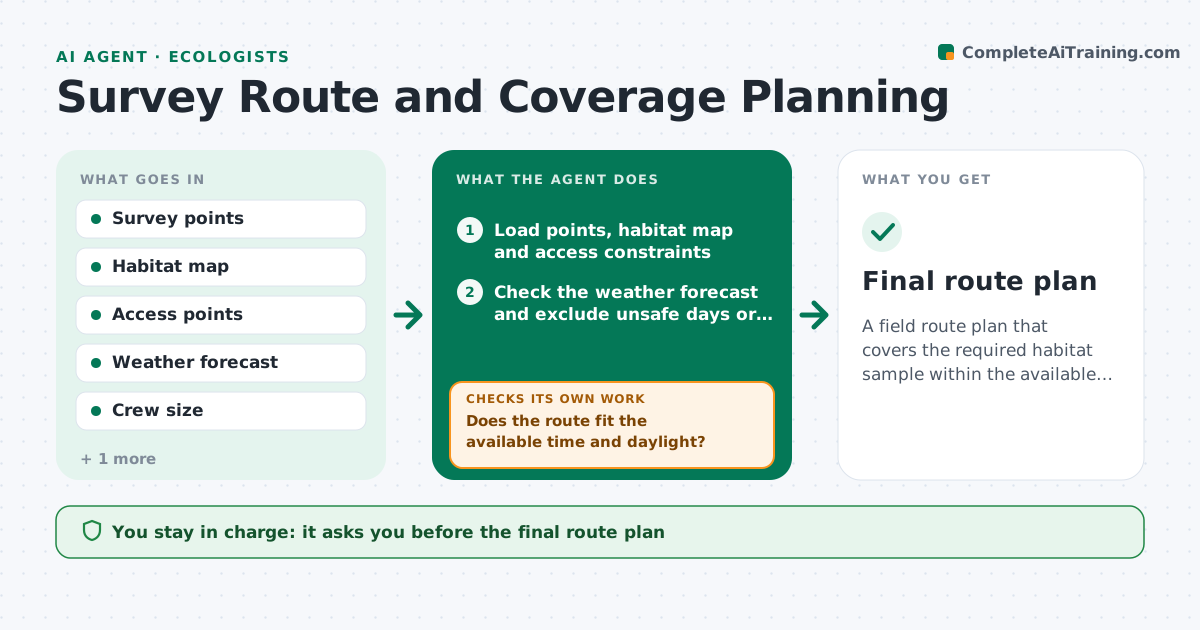
A field route plan that covers the required habitat sample within the available time and daylight.
What it does
A field day is short, access is limited and the target habitats are scattered, so hand-drawn routes miss patches or double back. This agent builds routes from the survey points, access points and weather windows. It checks how much of each target habitat the route covers against the sampling plan, and reroutes until the coverage meets the plan or states what is missing. It estimates drive and walk times against daylight and crew size, and drops points that cannot be reached safely. You approve the plan before the crew goes out. Edge case: points within a protected nesting period are moved or removed from the route.
How it works
Follow the arrows from top to bottom. The orange dashed arrow is the loop: when a check fails, the agent goes back and tries again.
Read the steps as a list
- Survey trip planned
- Load points, habitat map and access constraints
- Check the weather forecast and exclude unsafe days or areas
- Build a first route that visits required points efficiently
- Estimate travel, walk and sampling time against daylight
- Does the route fit the available time and daylight?If not: drop low-priority points or add a day and rebuild. Back to step 4.
- Calculate habitat coverage achieved against the plan
- Does coverage meet the plan for each target habitat?If not: add or swap points to cover the missing habitat and reroute. Back to step 4.
- Write the route sheet and a list of dropped points
- Ecologist approves the planThe agent waits here for your OK.
- Final route plan
How it decides
It builds the shortest route that visits required points, then adds points until habitat coverage meets the plan, within a time limit and safety constraints.
- Point in a restricted nesting season: remove or move it
- Walk time over 90 minutes from the vehicle: mark as a separate trip
- Habitat coverage under the plan by 10 percent or more: add points before adding time
- Rain forecast over 10 mm: move access-limited points to another day
Make it yours
Every agent is a starting point. You choose these settings for your own situation.
- Daylight hours and crew size
- Coverage target by habitat
- Walking time limit
- Restricted periods
- Weather limits
What keeps you in control
It always asks you first
- The final route plan
Hard limits
- Never route onto land without confirmed access
- Never ignore safety limits
It stops when
- Done: route approved
- Stop: no route meets coverage within limits, report the gap
Set it up
We guide you through the set-up, step by step
Members get the full set-up guide for this agent. No technical skills needed: you copy, paste and upload.
- One set of instructions to paste into your AI, with the clicks for ChatGPT, Claude, Microsoft 365 Copilot, Gemini and Grok
- The agent then walks you through connecting your own data, one source at a time
- A downloadable copy with the flow chart, the rules and the full guide