AI agent for packaging engineers
Case and Pallet Cube Optimization Agent
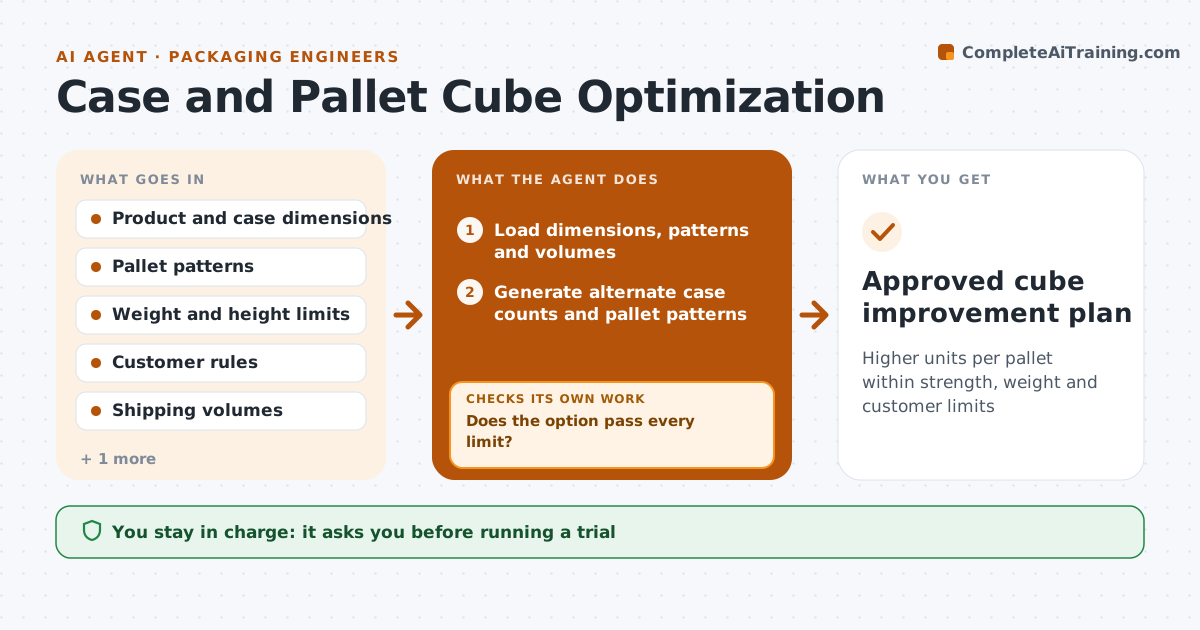
Higher units per pallet within strength, weight and customer limits
What it does
Freight cost depends on how well cases fill pallets and trucks, and many products ship partly empty. This agent reads product and case dimensions, current pallet patterns and shipping volumes. It tests alternate case counts and pallet patterns to raise units per pallet within weight and height limits. For each option it checks stacking strength and warehouse rack limits. If an option breaks a limit, it drops it and tries the next. It applies customer rules, such as a required pallet height, before ranking options. For the best option it estimates yearly freight savings and the cost of new cases. The packaging engineer and logistics analyst approve any change before a trial shipment.
How it works
Follow the arrows from top to bottom. The orange dashed arrow is the loop: when a check fails, the agent goes back and tries again.
Read the steps as a list
- Quarterly review or new product
- Load dimensions, patterns and volumes
- Generate alternate case counts and pallet patterns
- Check stacking strength, weight and rack limits
- Does the option pass every limit?If not: drop the option and generate the next one. Back to step 3.
- Estimate yearly freight saving
- Engineer and analyst approve a trialThe agent waits here for your OK.
- Approved cube improvement plan
How it decides
It ranks options by yearly freight saving and accepts only those that pass every limit.
- Customer pallet rules always apply
- Stacking strength uses a safety factor
- Rank by yearly saving
Make it yours
Every agent is a starting point. You choose these settings for your own situation.
- Safety factor for stacking
- Pallet and truck types
- Customer rules
- Minimum saving to report
What keeps you in control
It always asks you first
- Running a trial
- Changing a case count
Hard limits
- Never changes master data
- Never ignores customer rules
It stops when
- Done: plan approved
- Stop: no option beats current; record result
Set it up
We guide you through the set-up, step by step
Members get the full set-up guide for this agent. No technical skills needed: you copy, paste and upload.
- One set of instructions to paste into your AI, with the clicks for ChatGPT, Claude, Microsoft 365 Copilot, Gemini and Grok
- The agent then walks you through connecting your own data, one source at a time
- A downloadable copy with the flow chart, the rules and the full guide