AI agent for packaging engineers
Packaging Specification Reconciliation Agent
Packaging specifications that fit the product and respect material rules.
What it does
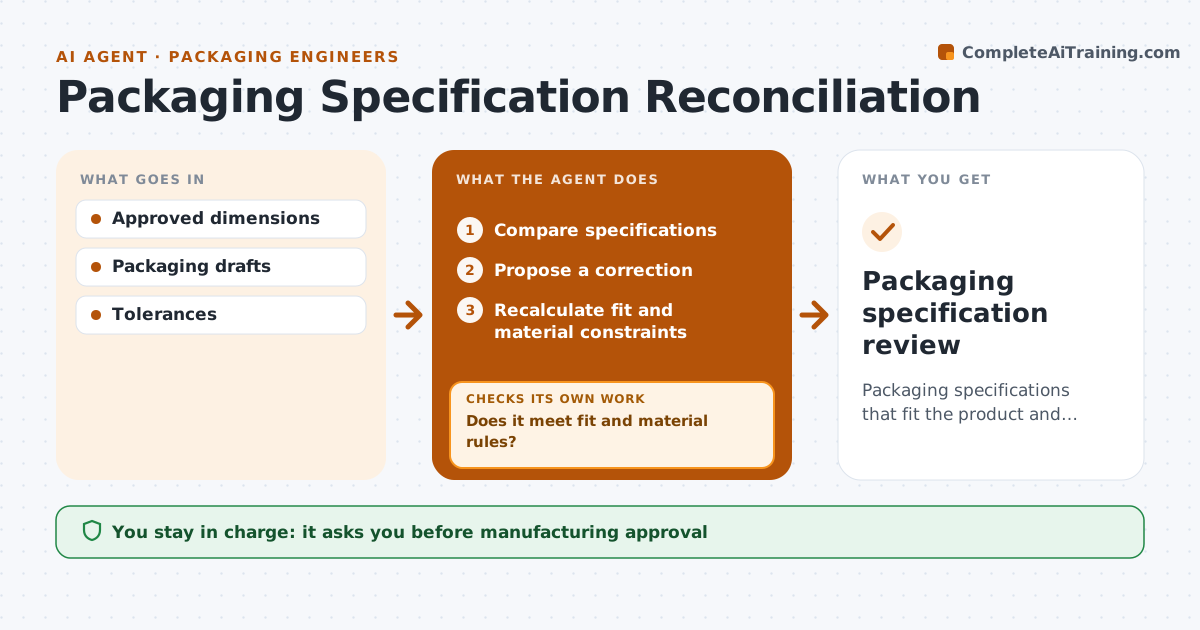
Packaging design files often disagree with the approved product dimensions, which shows up only when samples arrive. When a packaging draft is made or a product changes, this agent compares the packaging specification with the verified product dimensions and tolerances. It proposes a correction and recalculates fit, clearance and material rules such as minimum wall thickness. If a fix for fit breaks a material rule, it proposes another correction. It accepts only corrections that pass every constraint. Product operations approves the specification, and the agent never places supplier orders. Edge case: a thinner insert fixes the fit but breaks the minimum material thickness, so the box grows by 3 mm instead.
How it works
Follow the arrows from top to bottom. The orange dashed arrow is the loop: when a check fails, the agent goes back and tries again.
Read the steps as a list
- Packaging draft
- Compare specifications
- Propose a correction
- Recalculate fit and material constraints
- Does it meet fit and material rules?If not: propose another correction. Back to step 3.
- Product ops approvesThe agent waits here for your OK.
- Packaging specification review
How it decides
It only accepts corrections that satisfy every constraint.
- Accept a correction only when fit and material rules both pass.
- Use only verified product dimensions and tolerances.
- When a fix breaks one rule, propose another rather than relaxing the rule.
Make it yours
Every agent is a starting point. You choose these settings for your own situation.
- Clearance and material rules (default 3 mm clearance, 2 mm insert)
- Source of verified product dimensions
- Pallet and shipping limits to check
- Who approves specifications
What keeps you in control
It always asks you first
- Manufacturing approval
- Supplier orders
Hard limits
- Draft only.
It stops when
- Done: valid spec.
Set it up
We guide you through the set-up, step by step
Members get the full set-up guide for this agent. No technical skills needed: you copy, paste and upload.
- One set of instructions to paste into your AI, with the clicks for ChatGPT, Claude, Microsoft 365 Copilot, Gemini and Grok
- The agent then walks you through connecting your own data, one source at a time
- A downloadable copy with the flow chart, the rules and the full guide