AI agent for packaging engineers
Pilot to Plant Costing Agent
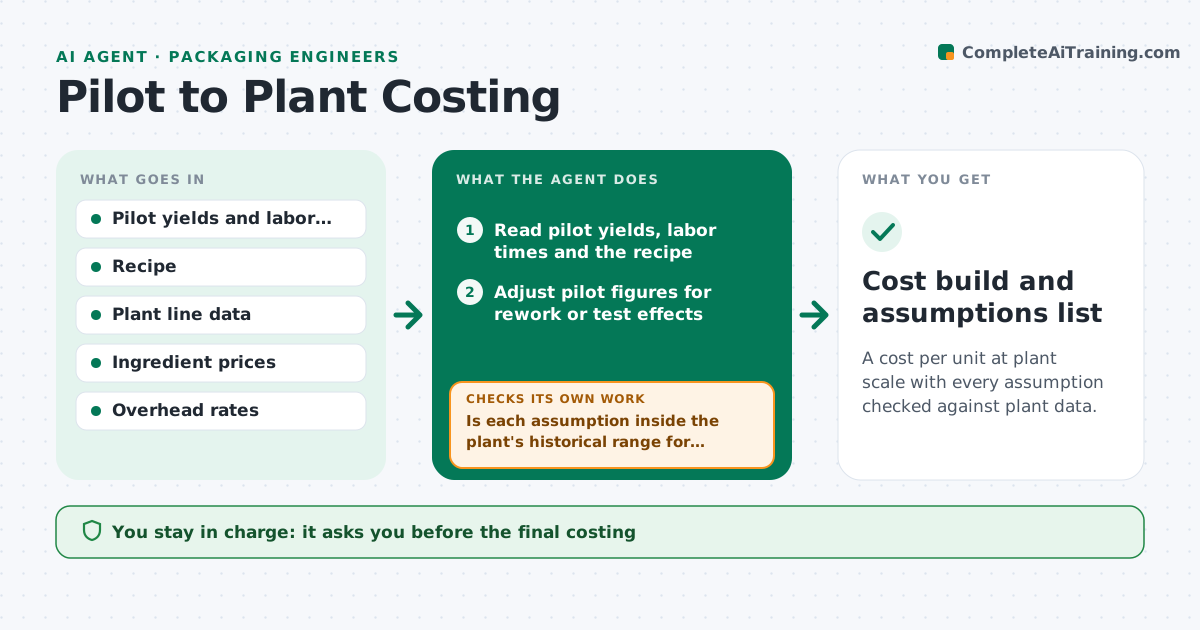
A cost per unit at plant scale with every assumption checked against plant data.
What it does
A pilot batch looks cheap, then the plant quote is 30 percent higher because yields, labor and changeovers behave differently at scale. This agent takes pilot yields and labor times and scales them using plant data, such as line speed, scrap rates, labor crews and changeover times. It computes a cost per unit and checks each assumption against plant records of similar products. When an assumption does not match history, it updates it and reruns. It shows the cost build with the weakest assumptions highlighted. You approve the costing. Edge case: pilot yield from a batch that included rework is adjusted before it is used.
How it works
Follow the arrows from top to bottom. The orange dashed arrow is the loop: when a check fails, the agent goes back and tries again.
Read the steps as a list
- Pilot run complete
- Read pilot yields, labor times and the recipe
- Adjust pilot figures for rework or test effects
- Load plant data for line speed, scrap, crew size and changeovers
- Scale yield, labor and changeover to the plant
- Compute cost per unit: ingredients, labor, packaging, overhead
- Is each assumption inside the plant's historical range for similar products?If not: replace it with the historical value and recompute. Back to step 4.
- Run a sensitivity on yield, line speed and price
- Is the cost per unit under the target price after sensitivity?If not: list the levers that close the gap, such as yield or pack size. Back to step 6.
- Developer approves the costingThe agent waits here for your OK.
- Cost build and assumptions list
How it decides
It scales pilot figures by plant factors and replaces any assumption outside the plant's historical range with the historical value.
- Pilot yield higher than any plant yield for similar products: use the plant range
- Changeover time missing: use the average for the line
- Cost over target by under 5 percent: list levers
- Overhead rate unknown: ask finance and show the cost without it
Make it yours
Every agent is a starting point. You choose these settings for your own situation.
- Plant lines to use
- Historical data window
- Target cost
- Overhead rates
- Sensitivity ranges
What keeps you in control
It always asks you first
- The final costing
Hard limits
- Never quote a price to customers
- Never use an unsourced assumption without labeling it
It stops when
- Done: costing approved
- Stop: plant data unavailable
Set it up
We guide you through the set-up, step by step
Members get the full set-up guide for this agent. No technical skills needed: you copy, paste and upload.
- One set of instructions to paste into your AI, with the clicks for ChatGPT, Claude, Microsoft 365 Copilot, Gemini and Grok
- The agent then walks you through connecting your own data, one source at a time
- A downloadable copy with the flow chart, the rules and the full guide