AI agent for packaging engineers
Packaging Artwork Change Control Agent
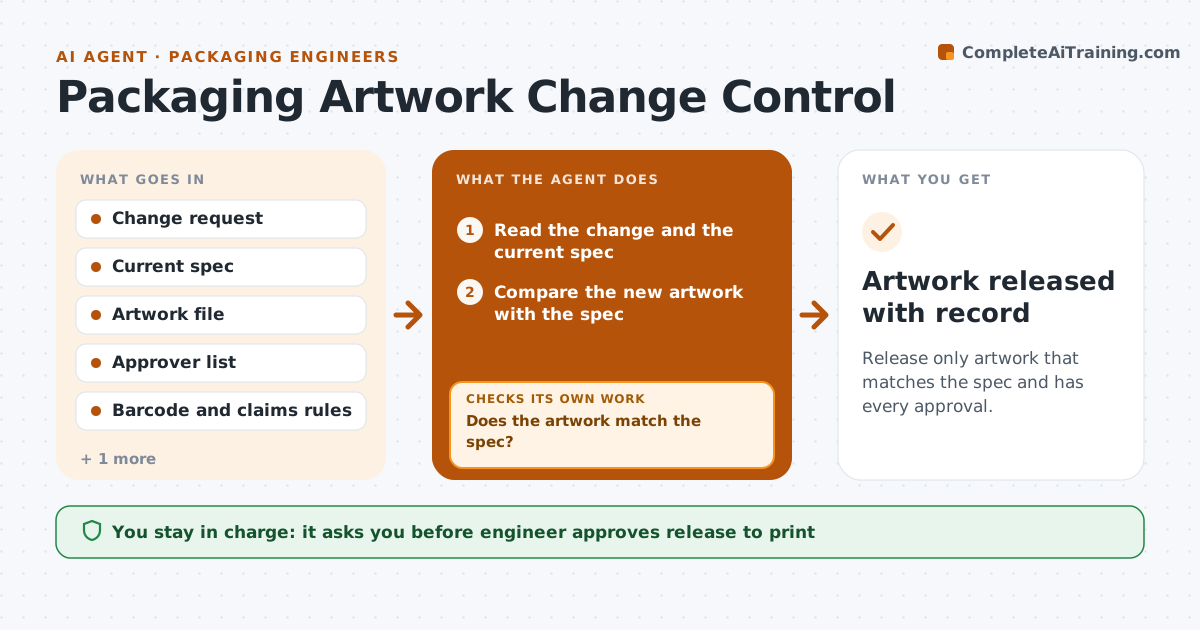
Release only artwork that matches the spec and has every approval.
What it does
A packaging artwork change touches claims, barcodes and legal marks, and a wrong version can reach print before anyone notices. For each change request this agent compares the new artwork with the specification, and checks required marks, claims and barcodes. It routes the file to every approver, tracks sign-offs and reminds those who are late. When the print proof arrives, it checks that the proof matches the approved file. Any mismatch goes back to design. The engineer approves release to print. Edge case: a barcode that scans but with the wrong product code is caught by comparing the code to the item master.
How it works
Follow the arrows from top to bottom. The orange dashed arrow is the loop: when a check fails, the agent goes back and tries again.
Read the steps as a list
- Change request opened
- Read the change and the current spec
- Compare the new artwork with the spec
- Check required marks, claims and barcode
- Does the artwork match the spec?If not: Return the file to design with the list of differences. Back to step 2.
- Route to approvers and track sign-offs
- Are all required approvals in?If not: Remind the approvers and escalate after the deadline. Back to step 5.
- Receive the print proof and compare with the approved file
- Does the proof match the approved file?If not: Send the proof back to design and the printer. Back to step 2.
- Engineer approves release to printThe agent waits here for your OK.
- Artwork released with record
How it decides
It passes artwork only when every required element matches the spec and every approver has signed.
- Barcode must match the item master code
- Required legal marks must be present and sized correctly
- Every approver on the list must sign
- Compare proof and file on text and colors
Make it yours
Every agent is a starting point. You choose these settings for your own situation.
- Approvers by change type
- Reminder timing
- Marks and claims checklist
- Proof tolerance
What keeps you in control
It always asks you first
- Engineer approves release to print
Hard limits
- Never release to print without the engineer
- Never skip an approver
It stops when
- Done: approved artwork and a matching proof are released
- Stop: the spec is unclear and the engineer decides
Set it up
We guide you through the set-up, step by step
Members get the full set-up guide for this agent. No technical skills needed: you copy, paste and upload.
- One set of instructions to paste into your AI, with the clicks for ChatGPT, Claude, Microsoft 365 Copilot, Gemini and Grok
- The agent then walks you through connecting your own data, one source at a time
- A downloadable copy with the flow chart, the rules and the full guide