AI agent for librarians
Catalog Record Quality Agent
Clean, findable catalog records
What it does
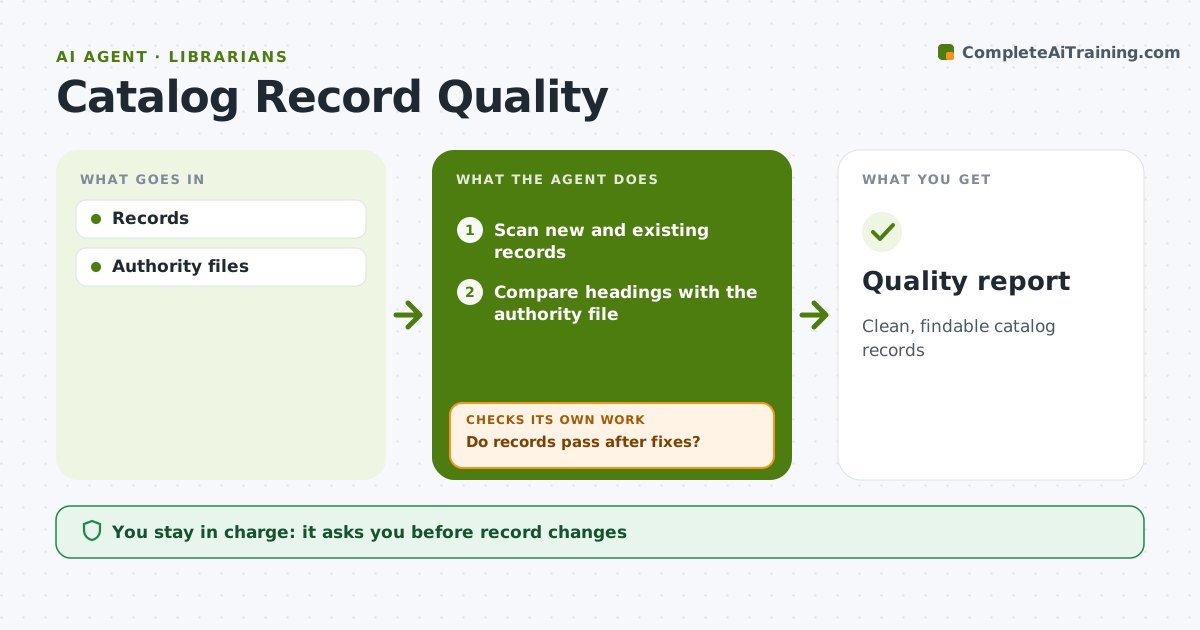
Catalog records decide whether patrons can find an item, and errors pile up from vendor feeds and quick entries. Each week this agent scans new and existing records for missing subject headings, wrong format codes, duplicate records and headings that do not match the authority files. It drafts a fix for each problem and groups fixes by type, so the cataloging librarian can approve them in batches. After fixes are applied, it rescans to confirm the records pass. Records that still fail get new draft fixes or go to manual review. It also reports error rates by source, such as a vendor feed that keeps sending bad records. Edge case: local notes added by staff are never overwritten.
How it works
Follow the arrows from top to bottom. The orange dashed arrow is the loop: when a check fails, the agent goes back and tries again.
Read the steps as a list
- Weekly scan
- Scan new and existing records
- Compare headings with the authority file
- Draft fixes and merge suggestions for duplicates
- Librarian approves fixesThe agent waits here for your OK.
- Do records pass after fixes?If not: draft new fixes for records that still fail. Back to step 4.
- Summarize patterns by source of record
- Quality report
How it decides
Rules for required fields and headings.
- Duplicates merged after review
- Local notes kept
- Headings match authority
Make it yours
Every agent is a starting point. You choose these settings for your own situation.
- Rules
- Scope
- Schedule
- Report
What keeps you in control
It always asks you first
- Record changes
Hard limits
- No deletions by agent
It stops when
- Done: report
- Stop: none
Set it up
We guide you through the set-up, step by step
Members get the full set-up guide for this agent. No technical skills needed: you copy, paste and upload.
- One set of instructions to paste into your AI, with the clicks for ChatGPT, Claude, Microsoft 365 Copilot, Gemini and Grok
- The agent then walks you through connecting your own data, one source at a time
- A downloadable copy with the flow chart, the rules and the full guide