AI agent for compliance analysts
Chemical Inventory Regulatory Threshold Agent
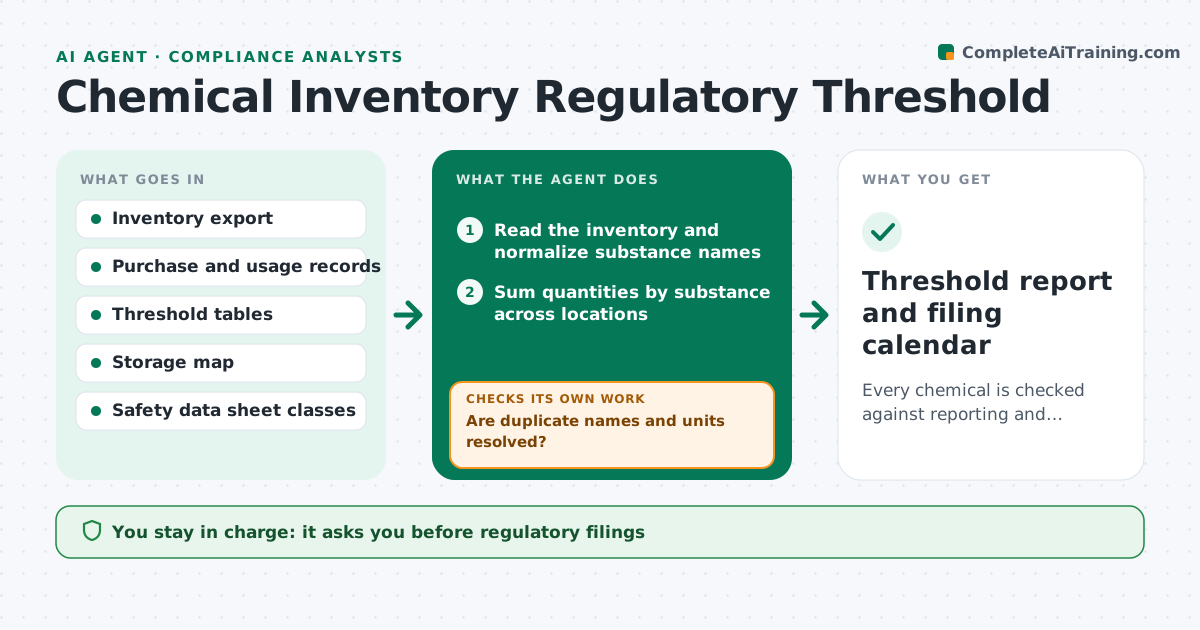
Every chemical is checked against reporting and storage limits, with required filings and risks identified before deadlines
What it does
Chemical quantities creep up through the year, and a site can pass a reporting or storage threshold without anyone noticing. Each month this agent reads the inventory and compares each substance to its reporting thresholds and storage limits. It forecasts which substances will cross a threshold using purchases and usage trends. For substances at risk, it flags the required report and its due date, and it checks storage compatibility such as incompatible classes held in the same area. After inventory changes it recalculates. The compliance lead approves every filing. Edge case: two containers of the same substance are counted under different names, so the agent merges them and the total crosses the threshold.
How it works
Follow the arrows from top to bottom. The orange dashed arrow is the loop: when a check fails, the agent goes back and tries again.
Read the steps as a list
- Monthly inventory update arrives
- Read the inventory and normalize substance names
- Sum quantities by substance across locations
- Are duplicate names and units resolved?If not: merge duplicates by CAS number and rerun. Back to step 3.
- Compare totals to reporting and storage thresholds
- Forecast next quarter's peak from purchase and usage trends
- Check storage compatibility for each area
- Is every threshold crossing or near-crossing explained?If not: request clarification from the storage owner and recalculate. Back to step 4.
- Draft the list of required reports with due dates
- Compliance lead approves filingsThe agent waits here for your OK.
- Threshold report and filing calendar
How it decides
Quantities are summed by substance name and CAS number. A substance is at risk when the forecast peak reaches 90% of a threshold.
- Flag a substance when the forecast reaches 90% of a threshold
- Merge records with the same CAS number
- Flag incompatible classes in the same storage area
- Treat missing units as an error, not a guess
Make it yours
Every agent is a starting point. You choose these settings for your own situation.
- Alert percentage of threshold (default 90%)
- Thresholds that apply to the site
- Forecast window (default 3 months)
- Storage compatibility rules
What keeps you in control
It always asks you first
- Regulatory filings
- Changes to storage layout
Hard limits
- Never files a report
- Never changes the inventory data
It stops when
- Done: all substances checked and filings prepared
- Stop: inventory data is incomplete
Set it up
We guide you through the set-up, step by step
Members get the full set-up guide for this agent. No technical skills needed: you copy, paste and upload.
- One set of instructions to paste into your AI, with the clicks for ChatGPT, Claude, Microsoft 365 Copilot, Gemini and Grok
- The agent then walks you through connecting your own data, one source at a time
- A downloadable copy with the flow chart, the rules and the full guide