AI agent for sales
Churned Customer Win-Back Agent
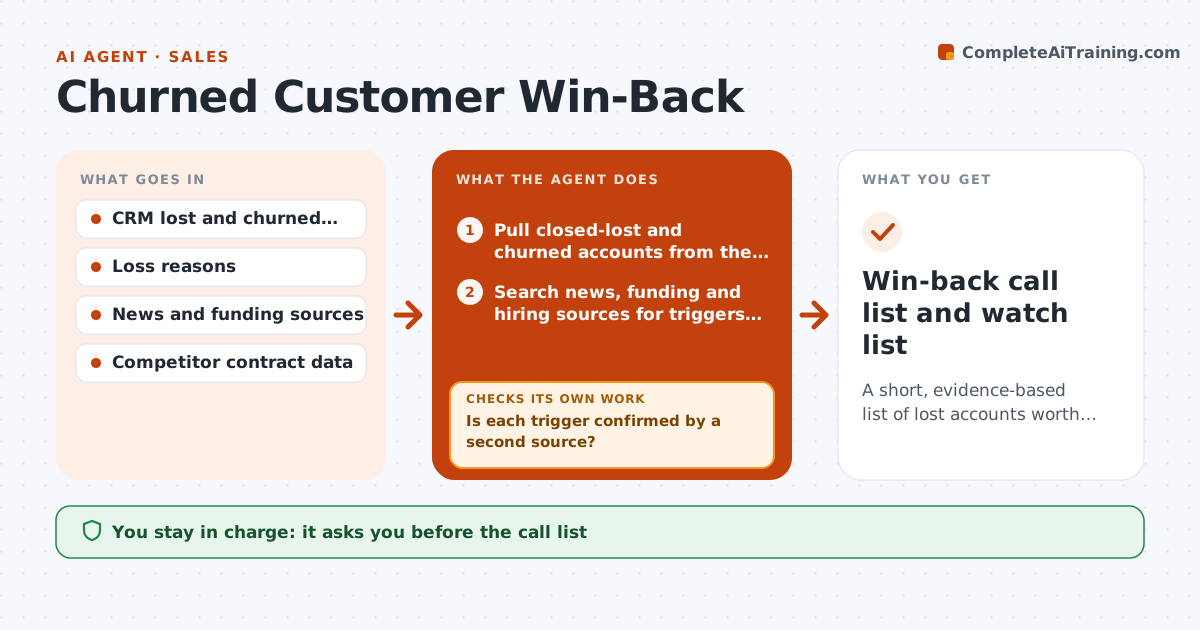
A short, evidence-based list of lost accounts worth calling now, each with a reason and an angle.
What it does
Hundreds of lost deals sit in the CRM and nobody looks at them again, even when the buyer's situation has changed. This agent scans closed-lost and churned accounts for triggers such as new funding, a leadership change, a contract expiring with a competitor or a new product need. For each trigger it checks a second source before trusting it, so a rumor does not make the list. It then scores fit using the original loss reason, size and past usage, and builds a call list with the reason for each name and a suggested opening angle. It rechecks the list monthly and drops names where the trigger turned out to be false. You approve the list and any outreach by reps. Edge case: accounts that lost over price are only listed when a new budget signal appears.
How it works
Follow the arrows from top to bottom. The orange dashed arrow is the loop: when a check fails, the agent goes back and tries again.
Read the steps as a list
- Monthly scan starts
- Pull closed-lost and churned accounts from the last 24 months
- Search news, funding and hiring sources for triggers on each account
- Is each trigger confirmed by a second source?If not: search another source; if it stays unconfirmed, drop the trigger. Back to step 3.
- Compare the trigger to the original loss reason
- Score fit and rank accounts
- Does the original blocker still apply to this account?If not: downgrade to a watch list and note what would unblock it. Back to step 5.
- Write the call list with reason, angle and last owner
- VP approves the list and any rep outreachThe agent waits here for your OK.
- Win-back call list and watch list
How it decides
It lists an account only when a trigger is confirmed by two sources and the loss reason is no longer blocking.
- Funding round announced in the last 90 days: high priority
- Lost to price and no budget signal: keep on the watch list only
- Champion who left now works at a target account: list both with the link
- Account lost over six months ago after a long trial: add the usage history to the angle
Make it yours
Every agent is a starting point. You choose these settings for your own situation.
- Trigger types to watch
- Lookback period in months (default 24)
- List size per month
- Minimum fit score
- Sources allowed for confirmation
What keeps you in control
It always asks you first
- The call list
- Any outreach by a rep
Hard limits
- Never contact an account directly
- Never list an account on an unconfirmed trigger
It stops when
- Done: list delivered and watch list updated
- Stop: no confirmed triggers this month
Set it up
We guide you through the set-up, step by step
Members get the full set-up guide for this agent. No technical skills needed: you copy, paste and upload.
- One set of instructions to paste into your AI, with the clicks for ChatGPT, Claude, Microsoft 365 Copilot, Gemini and Grok
- The agent then walks you through connecting your own data, one source at a time
- A downloadable copy with the flow chart, the rules and the full guide