
AI agent for social workers
Client ID and Document Recovery Agent
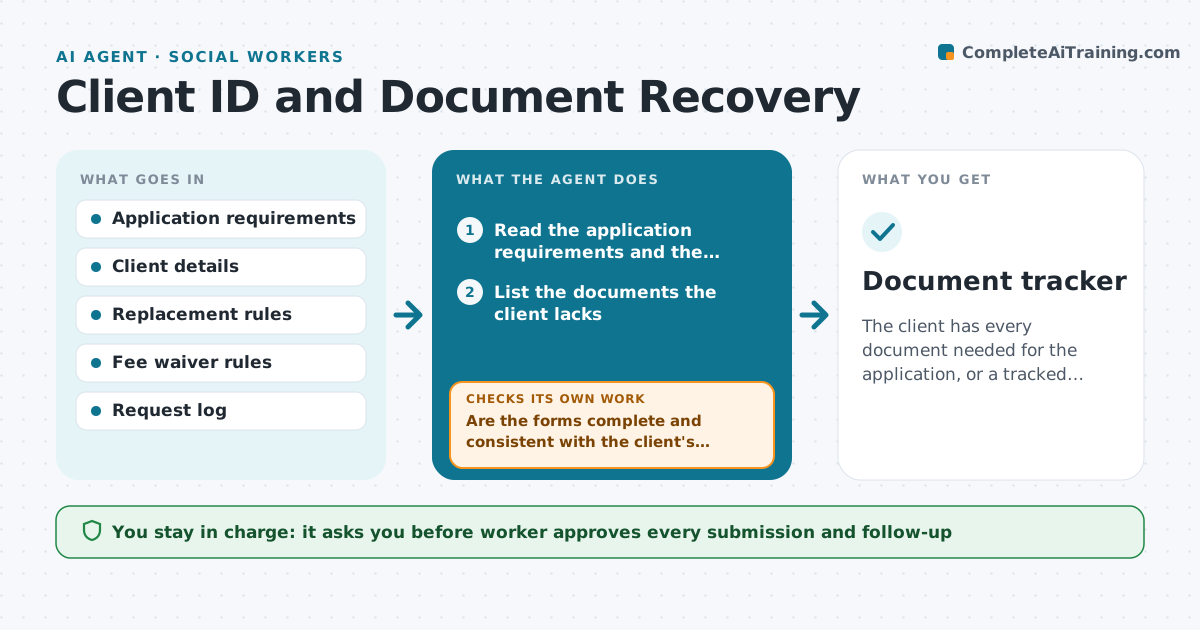
The client has every document needed for the application, or a tracked request for each missing one.
What it does
Clients need birth certificates, IDs and benefit letters for applications but do not have them. The agent lists the documents needed for each application, finds how to replace each one, checks eligibility for fee waivers and prepares the forms. It tracks mailed requests and the expected dates and escalates if there is no answer. It rechecks that the forms are complete before they go out. It checks the forms for missing details before anything goes out, because an incomplete request is returned weeks later. The worker approves submission. Edge case: a client born in another state, so the agent finds that state's vital records office and its rules.
How it works
Follow the arrows from top to bottom. The orange dashed arrow is the loop: when a check fails, the agent goes back and tries again.
Read the steps as a list
- Application needs documents
- Read the application requirements and the client's file
- List the documents the client lacks
- Find the issuing office and replacement steps
- Check fee waiver eligibility
- Prepare the request forms
- Are the forms complete and consistent with the client's facts?If not: Correct the forms and ask the client for missing details. Back to step 6.
- Worker approves submissionThe agent waits here for your OK.
- Send the request, log the date and check status after the expected time
- Has the document arrived?If not: Draft a follow-up or escalate to the issuing office. Back to step 9.
- Document tracker
How it decides
It finds the issuing office for each document, picks the fastest replacement route and checks fee waiver eligibility from the client's facts.
- Use the issuing office of the place of birth
- Apply the fee waiver only when the client qualifies
- Follow up after 14 days
- Prepare certified copies when required
Make it yours
Every agent is a starting point. You choose these settings for your own situation.
- Follow-up days (default 14)
- Documents tracked
- Fee waiver rules
- Offices and contacts
What keeps you in control
It always asks you first
- Worker approves every submission and follow-up
Hard limits
- Never send identity documents without approval
- Do not store copies outside the case file
It stops when
- Done: documents received or the application can proceed
- Stop: the issuing office rejects the request and the worker decides on another route
Set it up
We guide you through the set-up, step by step
Members get the full set-up guide for this agent. No technical skills needed: you copy, paste and upload.
- One set of instructions to paste into your AI, with the clicks for ChatGPT, Claude, Microsoft 365 Copilot, Gemini and Grok
- The agent then walks you through connecting your own data, one source at a time
- A downloadable copy with the flow chart, the rules and the full guide



