
Learning path
Learning AI as an Immigration Consultant
This learning path helps immigration consultants use AI to handle intake, letters, checklists, and client updates with less busywork. You will set up your tool, learn job-specific skills, and take a prompt course built for immigration work.

Your path
Everything in the Immigration Consultant AI kit, in the order that makes sense. Members tick off each step and see their progress.
Set up your AI
We guide you through each click.
Let skills do your everyday tasks
Connect your apps and pick your AI apps
Hand whole tasks to AI agents
Build your own tools
Keep growing
Everything for immigration consultants
All the courses, certifications, AI tools, MCP servers and apps for immigration consultants, most relevant first. Open any list to see more.
Take the prompt courses
A short framework course to learn how to ask, then 9 lessons with ready-to-use prompts for immigration consultants.
Start with this framework: how to talk to AI
CARE fits your immigration consulting because each client case, like an H-1B petition, needs context, action, result, and example to guide decisions.
Then your prompt course for immigration consultants- 1Client Intake and Eligibility3 prompts
- 2Drafting Application Letters3 prompts
- 3Document Checklists and Review3 prompts
- 4Explaining Rules and Options3 prompts
- 5Communicating with Authorities2 prompts
- 6Refusals and Appeals3 prompts
- 7Interview Preparation2 prompts
- 8Case Tracking and Client Updates3 prompts
- 9Practice Admin and Client Side2 prompts
Watch the video courses or add them to your Favorites for later
111 video courses our AI picked for immigration consultants, most useful first. Save the ones you want to watch later with the heart.
Favorites are saved to your account: sign in or get your AI kit first.
Show all 111 video courses
Get certified, or add certifications to your Favorites
Every course ends in an exam and a certificate you can add to LinkedIn. Save the certifications you are aiming for with the heart.
Favorites are saved to your account: sign in or get your AI kit first.
More certifications for immigration consultantsShow all 24 certifications
Try the AI tools for immigration consultants
24 AI tools our AI matched to the work of immigration consultants, best fit first. Each review shows what it does, its alternatives and the jobs it suits.
Favorites are saved to your account: sign in or get your AI kit first.
Show all 24 AI tools
Connect your AI to the apps immigration consultants use
MCP servers let ChatGPT, Claude or Copilot look things up and get work done in other apps, like your email, calendar or bookkeeping software. These 12 fit the work of immigration consultants best, well-known apps first.

OfficeAgent MCP server
by ilia-sokolovLet your AI edit Word, PowerPoint and Excel files, with changes you can review before saving.
Productivity Official
Box MCP server
by boxLet your AI search your Box files, answer questions about them, and pull out details for you.
Productivity Official
Word document MCP server
by SecurityRoninLet your AI open, edit, and review Word files, with changes shown as tracked revisions.

SignWell MCP server
by BidsketchSend documents for e-signature, track who signed, and download the signed PDFs, all from your AI chat.
Productivity Official
Bing Search MCP server
by leehanchungLets your AI search the web, news, and images through Microsoft Bing while you chat.

Google Search MCP server (AceDataCloud)
by AceDataCloudLets your AI run Google searches for web, images, news, videos, places and maps, and hand you the results.
ResearchNo installShow all 12 MCP servers

Outlook Attachment Reader MCP server
by ZacccckLet your AI open and read the files attached to your Outlook emails, and send local files as drafts.

US Immigration MCP server
by tushariitr-19Ask your AI about US Visa Bulletin dates, priority dates, and immigration terms in plain English.

Google Custom Search MCP server
by A1-x-TechLets your AI search the web and images through your own Google Programmable Search Engine.

MCP Emails server
by AlbretsenLet your AI read, search, send and organize email in your own mailbox.
EmailNo install
KitchenSink4Word MCP server
by nometalalchemistLet your AI edit real Word documents: text, tables, tracked changes, citations and more.

GigaMail MCP server
by adecubedLet your AI read, search and draft your email, with you approving every send or delete.
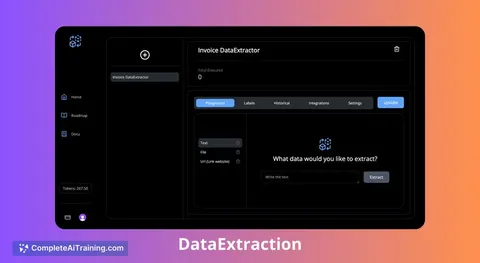
Build your own AI apps for immigration consultants
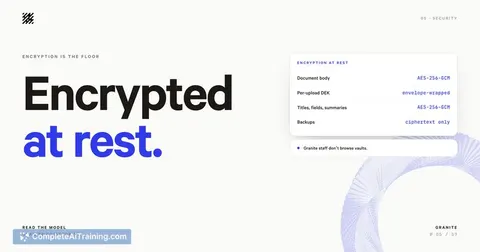
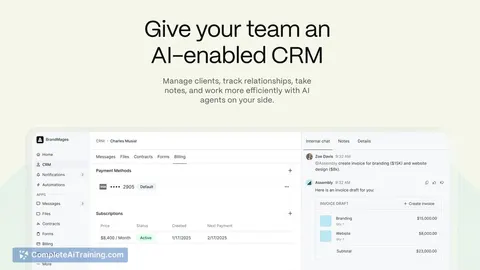
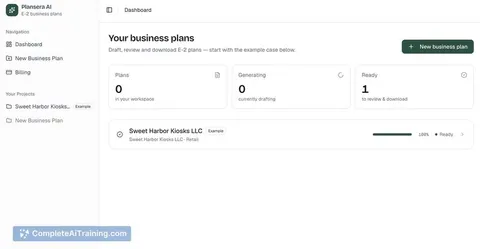
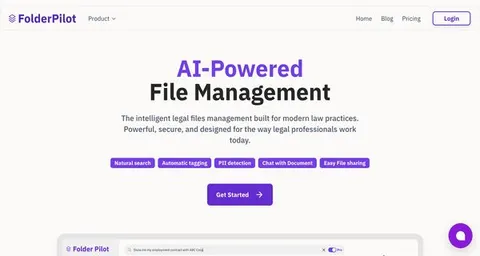
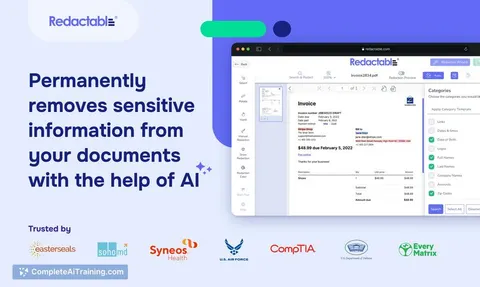
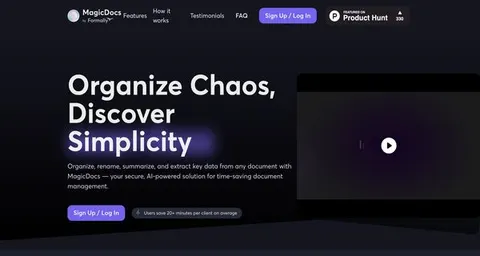
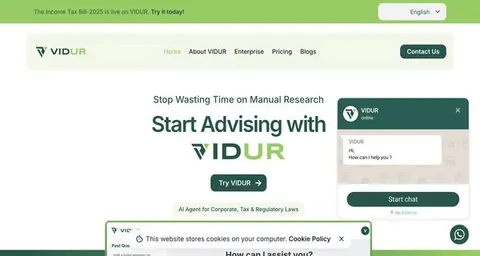
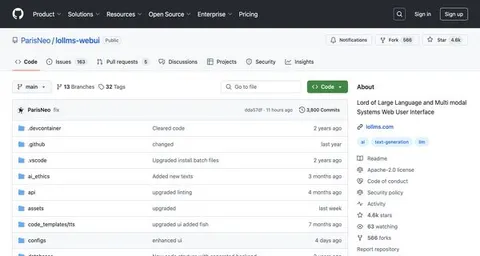
Apps you build yourself with your own AI, no coding needed and no monthly fee. Our AI picked the one that fits the work of immigration consultants.














































































































About this learning path
6 topicsUse AI well in immigration consulting work
Immigration work asks you to hold many details at once. You track visa rules, client stories, document lists, and deadlines while keeping your advice clear and calm.
This path shows you how to bring AI into that day without losing your judgment. You start with setup, connect your tool, learn skills for immigration work, then take a prompt course made for your cases.
Why AI matters for this job now
Immigration rules shift, client volumes rise, and every case needs careful writing. AI can help you sort intake notes, draft letters, and spot missing documents faster. That means more time for the parts only you can do, like advising a worried client or weighing a tricky refusal.
What this path includes
First, setup questions help you choose the right AI tool for your practice. Then you connect your AI, learn skills for the job inside your AI, and take this prompt course. You also get video courses picked for immigration consultants, along with the certifications those courses offer.
How it saves you time
AI handles the first pass on repetitive writing: intake summaries, document checklists, client update emails, and formal letters. You review and adjust instead of starting from a blank page. Small savings across many cases add up to hours you can spend on strategy or rest.
How it protects your career
Using AI well keeps your advice sharp and your files consistent. You stay in charge of every decision, check every fact, and protect client privacy. These habits make you more valuable, not less, because you bring judgment that tools cannot replace.
How to start
Begin with the setup questions to pick your tool and set privacy rules. Connect your AI, then work through the prompt course lesson by lesson. Try one prompt on a real case this week, review the output, and adjust as you go.
Frequently asked questions
Do I need to be technical to use this path?
No. The path starts with plain setup questions and simple steps to connect your AI. You do not need to write code or understand how the tools work inside.Will AI replace my role as an immigration consultant?
No. AI helps with drafts and organization, but your knowledge of immigration law and your client relationships remain central. You decide what is accurate and what advice to give.How do you keep client information safe?
You will learn practical rules, like removing names and case numbers before using a prompt. The course also covers when to keep certain details out of an AI tool entirely.Can I use the prompts with ChatGPT, Claude, or Gemini?
Yes. The prompt course is built to work across common AI tools. The lessons show you how to adapt a prompt if one tool answers differently.