AI agent for mortgage brokers
Closing Disclosure Variance Check Agent
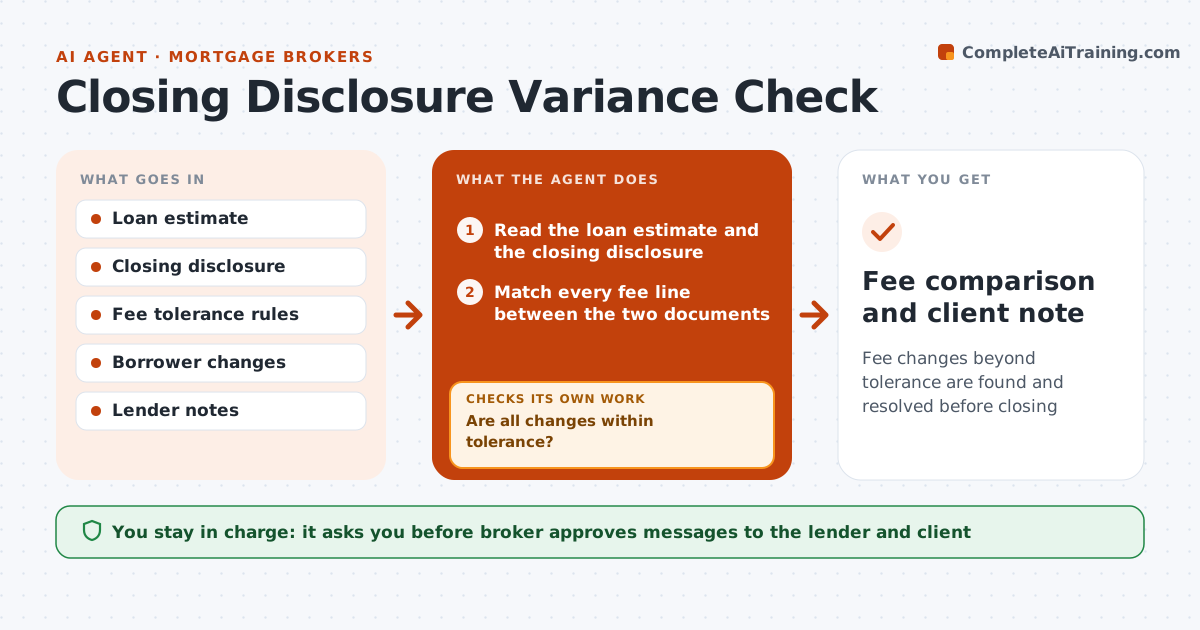
Fee changes beyond tolerance are found and resolved before closing
What it does
Borrowers get a loan estimate early and a closing disclosure days before closing, and some fees change in between. Some may change by rule only within a set tolerance. Few people compare the two line by line. This agent reads both documents, matches each fee, and calculates the change. It checks each against the tolerance category: no tolerance, ten percent in total, or unlimited. It flags the changes beyond tolerance and drafts a question to the lender asking for the reason and any cure. After the lender replies, it rechecks the corrected figures. It also prepares a plain message to the client explaining the changes. The broker approves client messages. Edge case: the borrower chose a different title company, so the agent moves those fees to the tolerance group that applies.
How it works
Follow the arrows from top to bottom. The orange dashed arrow is the loop: when a check fails, the agent goes back and tries again.
Read the steps as a list
- Closing disclosure issued
- Read the loan estimate and the closing disclosure
- Match every fee line between the two documents
- Calculate each change and its tolerance group
- Are all changes within tolerance?If not: list each fee beyond tolerance and draft a question to the lender. Back to step 3.
- Broker approves the lender messageThe agent waits here for your OK.
- Send and log the question
- Read the corrected disclosure when it arrives
- Do corrected figures resolve the flagged fees?If not: reopen the question with the remaining gap. Back to step 3.
- Broker approves the client messageThe agent waits here for your OK.
- Fee comparison and client note
How it decides
A fee is flagged when it rises above its tolerance group's limit. The ten percent group is checked in total, not per line.
- Zero tolerance for lender and transfer fees that cannot rise
- Check the ten percent group as a total
- Move fees to the right group when the borrower changed providers
- Reopen any issue still beyond tolerance
Make it yours
Every agent is a starting point. You choose these settings for your own situation.
- Tolerance rules
- Fee groups
- Lender contact
- Client message tone
What keeps you in control
It always asks you first
- Broker approves messages to the lender and client
Hard limits
- Never contact the lender or client without approval
- Do not give legal advice
- Quote the documents
It stops when
- Done: all fees within tolerance or cured
- Stop: a violation needs compliance or legal review
Set it up
We guide you through the set-up, step by step
Members get the full set-up guide for this agent. No technical skills needed: you copy, paste and upload.
- One set of instructions to paste into your AI, with the clicks for ChatGPT, Claude, Microsoft 365 Copilot, Gemini and Grok
- The agent then walks you through connecting your own data, one source at a time
- A downloadable copy with the flow chart, the rules and the full guide