AI agent for brand managers
Co-Branding Partnership Compliance Agent
Release co-branded assets that comply with both brands and have both approvals.
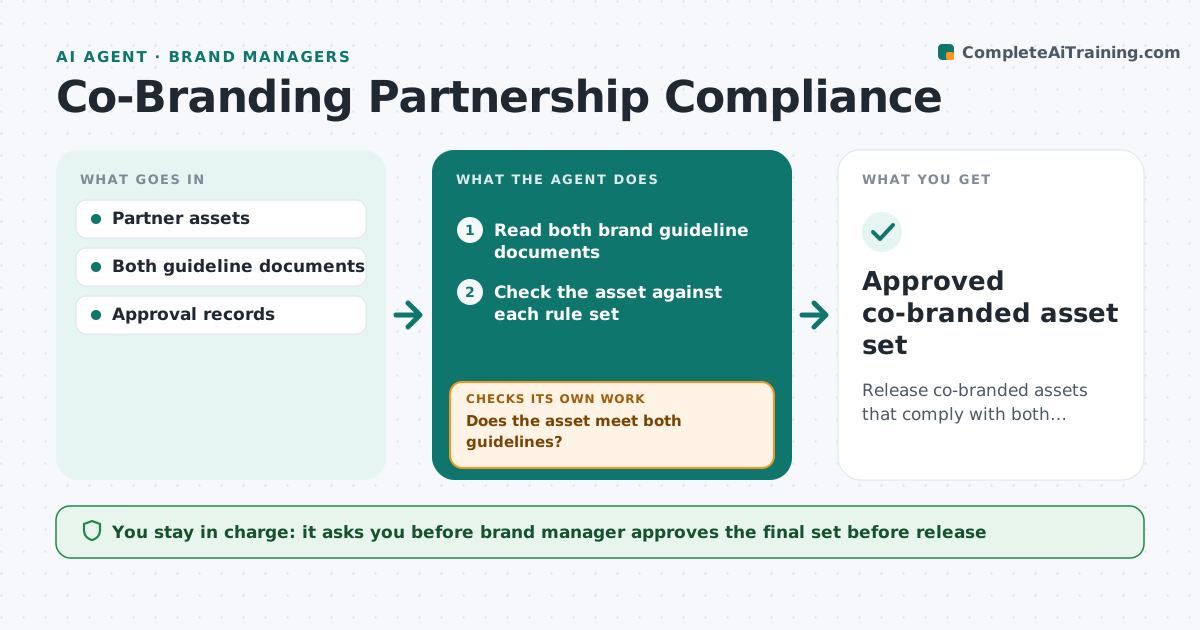
What it does
Co-branded campaigns have to follow two sets of brand rules, and approvals from the partner and from the company are slow. The agent checks each partner asset against both guideline sets, flags conflicts such as logo spacing, color use or claims, and tracks approval status from each side. It chases approvals and re-checks revised assets. It stops only when both sides approve. The brand manager approves the final set before release. Edge case: the partner's logo guide needs 20 pixels of clear space, while ours needs 30, so the agent uses the larger and notes it.
How it works
Follow the arrows from top to bottom. The orange dashed arrow is the loop: when a check fails, the agent goes back and tries again.
Read the steps as a list
- Partner asset submitted
- Read both brand guideline documents
- Check the asset against each rule set
- Does the asset meet both guidelines?If not: List each conflict and the rule it breaks, and send it for revision. Back to step 3.
- Route the asset for approval on each side
- Track approval status
- Chase approvals that are overdue
- Has the revised asset passed both checks and both approvals?If not: Re-check the revision and route it again. Back to step 3.
- Brand manager approves the final set before releaseThe agent waits here for your OK.
- Approved co-branded asset set
How it decides
An asset passes when it meets both guidelines. If rules conflict, the stricter rule applies unless the managers agree otherwise. Approvals are tracked per side.
- Where rules conflict, use the stricter one
- A claim not approved by both sides is removed
- Chase approvals after 3 business days
- Version numbers must match across assets
Make it yours
Every agent is a starting point. You choose these settings for your own situation.
- Which rules win in a conflict
- Chase interval (default 3 days)
- Asset types
- Approvers on each side
What keeps you in control
It always asks you first
- Brand manager approves the final set before release
Hard limits
- Never releases an asset without both approvals
- Never edits partner assets
It stops when
- Done: all assets approved by both sides
- Stop: the partner and the company cannot agree, so the manager decides
Set it up
We guide you through the set-up, step by step
Members get the full set-up guide for this agent. No technical skills needed: you copy, paste and upload.
- One set of instructions to paste into your AI, with the clicks for ChatGPT, Claude, Microsoft 365 Copilot, Gemini and Grok
- The agent then walks you through connecting your own data, one source at a time
- A downloadable copy with the flow chart, the rules and the full guide