AI agent for benefits administrators
COBRA Notice and Election Tracking Agent
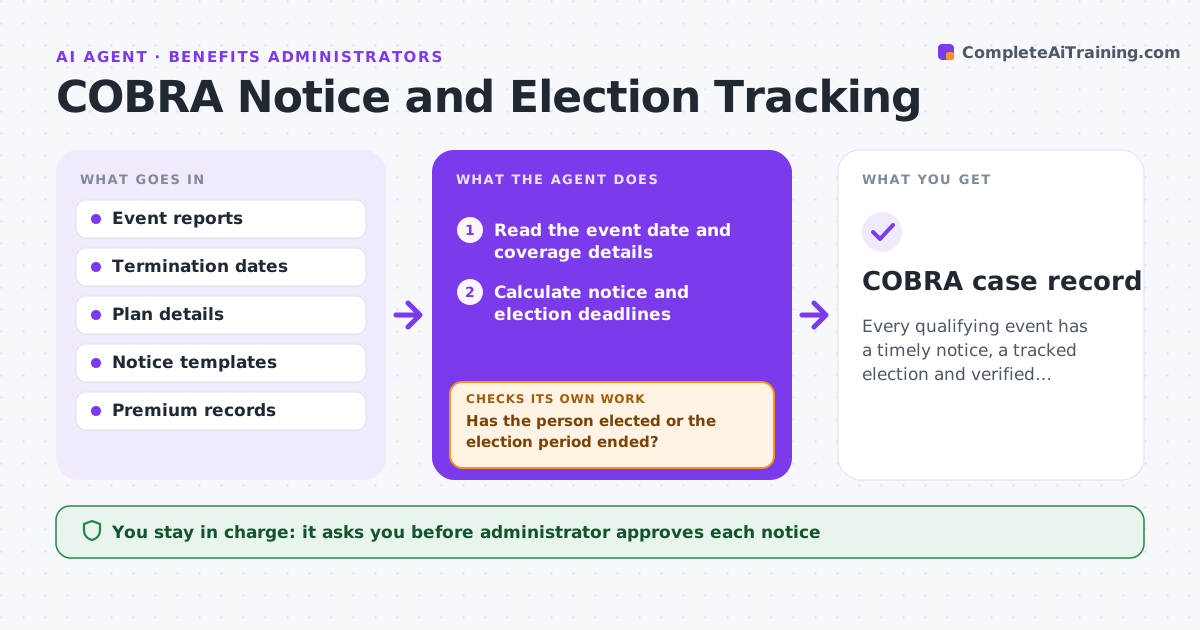
Every qualifying event has a timely notice, a tracked election and verified premium payments.
What it does
COBRA notices have strict deadlines after layoffs and life events, and a missed notice can be costly. On a qualifying event, the agent works out the notice and election deadlines, drafts the notices, tracks mailing and election, and checks that premiums are received. If a deadline nears without a response, it reminds the person and the administrator. It rechecks dates after any change, such as a delayed termination date. The administrator approves each notice. Edge case: a qualifying event reported late, where the clock starts on the date of the event and not the date of the report.
How it works
Follow the arrows from top to bottom. The orange dashed arrow is the loop: when a check fails, the agent goes back and tries again.
Read the steps as a list
- Qualifying event entered
- Read the event date and coverage details
- Calculate notice and election deadlines
- Draft the notice from the template
- Administrator approves each noticeThe agent waits here for your OK.
- Mail the notice and log the proof
- Check for election and premium payment
- Has the person elected or the election period ended?If not: Draft a reminder and flag the deadline. Back to step 5.
- Verify premium amount and payment dates
- Are all dates and amounts correct?If not: Recalculate and correct the record. Back to step 3.
- COBRA case record
How it decides
It calculates deadlines from the event date under the plan rules and treats a missing proof of mailing as an unfinished step.
- Deadlines run from the event date
- Remind 10 days before the election deadline
- Require proof of mailing for each notice
- Check premiums against the plan rate plus the fee
Make it yours
Every agent is a starting point. You choose these settings for your own situation.
- Reminder days before deadline (default 10)
- Notice templates
- Carrier contacts
- Premium rates and fee
What keeps you in control
It always asks you first
- Administrator approves each notice
- Administrator approves any change sent to the carrier
Hard limits
- Never send a notice without approval
- Do not give legal advice
It stops when
- Done: election resolved and premiums matched
- Stop: the event date is unclear and the administrator must confirm it
Set it up
We guide you through the set-up, step by step
Members get the full set-up guide for this agent. No technical skills needed: you copy, paste and upload.
- One set of instructions to paste into your AI, with the clicks for ChatGPT, Claude, Microsoft 365 Copilot, Gemini and Grok
- The agent then walks you through connecting your own data, one source at a time
- A downloadable copy with the flow chart, the rules and the full guide