AI agent for architects
Code and Zoning Analysis Agent
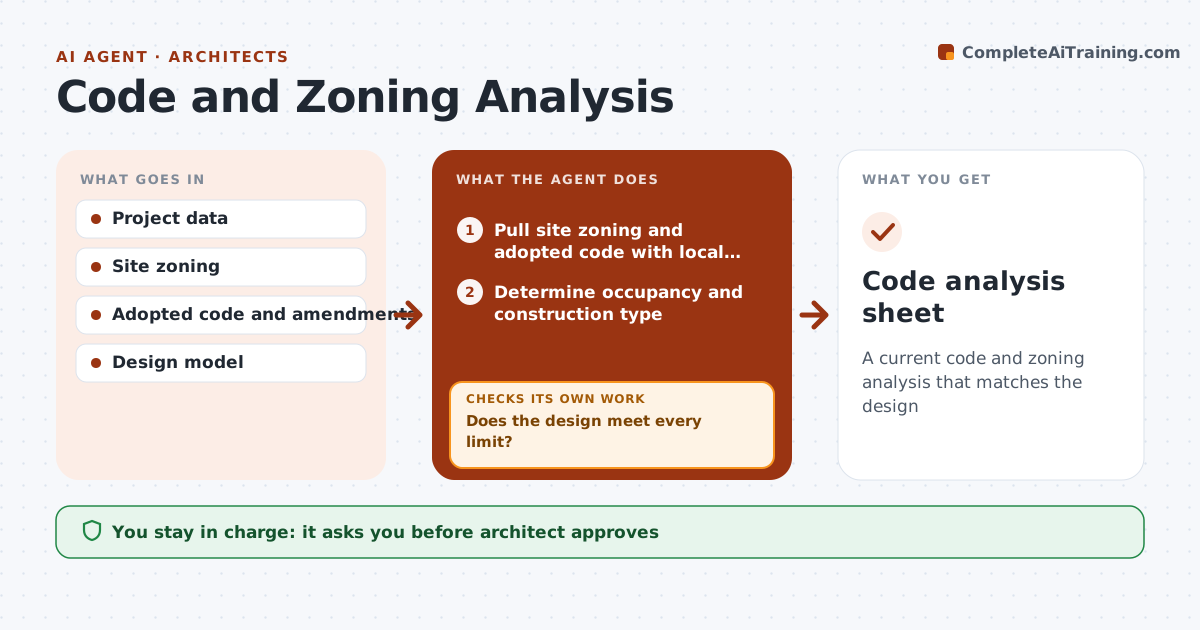
A current code and zoning analysis that matches the design
What it does
Early in design, architects must set occupancy, construction type, allowable area and height, egress and zoning limits, and every design change can break one. On each design update, this agent pulls site zoning and the adopted building code, applying local amendments over the model code. It determines occupancy and construction type and calculates allowable area, height and egress. It checks that the design meets every limit and shows the margin for each. If a limit is exceeded, it lists options such as sprinklers, fire walls or a different construction type, and reruns once a choice is made. It shows what changed since the last run. The architect reviews and approves. Edge case: a local amendment stricter than the model code always wins.
How it works
Follow the arrows from top to bottom. The orange dashed arrow is the loop: when a check fails, the agent goes back and tries again.
Read the steps as a list
- Design update
- Pull site zoning and adopted code with local amendments
- Determine occupancy and construction type
- Calculate allowable area, height and egress
- Does the design meet every limit?If not: list issues and options. Back to step 4.
- Rerun with the option the architect picks
- Does every limit now pass with margin shown?If not: present the next option. Back to step 3.
- Architect approvesThe agent waits here for your OK.
- Code analysis sheet
How it decides
Design values must meet limits. Local amendments override model code.
- Local amendments apply
- Margins shown
- Rerun on change
Make it yours
Every agent is a starting point. You choose these settings for your own situation.
- Code edition
- Local amendments
- Sheet format
- Rerun triggers
What keeps you in control
It always asks you first
- Architect approves
Hard limits
- Never stamps drawings
- Never decides code interpretation
It stops when
- Done: analysis approved
- Stop: code edition unclear
Set it up
We guide you through the set-up, step by step
Members get the full set-up guide for this agent. No technical skills needed: you copy, paste and upload.
- One set of instructions to paste into your AI, with the clicks for ChatGPT, Claude, Microsoft 365 Copilot, Gemini and Grok
- The agent then walks you through connecting your own data, one source at a time
- A downloadable copy with the flow chart, the rules and the full guide