AI agent for librarians
Collection Weeding Review Agent
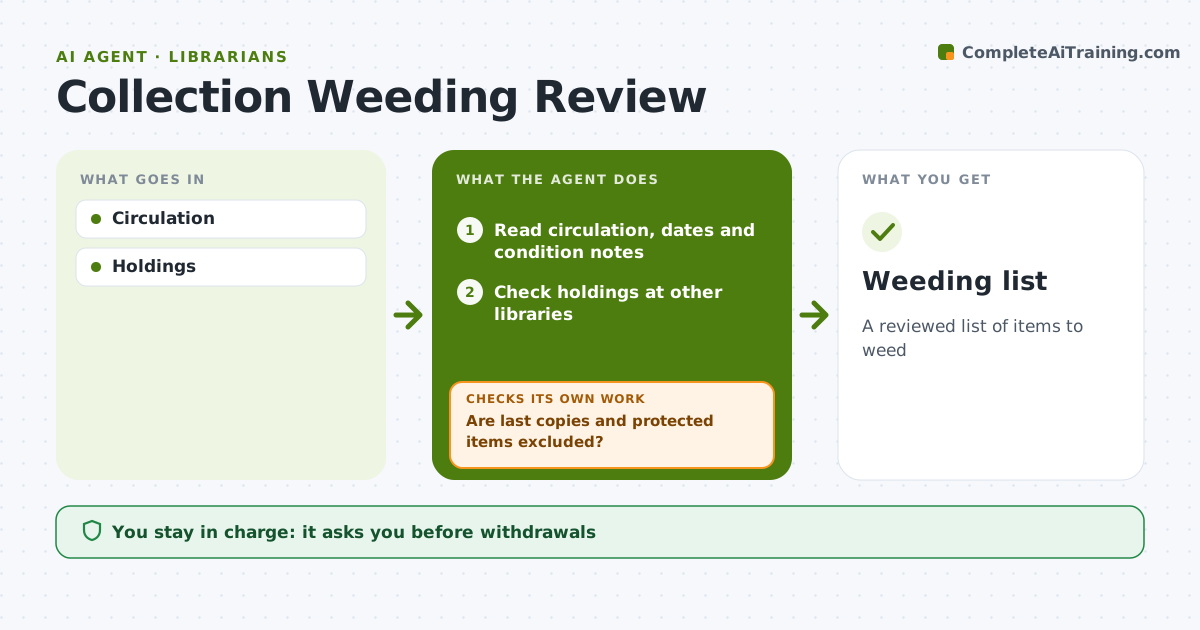
A reviewed list of items to weed
What it does
Collections need regular weeding to stay useful and fit the space, but reviewing usage, age and condition item by item is slow. This agent reads circulation data, publication dates, condition notes and holdings at other libraries, and lists weeding candidates using the library's rules for each section. It then removes items that must be kept, such as last copies in the region, items on course or curriculum lists, and local history. It checks the list again for anything protected and marks those items as keep. Librarians review the final list and decide every withdrawal. Edge case: a heavily used but damaged item is listed for replacement rather than withdrawal, so a popular title does not disappear from the shelf.
How it works
Follow the arrows from top to bottom. The orange dashed arrow is the loop: when a check fails, the agent goes back and tries again.
Read the steps as a list
- Section review
- Read circulation, dates and condition notes
- Check holdings at other libraries
- List candidates by usage, age and condition
- Are last copies and protected items excluded?If not: remove them from the list and mark as keep. Back to step 4.
- Prepare the list with reasons for each item
- Librarian decidesThe agent waits here for your OK.
- Weeding list
How it decides
Rules on use and age.
- No use in 5 years
- Last copies kept
- Local history excluded
Make it yours
Every agent is a starting point. You choose these settings for your own situation.
- Rules
- Sections
- Exclusions
- Format
What keeps you in control
It always asks you first
- Withdrawals
Hard limits
- No withdrawals by agent
It stops when
- Done: list
- Stop: none
Set it up
We guide you through the set-up, step by step
Members get the full set-up guide for this agent. No technical skills needed: you copy, paste and upload.
- One set of instructions to paste into your AI, with the clicks for ChatGPT, Claude, Microsoft 365 Copilot, Gemini and Grok
- The agent then walks you through connecting your own data, one source at a time
- A downloadable copy with the flow chart, the rules and the full guide