AI agent for auto mechanics
Comeback Repair Investigation Agent
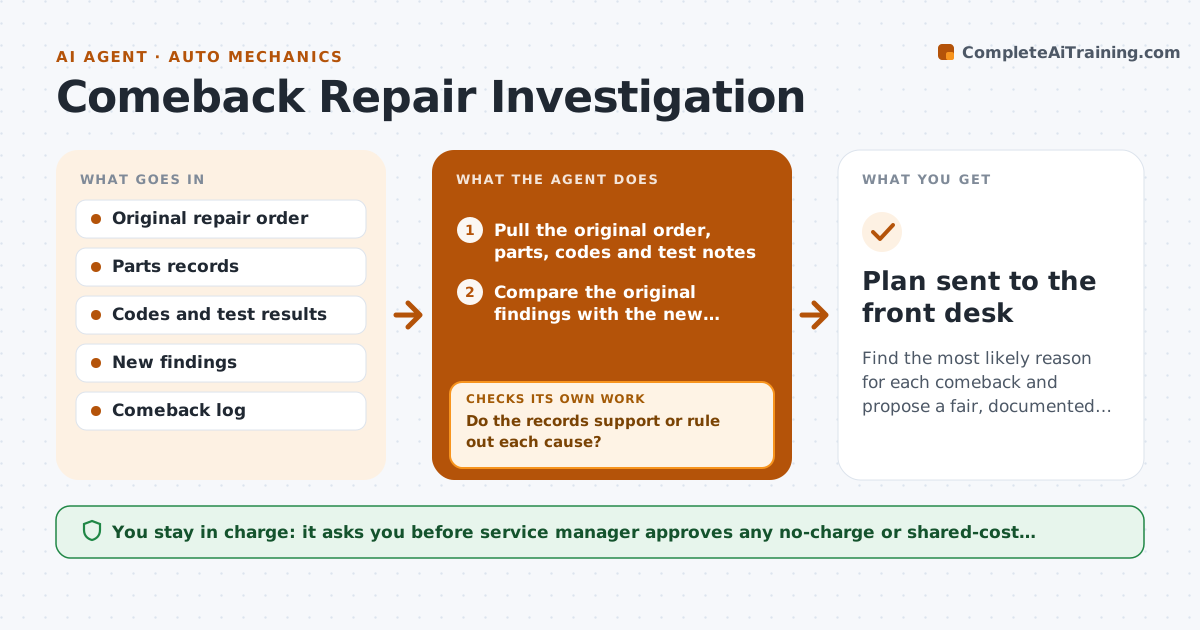
Find the most likely reason for each comeback and propose a fair, documented resolution.
What it does
A car returns three weeks after a brake job with the same noise, and the shop argues about who is at fault. When a comeback is opened, the agent pulls the original repair order with the parts, codes, test results and photos, and compares them with the new complaint and findings. It lists the likely causes: a wrong or defective part, a missed step, a related fault or a new problem. It tests each against the records, for example the part number against the catalog, torque notes, test drive notes and the mechanic who did it. It then recommends whether the shop should cover the work and what the no-charge plan would cost. It records the cause in the shop's log so that patterns appear. Edge case: the customer's driving has changed since the first repair. The service manager approves any goodwill decision.
How it works
Follow the arrows from top to bottom. The orange dashed arrow is the loop: when a check fails, the agent goes back and tries again.
Read the steps as a list
- Comeback is opened
- Pull the original order, parts, codes and test notes
- Compare the original findings with the new complaint
- List likely causes: wrong part, missed step, related fault, new fault
- Check part numbers, supplier notes and torque records for each cause
- Do the records support or rule out each cause?If not: ask the mechanic for test results or photos and re-check. Back to step 4.
- Pick the most likely cause and estimate the cost to fix
- Draft the plan: no-charge, shared cost or customer pays, with reasons
- Service manager approves the goodwill decisionThe agent waits here for your OK.
- Record the cause in the comeback log
- Plan sent to the front desk
How it decides
Each possible cause is supported or ruled out by the records. If the shop's work is the likely cause, the agent recommends a no-charge repair. If not, it explains why.
- Treat a return for the same complaint within 30 days or 1,000 miles as a comeback
- Recommend no charge when records show a shop or part error
- Check the part number against the catalog every time
- Record the cause even when the shop is not at fault
Make it yours
Every agent is a starting point. You choose these settings for your own situation.
- Comeback window (default 30 days or 1,000 miles)
- Cost limits for goodwill
- Records to review
- Cause categories
- Supplier claim rules
What keeps you in control
It always asks you first
- Service manager approves any no-charge or shared-cost decision
- Service manager approves a claim to a parts supplier
Hard limits
- Do not blame an individual without records
- Never promise a refund to the customer
It stops when
- Done: cause recorded and plan approved
- Stop: the original records are missing, tell the manager and list what is needed
Set it up
We guide you through the set-up, step by step
Members get the full set-up guide for this agent. No technical skills needed: you copy, paste and upload.
- One set of instructions to paste into your AI, with the clicks for ChatGPT, Claude, Microsoft 365 Copilot, Gemini and Grok
- The agent then walks you through connecting your own data, one source at a time
- A downloadable copy with the flow chart, the rules and the full guide