AI agent for mediators
Confidentiality and Authority Check Agent
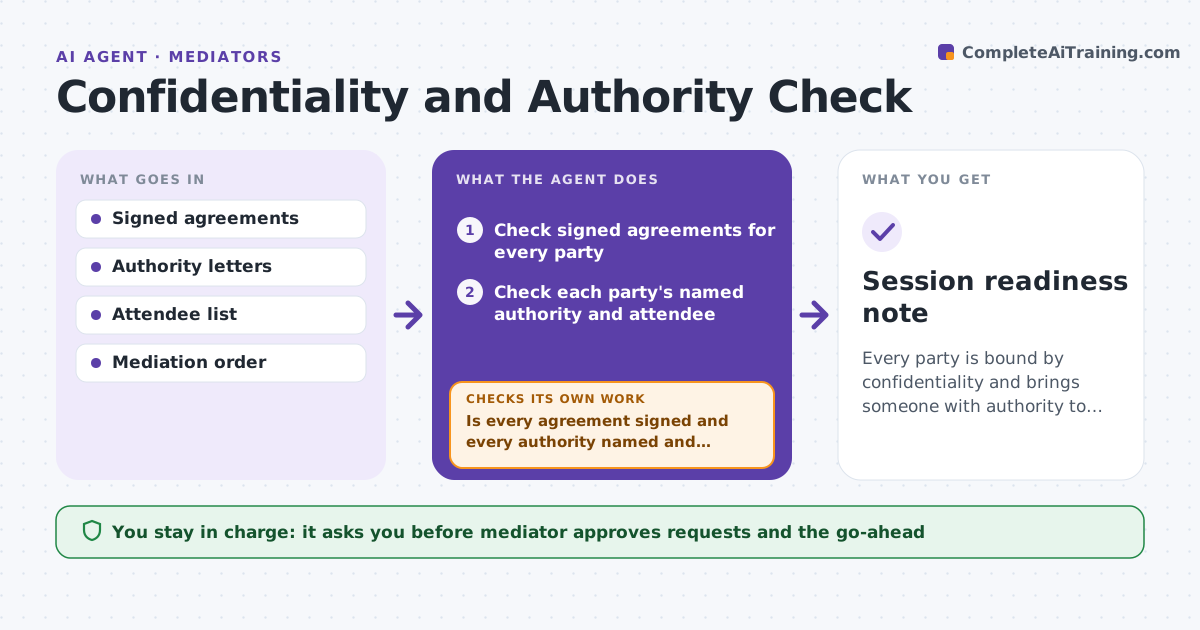
Every party is bound by confidentiality and brings someone with authority to settle.
What it does
Mediations fail at the start when a party arrives with no one who can settle or without signed confidentiality. The mediator then loses the session. This agent checks that confidentiality agreements are signed and that each party has someone with authority attending. It asks for missing items and rechecks before the session. The mediator approves the go-ahead. It decides readiness from the documents themselves, not from promises in email: a signature on file, a named person and a stated authority limit. If a party sends a replacement attendee, it repeats the authority check for the new name. Edge case: a company sends a representative who is not the person listed in the authority letter, so the agent flags it and asks for the right name.
How it works
Follow the arrows from top to bottom. The orange dashed arrow is the loop: when a check fails, the agent goes back and tries again.
Read the steps as a list
- Session is one week away
- Check signed agreements for every party
- Check each party's named authority and attendee
- List missing or mismatched items
- Draft requests to the parties
- Mediator approves the requestsThe agent waits here for your OK.
- Recheck the day before the session
- Is every agreement signed and every authority named and present?If not: send a final request and note the risk for the mediator. Back to step 4.
- Session readiness note
How it decides
It requires one signed agreement per party and one named person with authority up to the claimed amount. It marks a session not ready when either is missing.
- Require a signed agreement from each party
- Require the authority holder to be named and attending
- Flag a representative not on the authority letter
- Raise a warning when authority is below the claimed amount
Make it yours
Every agent is a starting point. You choose these settings for your own situation.
- Required agreements
- Authority proof needed
- Days before the session
- Reminder wording
- Escalation rule
What keeps you in control
It always asks you first
- Mediator approves requests and the go-ahead
Hard limits
- Never share one party's documents with another
- Never decide whether the session goes ahead
It stops when
- Done: all agreements signed and authority confirmed
- Stop: a party cannot provide authority
Set it up
We guide you through the set-up, step by step
Members get the full set-up guide for this agent. No technical skills needed: you copy, paste and upload.
- One set of instructions to paste into your AI, with the clicks for ChatGPT, Claude, Microsoft 365 Copilot, Gemini and Grok
- The agent then walks you through connecting your own data, one source at a time
- A downloadable copy with the flow chart, the rules and the full guide