AI agent for mediators
Interest Mapping Between Rounds Agent
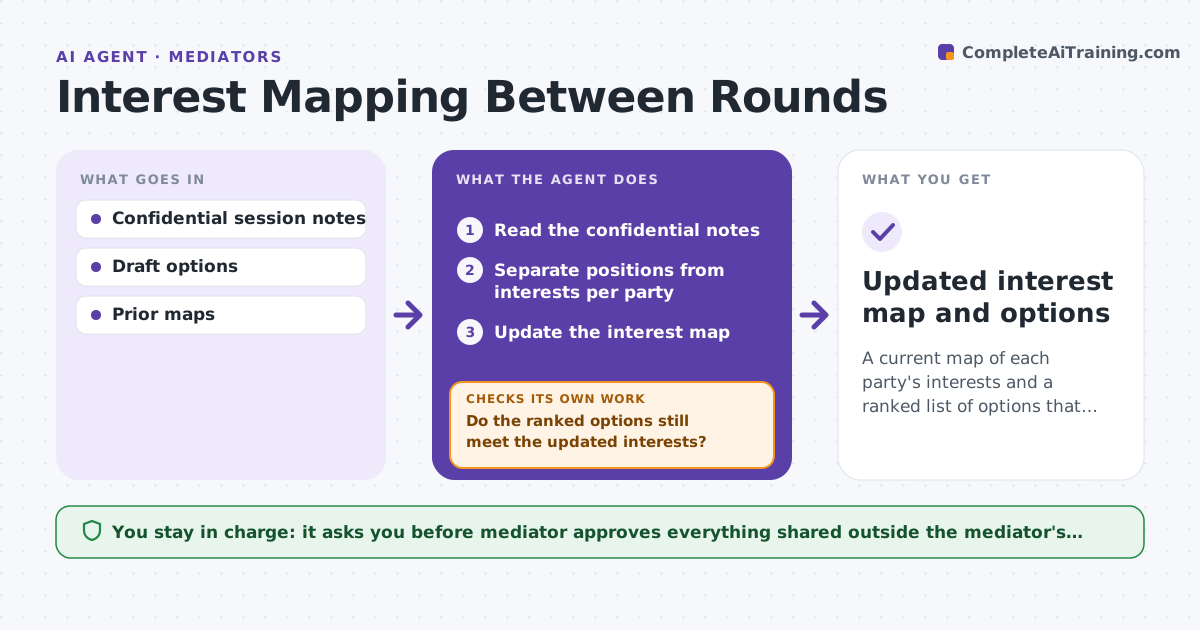
A current map of each party's interests and a ranked list of options that serve both.
What it does
Over several mediation sessions, what parties say they want drifts away from what they actually need. Options then miss the real interests. After each session this agent reads the confidential notes and separates positions from interests for each party. It tests every draft option against the interests of both sides and lists options that meet both. It updates the map after the next session and rechecks old options against new interests. It never shares one party's notes with another. The mediator approves what is shared. Edge case: a tenant's stated position is staying, but the interest is time to relocate, which a longer move-out date also meets.
How it works
Follow the arrows from top to bottom. The orange dashed arrow is the loop: when a check fails, the agent goes back and tries again.
Read the steps as a list
- Session ends
- Read the confidential notes
- Separate positions from interests per party
- Update the interest map
- Test each draft option against both maps
- Rank options and note unmet interests
- Mediator approves what is shared with either partyThe agent waits here for your OK.
- Read the next session's notes and update the map
- Do the ranked options still meet the updated interests?If not: retest each option and rework the list. Back to step 5.
- Updated interest map and options
How it decides
It treats a statement of what someone demands as a position and a reason behind it as an interest. It ranks options by how many interests of each party they meet.
- Count an interest met only when the option addresses its reason
- Rank options by minimum interests met for the weaker side
- Mark an option dead if it conflicts with a core interest
- Keep each party's map separate
Make it yours
Every agent is a starting point. You choose these settings for your own situation.
- Interest categories
- Option scoring
- Maps format
- Confidentiality rules
- Notes sources
What keeps you in control
It always asks you first
- Mediator approves everything shared outside the mediator's file
Hard limits
- Never share one party's confidential notes with another
- Never recommend a result to the parties
It stops when
- Done: at least one option meets core interests of both parties
- Stop: the interests conflict with no option
Set it up
We guide you through the set-up, step by step
Members get the full set-up guide for this agent. No technical skills needed: you copy, paste and upload.
- One set of instructions to paste into your AI, with the clicks for ChatGPT, Claude, Microsoft 365 Copilot, Gemini and Grok
- The agent then walks you through connecting your own data, one source at a time
- A downloadable copy with the flow chart, the rules and the full guide