AI agent for mediators
Settlement Term Consistency Agent
A term sheet whose amounts, dates and obligations agree.
What it does
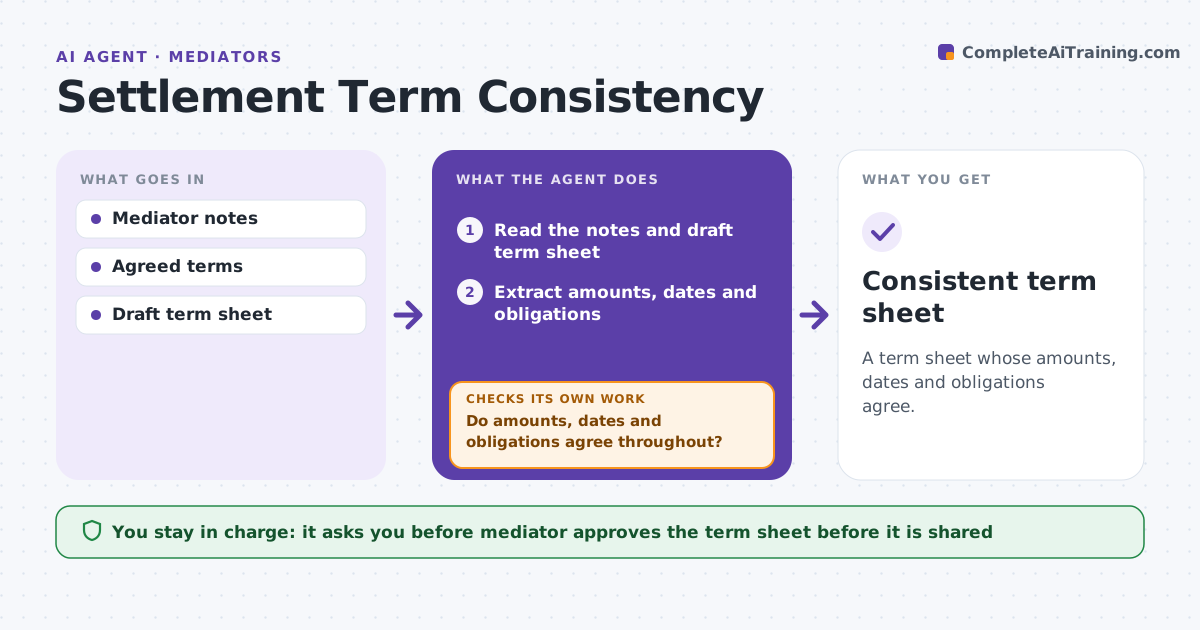
A term sheet drafted at the end of a long mediation often contains contradictions: an amount in one clause and a different number in another, a payment date before the signing date. These reopen the dispute. This agent reads the terms agreed in session and checks amounts, dates and obligations for conflicts. It lists questions, recomputes totals after answers and rechecks the whole sheet. The mediator approves the term sheet. It decides a conflict exists when two clauses cannot both be true, and it lists the clauses side by side so the mediator can choose. It does not pick the right number itself. After each answer it recomputes every total and date from scratch. Edge case: the settlement amount is $120,000 in the summary but the payment schedule adds to $110,000, so the agent flags the difference.
How it works
Follow the arrows from top to bottom. The orange dashed arrow is the loop: when a check fails, the agent goes back and tries again.
Read the steps as a list
- Terms are agreed in session
- Read the notes and draft term sheet
- Extract amounts, dates and obligations
- Add payment schedules and compare to totals
- Check dates and obligation owners for conflicts
- List questions for the mediator
- Mediator answers the questions and approves changesThe agent waits here for your OK.
- Recompute totals and recheck the whole sheet
- Do amounts, dates and obligations agree throughout?If not: list the new conflicts and ask again. Back to step 3.
- Consistent term sheet
How it decides
It adds all amounts and checks dates for order. It flags an obligation with no owner or no date.
- Flag a schedule total that differs from the headline amount
- Flag a payment due before signing
- Flag an obligation without owner or date
- Flag two clauses that contradict
Make it yours
Every agent is a starting point. You choose these settings for your own situation.
- Fields to check
- Date rules
- Holiday calendar
- Tolerance on totals
- Term sheet template
What keeps you in control
It always asks you first
- Mediator approves the term sheet before it is shared
Hard limits
- Never decide which number is correct
- Never share the term sheet itself
It stops when
- Done: all checks pass
- Stop: the parties' intent is unclear and the mediator must ask
Set it up
We guide you through the set-up, step by step
Members get the full set-up guide for this agent. No technical skills needed: you copy, paste and upload.
- One set of instructions to paste into your AI, with the clicks for ChatGPT, Claude, Microsoft 365 Copilot, Gemini and Grok
- The agent then walks you through connecting your own data, one source at a time
- A downloadable copy with the flow chart, the rules and the full guide