AI agent for construction project managers
Construction Drawing Revision Distribution Agent
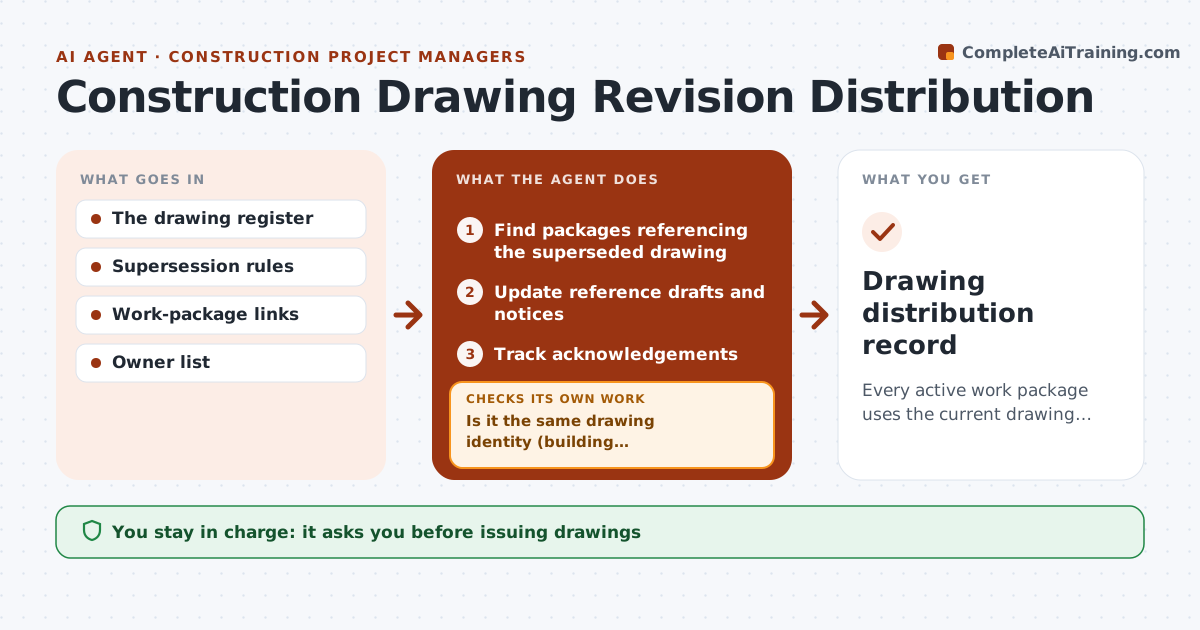
Every active work package uses the current drawing revision.
What it does
On construction projects, outdated drawings stay linked to active work packages after a new revision is issued, and crews build from the wrong sheet. This agent runs whenever a drawing revision is issued. It searches the reference index for every work package that points to the superseded drawing and confirms exact drawing identity: number, building, discipline and revision. It then updates internal reference drafts, prepares distribution notices for each package owner, and tracks acknowledgements until everyone confirms. The document controller approves issuing. It never changes technical content. Edge case: drawing A-201 for Building 1 and A-201 for Building 2 look alike, so only packages for the building named in the revision are touched.
How it works
Follow the arrows from top to bottom. The orange dashed arrow is the loop: when a check fails, the agent goes back and tries again.
Read the steps as a list
- Revision issued
- Find packages referencing the superseded drawing
- Is it the same drawing identity (building, discipline)?If not: leave the reference alone. Back to step 2.
- Update reference drafts and notices
- Document controller issuesThe agent waits here for your OK.
- Track acknowledgements
- Drawing distribution record
How it decides
It uses exact drawing identity and supersession rules.
- Match exact drawing identity, never just the sheet number.
- Only superseded references are updated; current ones stay untouched.
- A package is complete only when its owner acknowledges.
- Technical content is never edited by the agent.
Make it yours
Every agent is a starting point. You choose these settings for your own situation.
- Which identity fields must match (default: number, building, discipline)
- Acknowledgement deadline before a reminder (default 2 working days)
- Distribution list per work package
- Notice format and channel
- Who approves issuing (default: document controller)
What keeps you in control
It always asks you first
- Issuing drawings
- Technical content
- Field implementation
Hard limits
- No technical content changes.
It stops when
- Done: all acknowledged.
Set it up
We guide you through the set-up, step by step
Members get the full set-up guide for this agent. No technical skills needed: you copy, paste and upload.
- One set of instructions to paste into your AI, with the clicks for ChatGPT, Claude, Microsoft 365 Copilot, Gemini and Grok
- The agent then walks you through connecting your own data, one source at a time
- A downloadable copy with the flow chart, the rules and the full guide