AI agent for land surveyors
Easement and Encumbrance Mapping Agent
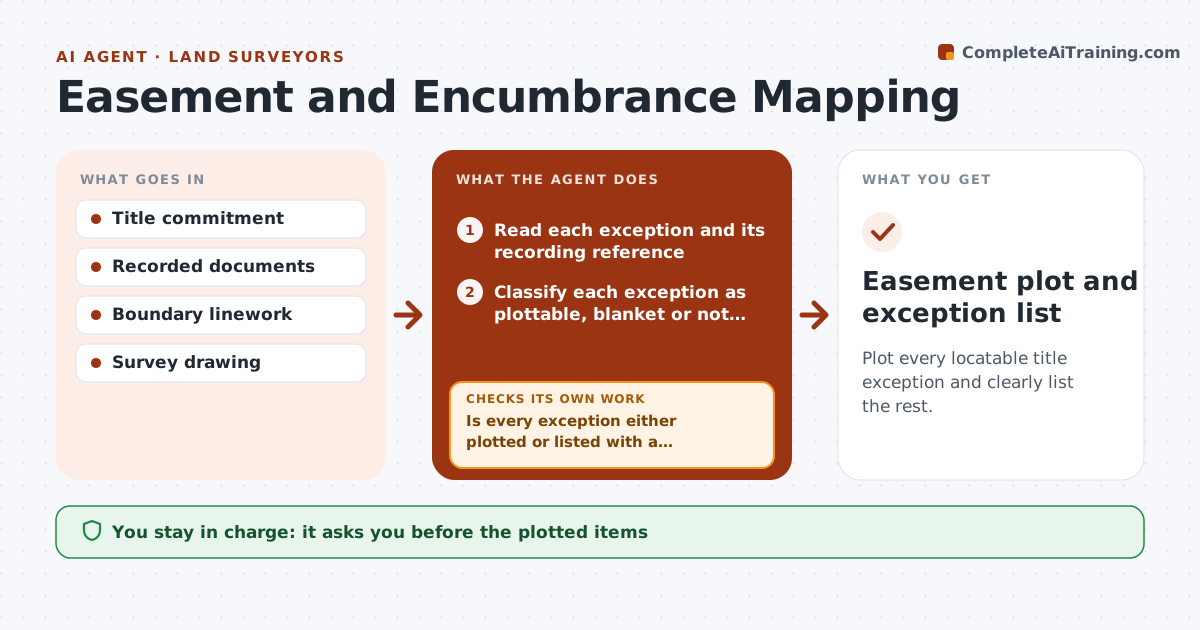
Plot every locatable title exception and clearly list the rest.
What it does
On an ALTA survey, every title exception has to be plotted if it can be located, and missing one is a liability. This agent reads the title commitment exceptions one by one, extracts the legal description or recording reference of each easement or encumbrance, and plots those it can locate. For the ones it cannot place, such as a blanket easement or a vague description, it flags them and asks for the recorded document. It rechecks after new documents arrive. You approve the list of plotted items and the notes for the rest. Edge case: an easement refers to a plat that is not in your file, and the agent lists it as needing the document.
How it works
Follow the arrows from top to bottom. The orange dashed arrow is the loop: when a check fails, the agent goes back and tries again.
Read the steps as a list
- Title commitment arrives
- Read each exception and its recording reference
- Classify each exception as plottable, blanket or not locatable
- Plot plottable items on the survey drawing
- Is every exception either plotted or listed with a reason?If not: List exceptions with no document and ask for the recorded copy. Back to step 4.
- Request or read the missing documents
- Plot the newly locatable items
- Do the plotted items agree with the record and the boundary?If not: Return the items that conflict for a review. Back to step 5.
- Write the survey notes for blanket and not locatable items
- Surveyor approves the plotted items and notesThe agent waits here for your OK.
- Easement plot and exception list
How it decides
It classifies each exception as plottable, partly plottable, blanket or not locatable and plots only what the document supports.
- Only plot what the document describes
- Blanket easements are noted, not plotted
- Every exception is accounted for in the notes
- Conflict between plotted item and boundary needs review
Make it yours
Every agent is a starting point. You choose these settings for your own situation.
- Exception classes
- Drawing layers
- Document sources
- Notes style
- Standard (default ALTA)
What keeps you in control
It always asks you first
- The plotted items
- Survey notes
Hard limits
- Never invents easement locations
- Never signs or certifies
- Keeps document references
It stops when
- Done: all exceptions plotted or noted
- Stop: missing document cannot be obtained; noted in the survey
Set it up
We guide you through the set-up, step by step
Members get the full set-up guide for this agent. No technical skills needed: you copy, paste and upload.
- One set of instructions to paste into your AI, with the clicks for ChatGPT, Claude, Microsoft 365 Copilot, Gemini and Grok
- The agent then walks you through connecting your own data, one source at a time
- A downloadable copy with the flow chart, the rules and the full guide