AI agent for auditors
Control Testing Evidence Agent
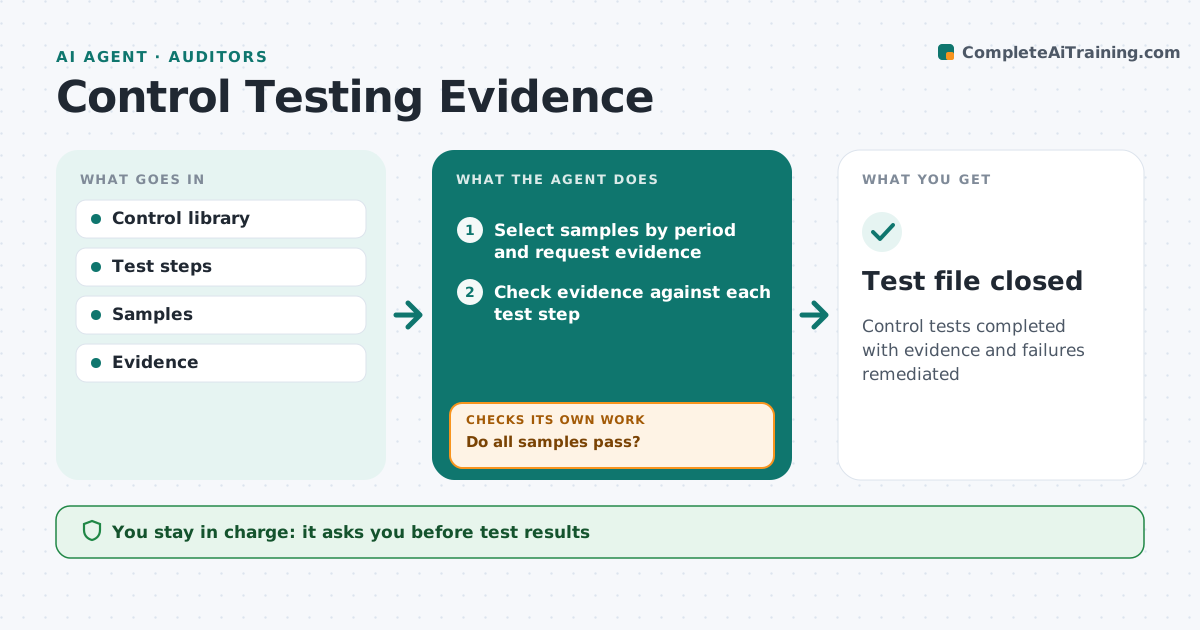
Control tests completed with evidence and failures remediated
What it does
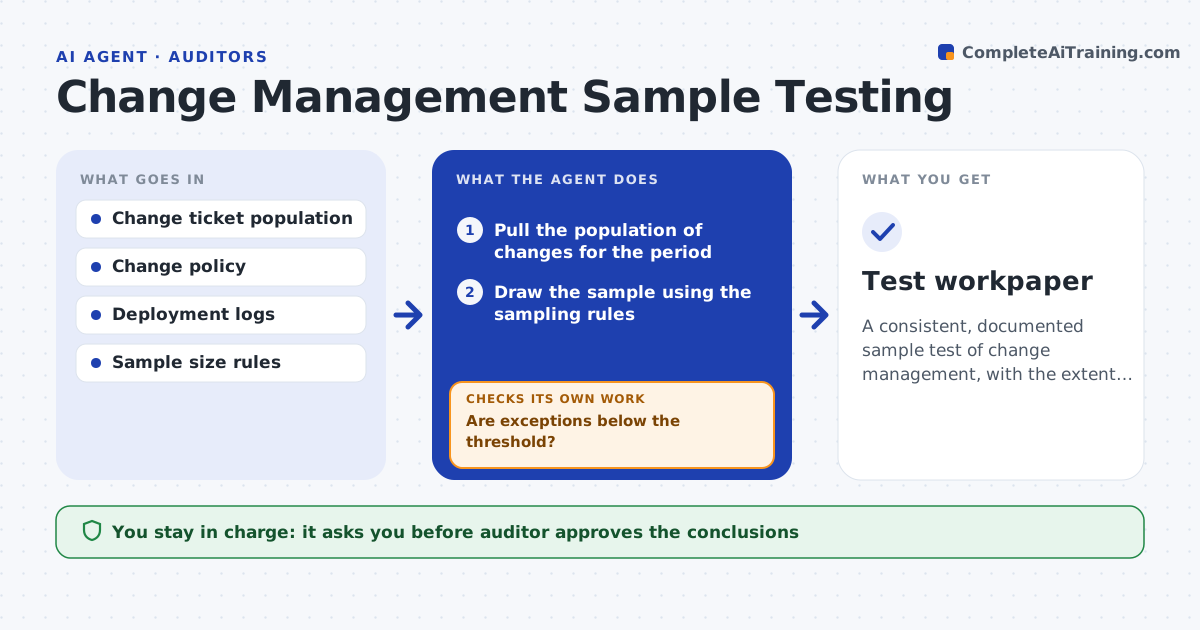
Key controls are tested on a schedule to prove they work, but chasing evidence takes most of the time. When a test is due, this agent selects samples and requests evidence from the control owner. It checks each sample against every test step, such as approval present and dated before payment. A sample passes only when evidence meets every step. When evidence is missing or a sample fails, it asks the owner for more information; if it still fails, it records an exception and drafts a remediation action. After the fix is in place, it retests and checks the control now works. Controls that changed mid-year are tested by period. The risk manager approves the test result and remediation plan. Edge case: a control changed mid-year, so the agent tests both versions for their periods.
How it works
Follow the arrows from top to bottom. The orange dashed arrow is the loop: when a check fails, the agent goes back and tries again.
Read the steps as a list
- Test due
- Select samples by period and request evidence
- Check evidence against each test step
- Do all samples pass?If not: ask for more information, then record exceptions. Back to step 3.
- Draft remediation and retest plan
- Risk manager approves result and planThe agent waits here for your OK.
- Retest new samples after the fix
- Does the retest pass every step?If not: revise remediation and schedule another retest. Back to step 5.
- Test file closed
How it decides
It marks a sample as passed only when evidence meets every test step.
- One failed sample means exception
- Changed controls tested by period
- Retest after remediation
Make it yours
Every agent is a starting point. You choose these settings for your own situation.
- Sample sizes
- Test calendar
- Exception rules
- Evidence standards
What keeps you in control
It always asks you first
- Test results
- Remediation plans
Hard limits
- Does not alter evidence
- Independent of control owners
It stops when
- Done: test closed
- Stop: owner unavailable
Set it up
We guide you through the set-up, step by step
Members get the full set-up guide for this agent. No technical skills needed: you copy, paste and upload.
- One set of instructions to paste into your AI, with the clicks for ChatGPT, Claude, Microsoft 365 Copilot, Gemini and Grok
- The agent then walks you through connecting your own data, one source at a time
- A downloadable copy with the flow chart, the rules and the full guide