
Learning path
Learning AI as a Risk Manager
Learn how AI can help you spot risks sooner, write clear policies, and give leaders useful updates. The path fits around your workday with small steps and ready prompts.
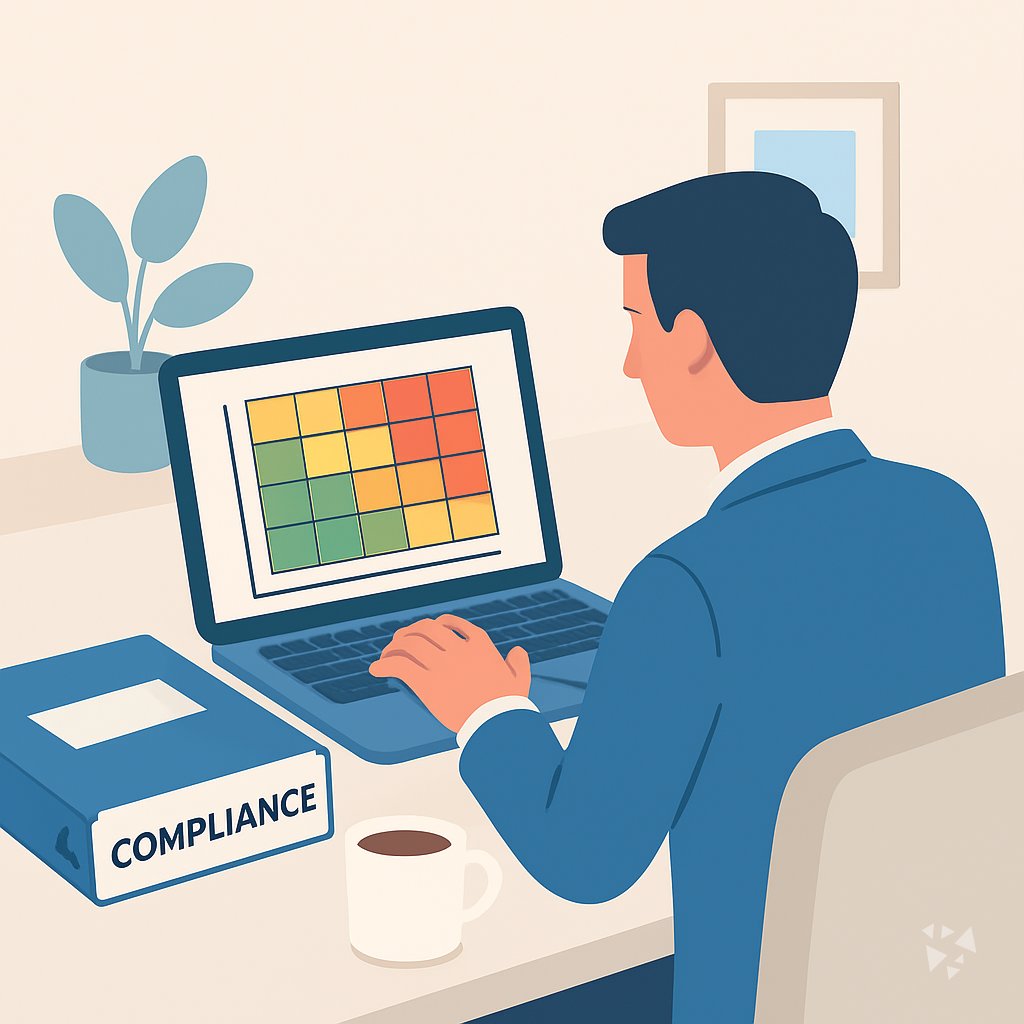
Your path
Everything in the Risk Manager AI kit, in the order that makes sense. Members tick off each step and see their progress.
Set up your AI
We guide you through each click.
Let skills do your everyday tasks
Connect your apps and pick your AI apps
Hand whole tasks to AI agents
Build your own tools
Keep growing
Everything for risk managers
All the courses, certifications, AI tools, MCP servers and apps for risk managers, most relevant first. Open any list to see more.
Take the prompt courses
A short framework course to learn how to ask, then 9 lessons with ready-to-use prompts for risk managers.
Start with this framework: how to talk to AI
TIDD-EC fits your risk work because it tells AI exactly what to do and avoid when drafting a vendor compliance risk assessment.
Then your prompt course for risk managersWatch the video courses or add them to your Favorites for later
110 video courses our AI picked for risk managers, most useful first. Save the ones you want to watch later with the heart.
Favorites are saved to your account: sign in or get your AI kit first.
Show all 110 video courses
Get certified, or add certifications to your Favorites
Every course ends in an exam and a certificate you can add to LinkedIn. Save the certifications you are aiming for with the heart.
Favorites are saved to your account: sign in or get your AI kit first.
More certifications for risk managersShow all 24 certifications
Try the AI tools for risk managers
24 AI tools our AI matched to the work of risk managers, best fit first. Each review shows what it does, its alternatives and the jobs it suits.
Favorites are saved to your account: sign in or get your AI kit first.
Show all 24 AI tools
Connect your AI to the apps risk managers use
MCP servers let ChatGPT, Claude or Copilot look things up and get work done in other apps, like your email, calendar or bookkeeping software. These 12 fit the work of risk managers best, well-known apps first.

Box MCP server
by boxLet your AI search your Box files, answer questions about them, and pull out details for you.
Productivity Official
GLEIF MCP server
by olgasafonovaLets your AI look up companies in the official global LEI database and check who owns whom.
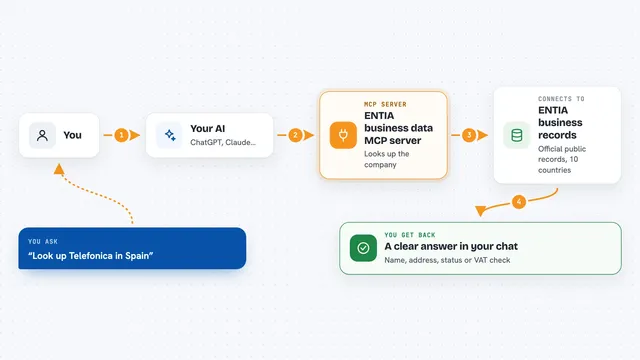
ENTIA business data MCP server
by ENTIA-IALook up companies, VAT numbers and business details across 10 countries right from your AI chat.
Research Official
DPX MCP server
by untitledfinancialLets your AI check market and climate signals, score a company's ESG risk, and run cross-border USDC settlements.
Finance and cryptoNo install
SAM.gov MCP server
by cliwantLets your AI look up US government contracts, spending, grants, and rules for you.

traql MCP server
by traqlLets your AI check crypto addresses and transactions for sanctions, mixer and scam risk, with a 0 to 100 score.
Show all 12 MCP servers

Sugra API MCP server
by Sugra-SystemsLets your AI pull real-world data on markets, economies, companies, climate and more, with sources.
AnalyticsFinance and crypto Official
RiskModels MCP server
by BlueWaterCorpAsk your AI to break down a US stock's risk by market, sector and stock, and get ETF hedge amounts.
Finance and cryptoAnalytics Official
ChainAnalyzer AML MCP server
by rascal-3Lets your AI check blockchain addresses for money-laundering risk and sanctions, across 12 chains.

Registrum MCP server
by vdmeuLook up UK company details, directors, owners and filed financials straight from your AI chat.
Finance and cryptoResearchNo install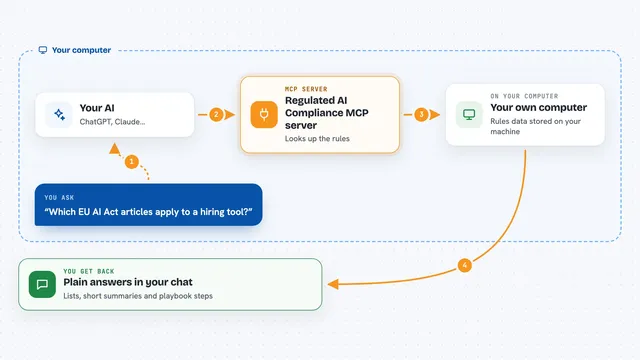
Regulated AI Compliance MCP server
by uchitAsk your AI about AI rules like the EU AI Act, NIST AI RMF or ISO 42001 and get plain answers.
ResearchNo install
IBANforge MCP server
by cammac-creatorCheck an IBAN before you pay: the bank behind it, its BIC, SEPA reach, and a risk score.
Finance and crypto OfficialBuild your own AI apps for risk managers
Apps you build yourself with your own AI, no coding needed and no monthly fee. Our AI picked the 12 that fit the work of risk managers.
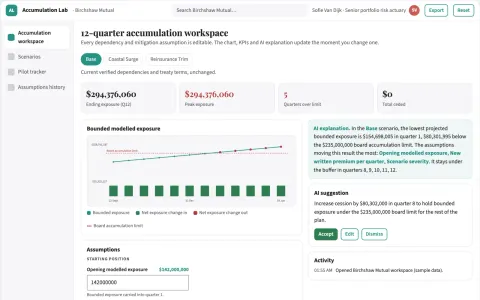
Insurance portfolio accumulation scenario lab
Make correlated exposure assumptions explicit.
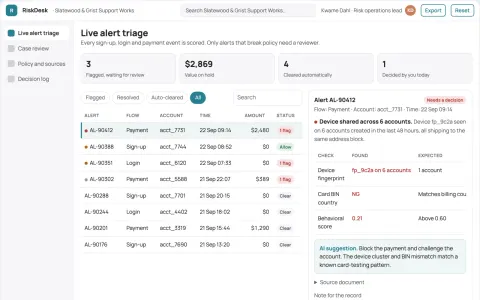
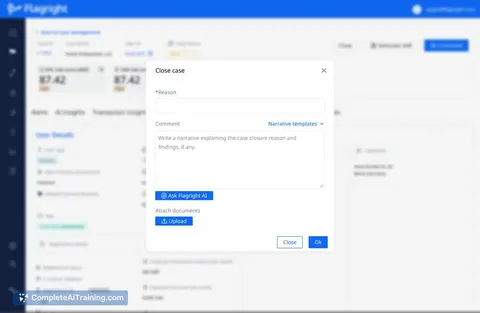
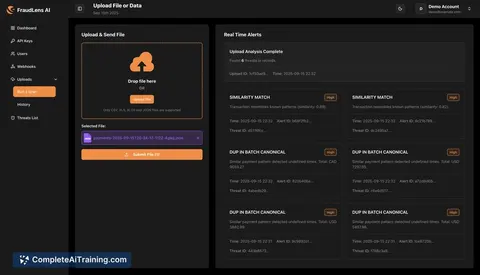
Fraud and bot prevention operations portal
Reduce fraudulent account and transaction losses while keeping legitimate users moving.
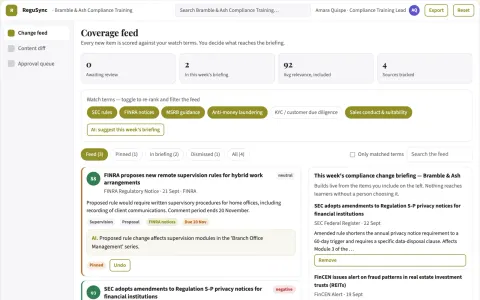
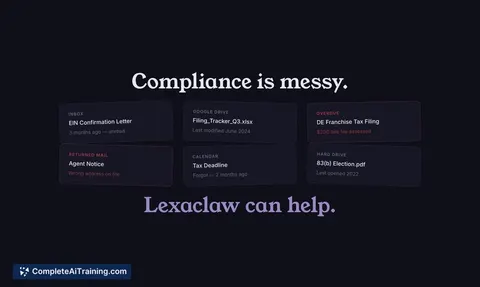
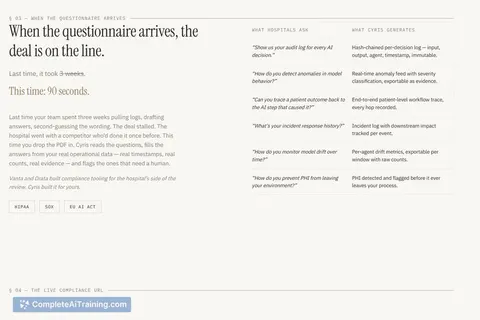
Self-updating Compliance Training
Training courses that detect regulatory changes and draft compliant updates in minutes instead of weeks.
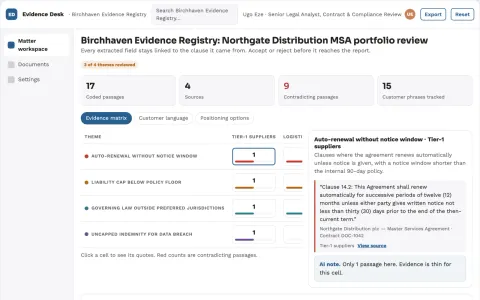
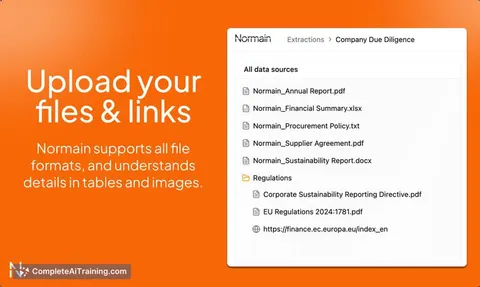
Evidence-backed document analysis and reporting workspace
Reduce manual review and reporting effort while keeping every insight traceable to source.
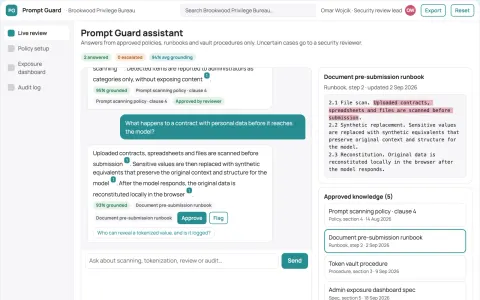
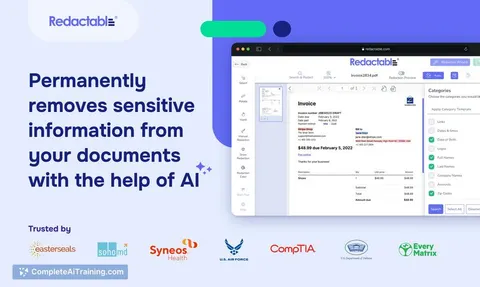
Sensitive prompt and document exposure guard
Reduce sensitive data exposure in employee AI use while keeping the tools employees already use.
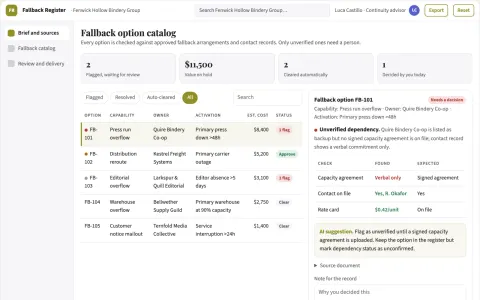
Business resilience option catalog
Document usable alternatives before disruption.
Show all 12 apps
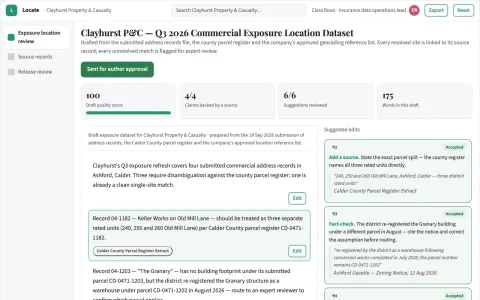
Commercial exposure location disambiguator
Improve input quality before actuarial analysis.
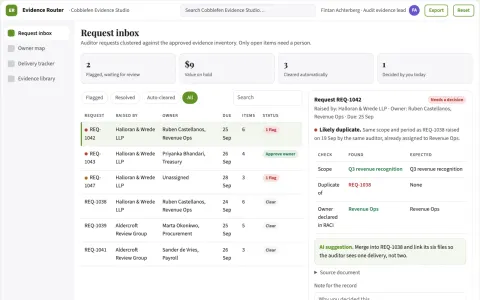
Audit request evidence router
Reuse approved audit evidence without losing request lineage.
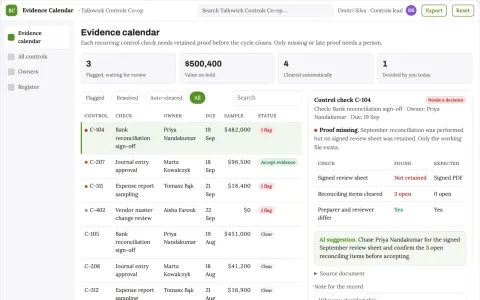
Finance control evidence calendar
Track proof of performed checks.
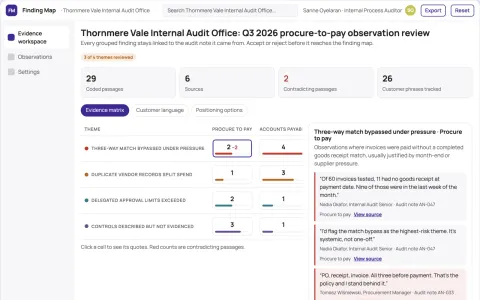
Operations audit observation classifier
Evidence remains visible behind grouped findings.
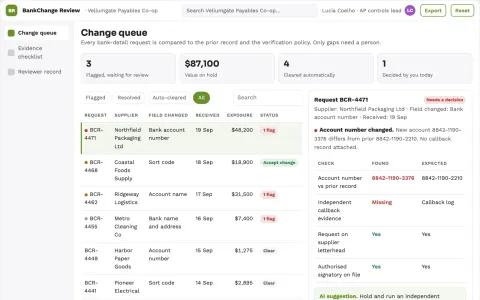
Finance master-data change reviewer
Separate requested bank changes from verified approval evidence.
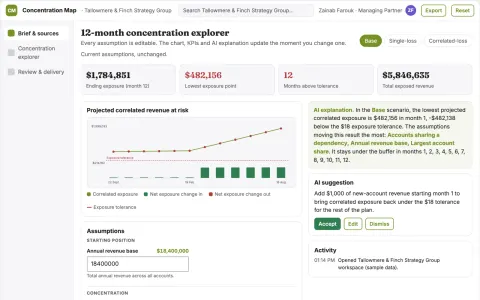
Strategic customer concentration explorer
See correlated exposure beyond largest accounts.



































































































About this learning path
6 topicsPractical AI Skills for Risk Managers
You already know how to find risk, weigh it, and move people to act. This path shows where AI can carry the routine parts so you have more room for judgment and relationships.
You will set up your AI, connect it to the tools you already use, and practice with prompts made for the daily work of a risk manager. No technical background needed.
Why this matters now
Risk moves faster than the policy folder. New rules, supplier changes, and quiet patterns in incident reports can pile up before anyone has time to read them closely.
AI can help you gather signals, draft first versions, and keep your records current. You stay in charge of the decisions and the conversations that matter.
What the path includes
You begin with setup questions that help you choose the right AI tool for your work. Then you connect that tool to your everyday files, notes, and reports in a safe way, and learn skills for the job inside your AI.
Next comes this prompt course, where you practice eight lessons built around risk work. Alongside it are video courses picked for risk managers, with the certifications those courses offer.
How it saves time
You will use prompts to turn messy notes into a first risk list, score impact and likelihood, and draft mitigation steps. You will also speed up policy updates, training messages, and audit preparation.
The time you win back goes where it matters most: asking better questions, checking unusual cases, and helping teams make safer choices.
How it protects your career
AI will not replace the person who understands the business and can explain risk clearly. It will reward the risk manager who can use it to see more, write faster, and keep good records.
This path helps you build habits that are careful with private data and honest about what AI can and cannot do. That makes you more useful, not less.
How to start
Set aside a short block this week. Answer the setup questions, connect your AI, and try one prompt from the first lesson on a real task you already have.
Keep a simple note of what worked and what needed a rewrite. Small practice soon becomes a steady part of your risk routine.
Frequently asked questions
Do I need to know how to code?
No. The path is made for risk managers who use email, documents, and spreadsheets. You will type plain questions and review the answers with your own judgment.Which AI tool should I use?
Use the tool your organization allows, such as ChatGPT, Claude, or Gemini. The setup questions help you check privacy rules and pick a tool that fits your work.Will this replace my risk register or policies?
No. AI helps you draft, sort, and summarize. You still decide what goes into the register, what the policy says, and what you tell leadership.How much time does the path take?
You can move through it in short sessions over a few weeks. Each lesson is built to be tried on a real task, so the practice counts as work, not extra homework.