AI agent for influencer marketing managers
Creator Campaign Performance Tracking Agent
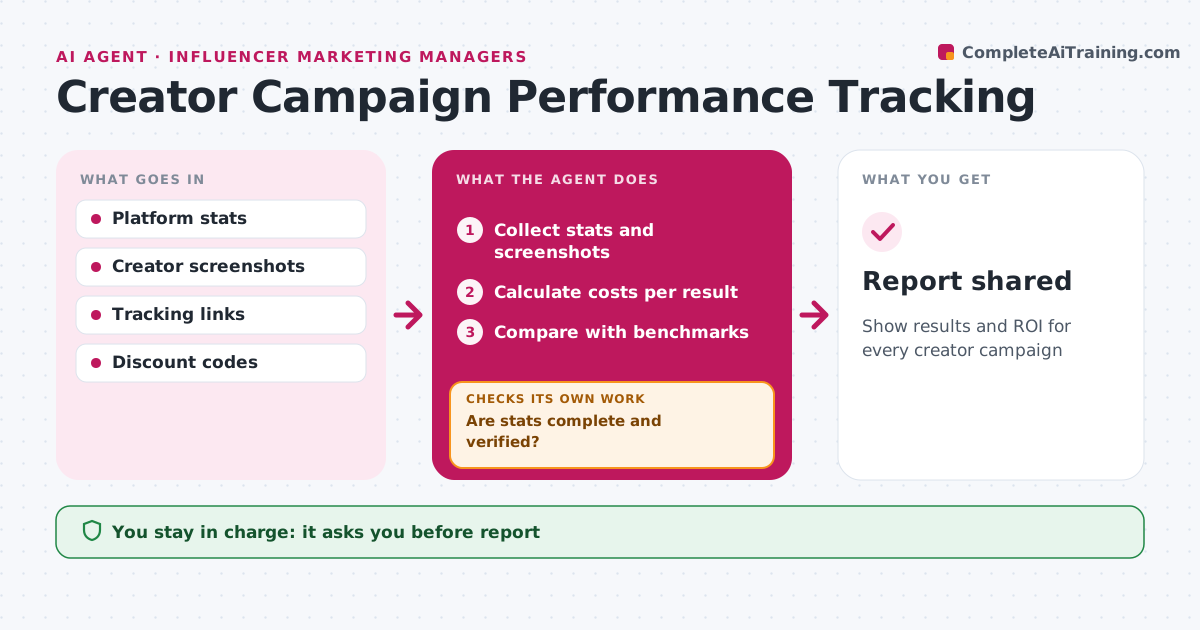
Show results and ROI for every creator campaign
What it does
Managers need to show what creator campaigns delivered, but stats arrive in screenshots, platform exports and spreadsheets. Each week this agent collects post stats from creators and platforms, plus tracking link clicks and discount code sales. It checks that each post's stats are complete and match the creator's screenshots. If they do not, it asks the creator for proof and checks again. It then calculates cost per view, click and sale for each creator, compares with benchmarks from past campaigns, and ranks creators by cost per sale. It drafts a report with top performers and lessons for the next campaign. The manager approves the report before it is shared. Edge case: stats reported by a creator with no screenshot are kept but marked unverified, so they do not count as fact.
How it works
Follow the arrows from top to bottom. The orange dashed arrow is the loop: when a check fails, the agent goes back and tries again.
Read the steps as a list
- Weekly review
- Collect stats and screenshots
- Are stats complete and verified?If not: request screenshots or mark unverified. Back to step 2.
- Calculate costs per result
- Compare with benchmarks
- Draft the report
- Manager approves the reportThe agent waits here for your OK.
- Report shared
How it decides
Creators are ranked by cost per sale, then cost per click.
- Unverified stats marked
- Rank by cost per sale
- Benchmarks from past campaigns
Make it yours
Every agent is a starting point. You choose these settings for your own situation.
- Metrics
- Benchmarks
- Report timing
What keeps you in control
It always asks you first
- Report
Hard limits
- Never shares creator stats publicly
- Labels estimates
It stops when
- Done: report shared
- Stop: no posts live
Set it up
We guide you through the set-up, step by step
Members get the full set-up guide for this agent. No technical skills needed: you copy, paste and upload.
- One set of instructions to paste into your AI, with the clicks for ChatGPT, Claude, Microsoft 365 Copilot, Gemini and Grok
- The agent then walks you through connecting your own data, one source at a time
- A downloadable copy with the flow chart, the rules and the full guide