AI agent for compliance analysts
Customer Due Diligence Refresh Agent
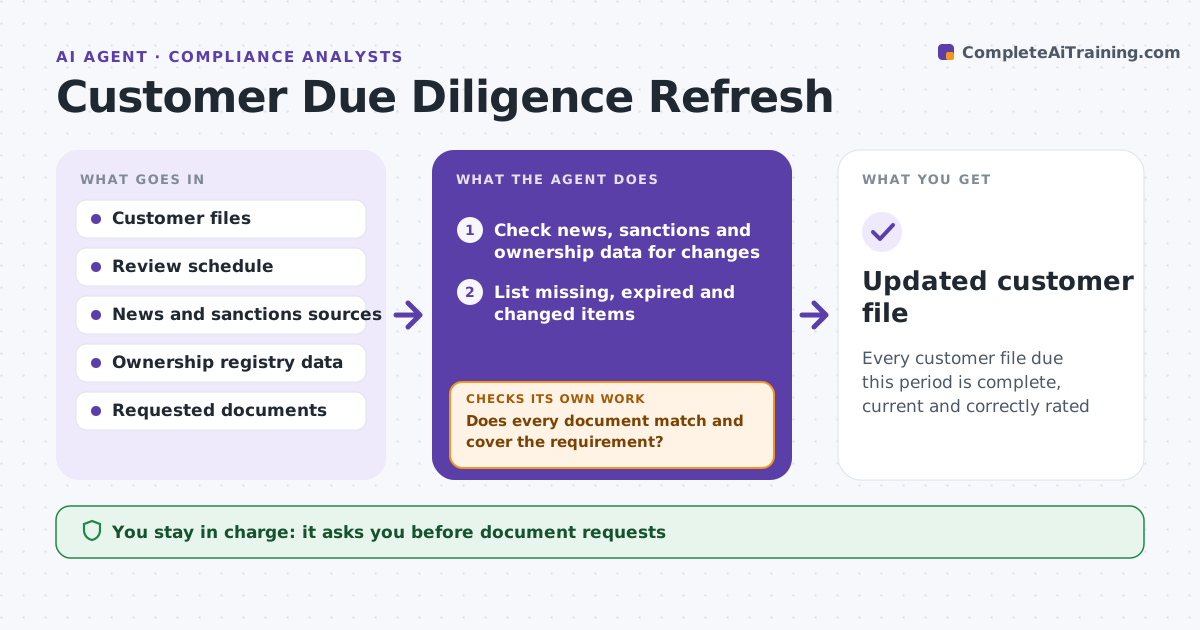
Every customer file due this period is complete, current and correctly rated
What it does
Customer files age, owners change and addresses move, and a periodic review is easy to miss. This agent finds files due for review by risk rating and date. For each one it checks news and sanctions data, ownership records and address data for changes. It lists what is missing or expired and sends a document request to the customer, with a deadline. As replies come in, it compares each document with the file and requests clarification when something does not match. If documents never arrive, it reminds the customer and escalates after the limit. When the file is complete, it proposes a risk rating with reasons. The analyst approves each rating change and any account restriction. Edge case: the new owner of a company appears in a news item.
How it works
Follow the arrows from top to bottom. The orange dashed arrow is the loop: when a check fails, the agent goes back and tries again.
Read the steps as a list
- Customer file reaches its review date
- Check news, sanctions and ownership data for changes
- List missing, expired and changed items
- Analyst approves the document requestThe agent waits here for your OK.
- Send the request with a deadline and track replies
- Compare each document with the file
- Does every document match and cover the requirement?If not: ask for clarification or a corrected document. Back to step 6.
- Has the customer answered by the deadline?If not: remind, then escalate for restriction review after the limit. Back to step 5.
- Propose a risk rating with reasons
- Analyst approves the rating and any account restrictionThe agent waits here for your OK.
- Updated customer file
How it decides
A file is complete when all required documents are current and match the data. Rating changes need a reason from new facts.
- Review high-risk files every year and low-risk every three years
- Treat a new owner above 25 percent as a trigger for full review
- Escalate after two reminders
- Never lower a rating without new evidence
Make it yours
Every agent is a starting point. You choose these settings for your own situation.
- Review cycle by rating
- Reminder timing
- Ownership trigger (default 25 percent)
- Sources checked
What keeps you in control
It always asks you first
- Document requests
- Rating changes
- Account restrictions
Hard limits
- Never restricts an account on its own
- Keeps personal data inside the case system
It stops when
- Done: file complete and rating approved
- Stop: customer unreachable and escalation approved
Set it up
We guide you through the set-up, step by step
Members get the full set-up guide for this agent. No technical skills needed: you copy, paste and upload.
- One set of instructions to paste into your AI, with the clicks for ChatGPT, Claude, Microsoft 365 Copilot, Gemini and Grok
- The agent then walks you through connecting your own data, one source at a time
- A downloadable copy with the flow chart, the rules and the full guide