AI agent for carpenters
Cut List Offcut Reuse Agent
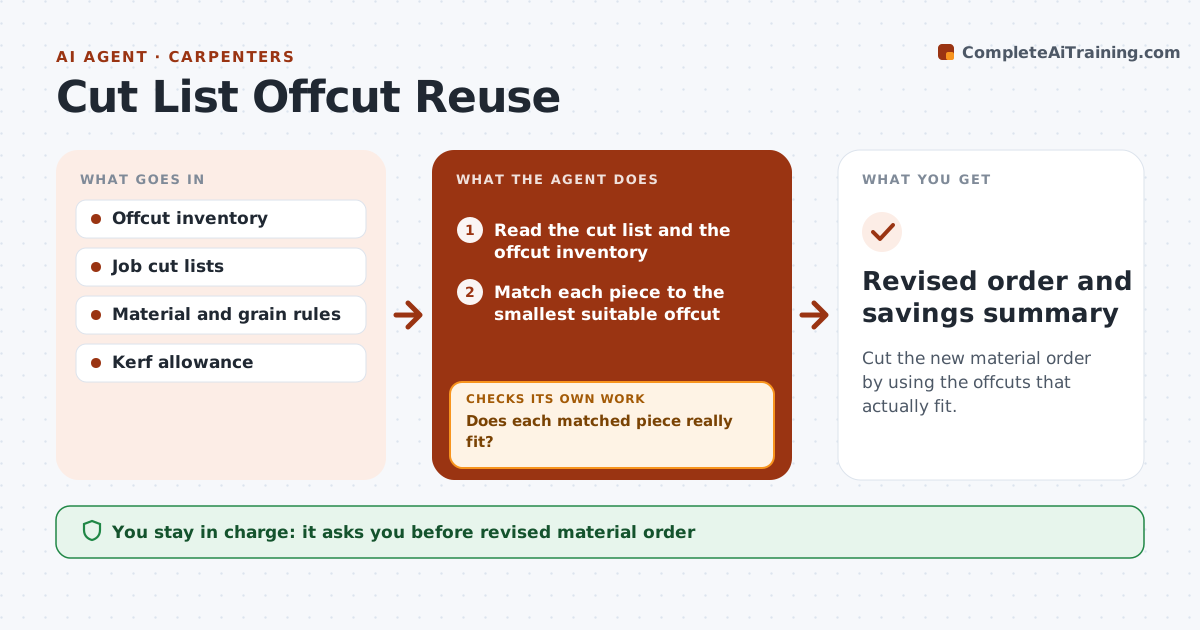
Cut the new material order by using the offcuts that actually fit.
What it does
A small shop keeps buying full sheets and boards while offcuts pile up in the corner. This agent keeps a list of your offcuts with material, thickness, length and width. For each upcoming job, it reads the cut list and tries to match pieces to offcuts first. It recalculates how much new material you need to order and shows the savings. After each match, it checks that the piece still fits with grain direction and kerf allowance, and removes the offcut from the list. You approve the revised order. Edge case: a long offcut fits a rail by length, but its grain runs the wrong way, and the agent rejects the match.
How it works
Follow the arrows from top to bottom. The orange dashed arrow is the loop: when a check fails, the agent goes back and tries again.
Read the steps as a list
- New cut list is saved
- Read the cut list and the offcut inventory
- Match each piece to the smallest suitable offcut
- Check grain direction, thickness, quality and kerf
- Does each matched piece really fit?If not: Remove the match and try the next offcut. Back to step 4.
- Remove used offcuts from the working list
- Recalculate the new material needed
- Do the remaining pieces fit on the planned sheets and boards?If not: Rerun nesting for the remaining pieces. Back to step 3.
- Carpenter approves the revised orderThe agent waits here for your OK.
- Update the offcut list with new leftovers
- Revised order and savings summary
How it decides
It matches the smallest offcut that fits first, after checking grain, thickness, quality and kerf. It only counts a match if the piece still fits.
- Grain and finish side must match the job
- Add kerf of 3 mm per cut (default)
- Do not use offcuts with defects on visible parts
- Offcuts under 150 mm are not tracked
Make it yours
Every agent is a starting point. You choose these settings for your own situation.
- Minimum offcut size (default 150 mm)
- Kerf allowance
- Quality grades allowed on visible parts
- Materials tracked
- Sheet sizes for nesting
What keeps you in control
It always asks you first
- Revised material order
Hard limits
- Never places an order
- Never uses offcuts for structural parts without approval
- Keeps the inventory accurate
It stops when
- Done: order revised and offcuts updated
- Stop: no offcut fits; order unchanged
Set it up
We guide you through the set-up, step by step
Members get the full set-up guide for this agent. No technical skills needed: you copy, paste and upload.
- One set of instructions to paste into your AI, with the clicks for ChatGPT, Claude, Microsoft 365 Copilot, Gemini and Grok
- The agent then walks you through connecting your own data, one source at a time
- A downloadable copy with the flow chart, the rules and the full guide