AI agent for carpenters
Material Moisture and Acclimation Tracker Agent
Start installation only when material and site conditions meet the manufacturer limits.
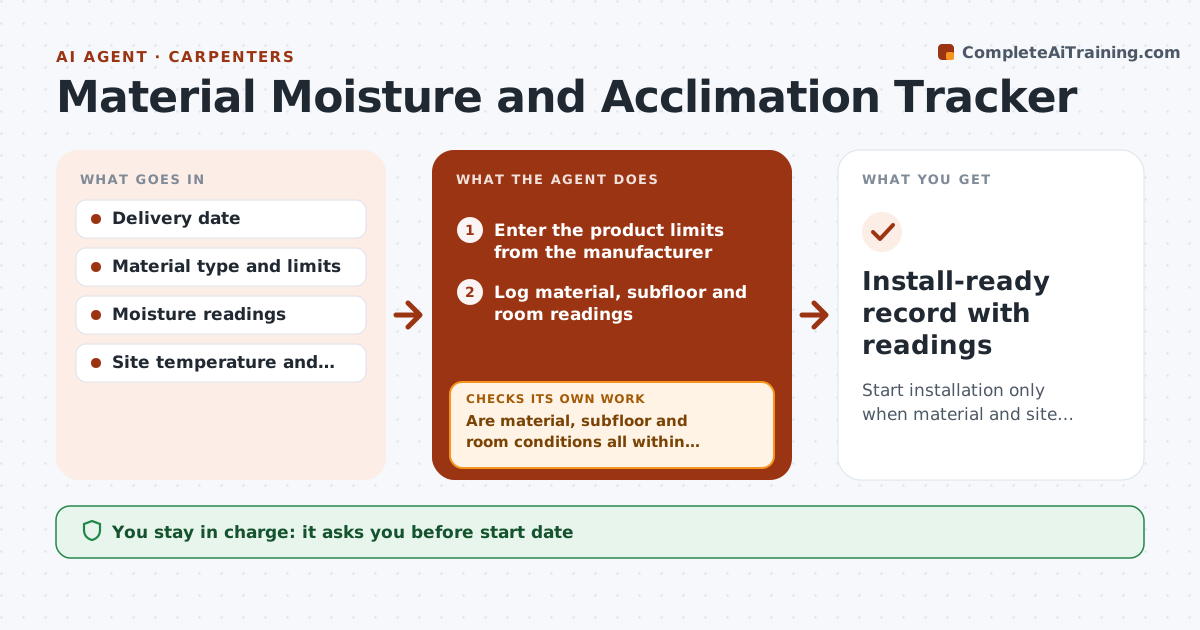
What it does
Wood that is installed too early cups, gaps or buckles weeks later. This agent tracks the delivery date, the moisture readings you enter for the material and the subfloor, and the site temperature and humidity. It compares them with the manufacturer's limits for the product and tells you when acclimation is complete. If readings are off, it explains why and moves the planned start date. It rechecks each time a new reading arrives. You approve the start date before you commit the crew. Edge case: the subfloor is dry but the room humidity is 70%, and the agent keeps the start date back until the HVAC is running.
How it works
Follow the arrows from top to bottom. The orange dashed arrow is the loop: when a check fails, the agent goes back and tries again.
Read the steps as a list
- Material is delivered to the site
- Enter the product limits from the manufacturer
- Log material, subfloor and room readings
- Compare readings with the limits and the allowed difference
- Are material, subfloor and room conditions all within limits?If not: Explain which reading is out and why. Back to step 4.
- Estimate the new start date from the trend
- Carpenter approves the start dateThe agent waits here for your OK.
- Update the schedule draft and customer note
- Wait for the next reading
- Do the new readings confirm acclimation?If not: Continue monitoring and update the date. Back to step 3.
- Install-ready record with readings
How it decides
It starts the install only when the material moisture and the subfloor moisture are within the allowed difference and the room conditions are in range.
- Material and subfloor moisture difference within the product limit (default 4 points for solid wood)
- Room humidity must be in the 30 to 55% range unless the product says otherwise
- Minimum acclimation time is the manufacturer's value
- Do not start with a rising trend
Make it yours
Every agent is a starting point. You choose these settings for your own situation.
- Product limits
- Allowed moisture difference
- Room humidity range
- Reading frequency (default daily)
- Minimum acclimation days
What keeps you in control
It always asks you first
- Start date
- Notes to the customer
Hard limits
- Never overrides manufacturer limits
- Never promises a warranty outcome
- Keeps readings with dates
It stops when
- Done: readings within limits and start approved
- Stop: readings never reach limits; carpenter and client discuss a different product
Set it up
We guide you through the set-up, step by step
Members get the full set-up guide for this agent. No technical skills needed: you copy, paste and upload.
- One set of instructions to paste into your AI, with the clicks for ChatGPT, Claude, Microsoft 365 Copilot, Gemini and Grok
- The agent then walks you through connecting your own data, one source at a time
- A downloadable copy with the flow chart, the rules and the full guide