AI agent for carpenters
Cut List Optimization Agent
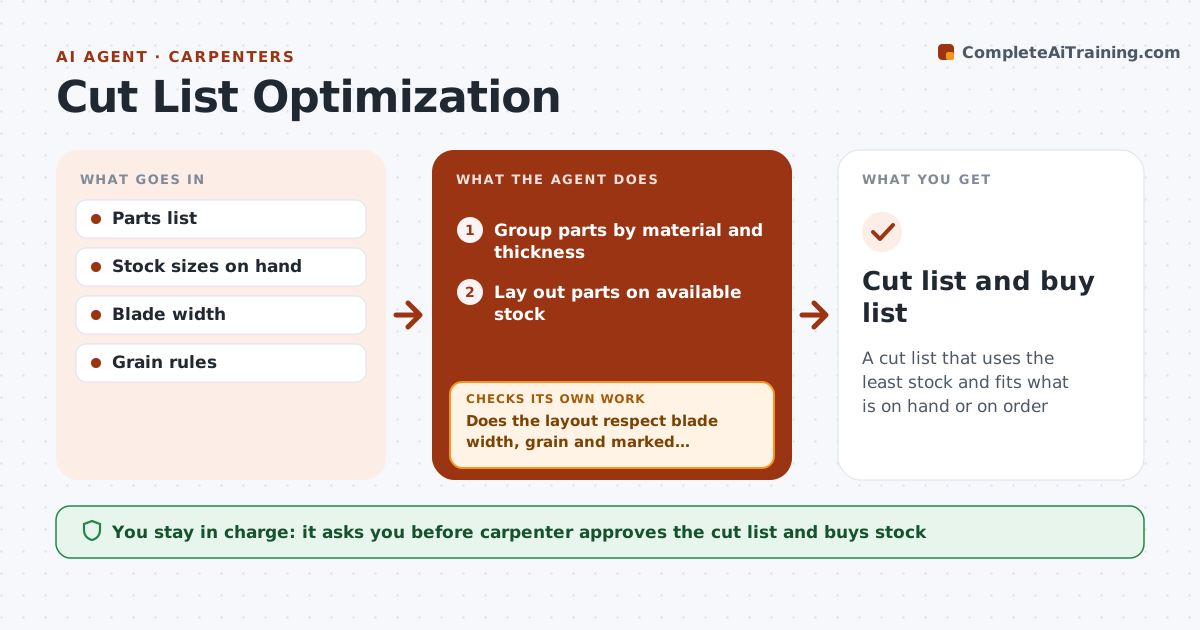
A cut list that uses the least stock and fits what is on hand or on order
What it does
Trim, cabinet and built-in work means cutting many parts from sheets and boards of fixed sizes, and a bad layout wastes expensive stock. This agent takes the parts list with sizes, grain direction and material, groups parts by material and thickness, and lays them out on available stock. It adds blade width to every cut. It checks the layout for grain direction and for defects the carpenter marked on existing stock, and adjusts if needed. Matching parts, like door panels, stay on one board. It checks whether there is enough stock on hand and lists what to buy. It aims for under 15% waste and tries one more layout if it is above. The carpenter approves the cut list. Edge case: a sheet with a marked knot is used only for hidden parts.
How it works
Follow the arrows from top to bottom. The orange dashed arrow is the loop: when a check fails, the agent goes back and tries again.
Read the steps as a list
- Parts list ready
- Group parts by material and thickness
- Lay out parts on available stock
- Does the layout respect blade width, grain and marked defects?If not: adjust the layout and try again. Back to step 3.
- Is waste under 15%?If not: try a different part order and compare. Back to step 3.
- Is there enough stock on hand?If not: list stock to buy. Back to step 3.
- Carpenter approves cut listThe agent waits here for your OK.
- Cut list and buy list
How it decides
Parts are laid out to reduce waste while respecting grain and blade width. Stock shortfalls become a buy list.
- Blade width added to every cut
- Matching parts from one board
- Waste under 15% target
Make it yours
Every agent is a starting point. You choose these settings for your own situation.
- Blade width
- Waste target
- Stock sizes
- Grain rules
What keeps you in control
It always asks you first
- Carpenter approves the cut list and buys stock
Hard limits
- Never orders material
- Uses the carpenter's measurements
It stops when
- Done: cut list ready
- Stop: parts list incomplete
Set it up
We guide you through the set-up, step by step
Members get the full set-up guide for this agent. No technical skills needed: you copy, paste and upload.
- One set of instructions to paste into your AI, with the clicks for ChatGPT, Claude, Microsoft 365 Copilot, Gemini and Grok
- The agent then walks you through connecting your own data, one source at a time
- A downloadable copy with the flow chart, the rules and the full guide