AI agent for data protection officers
Data Protection Impact Assessment Agent
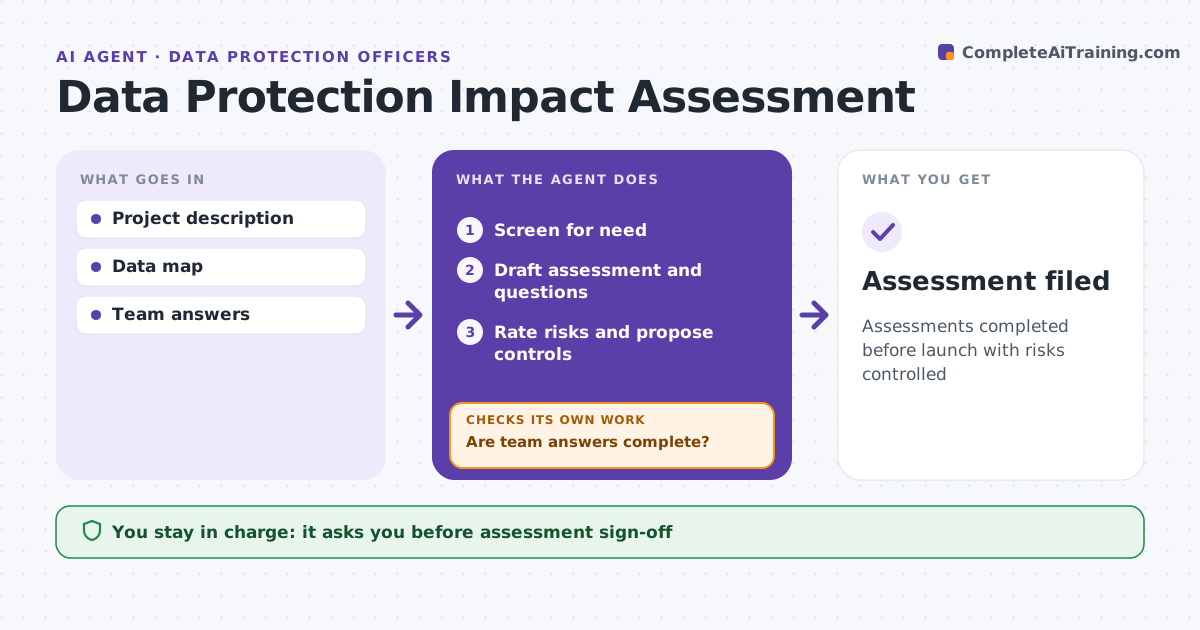
Assessments completed before launch with risks controlled
What it does
New projects often start using personal data before anyone asks whether the risks have been assessed. When a project or system is proposed, this agent screens it for whether an impact assessment is needed, such as for sensitive data, large scale or automated decisions. If so, it drafts the assessment: data types, purposes, lawful basis, flows, retention, risks and controls, and sends questions to the project team. It checks answers for gaps such as missing retention or an unclear lawful basis and follows up until they are complete. It rates each risk, proposes controls and checks the risk that remains after controls. If high risk remains, it flags possible regulator consultation. The DPO approves the assessment. Edge case: the project uses AI to score customers, which raises rules on automated decisions.
How it works
Follow the arrows from top to bottom. The orange dashed arrow is the loop: when a check fails, the agent goes back and tries again.
Read the steps as a list
- Project proposed
- Screen for need
- Draft assessment and questions
- Are team answers complete?If not: send follow-up questions. Back to step 3.
- Rate risks and propose controls
- Check remaining risk
- DPO approvesThe agent waits here for your OK.
- Assessment filed
How it decides
It screens on risk criteria and rates risks by likelihood and impact.
- Sensitive data or large scale: assessment needed
- Automated decisions with significant effect: high risk
- High remaining risk: consider consultation
Make it yours
Every agent is a starting point. You choose these settings for your own situation.
- Screening criteria
- Risk scale
- Template
- Consultation rules
What keeps you in control
It always asks you first
- Assessment sign-off
- Launch with conditions
Hard limits
- Never approves launches
- Never gives legal advice
It stops when
- Done: approved
- Stop: project cancelled
Set it up
We guide you through the set-up, step by step
Members get the full set-up guide for this agent. No technical skills needed: you copy, paste and upload.
- One set of instructions to paste into your AI, with the clicks for ChatGPT, Claude, Microsoft 365 Copilot, Gemini and Grok
- The agent then walks you through connecting your own data, one source at a time
- A downloadable copy with the flow chart, the rules and the full guide