AI agent for diplomats
Diplomatic Note Tracking Agent
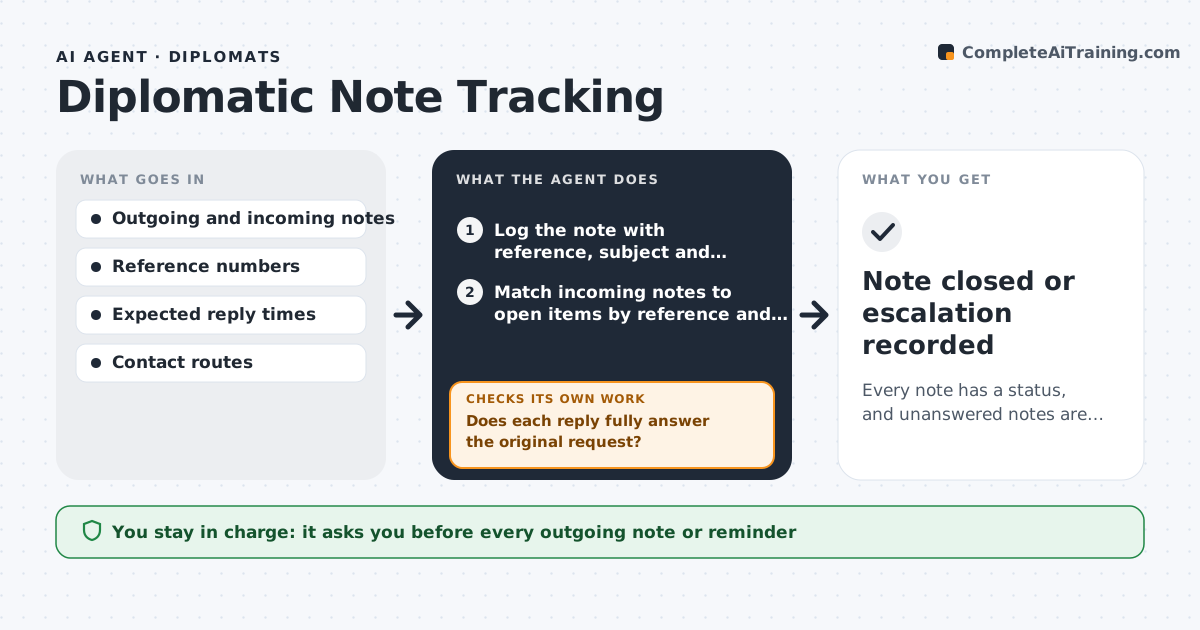
Every note has a status, and unanswered notes are followed up before they stall work
What it does
Embassies exchange many notes verbales with the host ministry: requests for visas, permits, meetings and information. Replies are expected in a set time, and unanswered notes can stall a project for months. This agent logs each note sent and received with its reference number, subject, date and expected reply date. It checks the log daily for notes overdue, matches incoming replies to the original notes by reference or subject, and closes those answered. For unanswered ones, it drafts a reminder or suggests another route, such as a phone call to the protocol department, and rechecks after a set time. If a reply is partial, it marks the note as open with the missing part. The diplomat approves each outgoing note. Edge case: a reply refers to the old subject line only, and the agent matches it by date and content.
How it works
Follow the arrows from top to bottom. The orange dashed arrow is the loop: when a check fails, the agent goes back and tries again.
Read the steps as a list
- A note is sent or received, or the daily check runs
- Log the note with reference, subject and expected reply date
- Match incoming notes to open items by reference and content
- Does each reply fully answer the original request?If not: mark the note open with the missing part and draft a clarification. Back to step 3.
- List overdue notes and the number of reminders so far
- Choose the follow-up route: reminder note, call or meeting
- Draft the reminder with the original reference
- Diplomat approves each outgoing noteThe agent waits here for your OK.
- Send and log the follow-up
- Did the host respond within 7 days of the reminder?If not: escalate to a higher route and redraft. Back to step 6.
- Note closed or escalation recorded
How it decides
It marks a note overdue when the expected reply date passes without a matching response and picks a follow-up route based on the note's priority and number of earlier reminders.
- Expect a reply within 14 days unless the note says otherwise
- Send the first reminder 3 days after the due date
- Escalate after two reminders
- Match by reference first, then by subject and date
Make it yours
Every agent is a starting point. You choose these settings for your own situation.
- Expected reply time (default 14 days)
- Reminder timing
- Escalation routes
- Note types tracked
What keeps you in control
It always asks you first
- Every outgoing note or reminder
Hard limits
- Never sends notes without approval
- Keeps the log restricted to staff
- Uses the official note format
It stops when
- Done: all notes answered or closed
- Stop: the log is unavailable
Set it up
We guide you through the set-up, step by step
Members get the full set-up guide for this agent. No technical skills needed: you copy, paste and upload.
- One set of instructions to paste into your AI, with the clicks for ChatGPT, Claude, Microsoft 365 Copilot, Gemini and Grok
- The agent then walks you through connecting your own data, one source at a time
- A downloadable copy with the flow chart, the rules and the full guide